> ## Documentation Index
> Fetch the complete documentation index at: https://docs.ravenna.ai/llms.txt
> Use this file to discover all available pages before exploring further.
# Agents
> Deploy custom AI agents to Slack channels and triage flows to answer questions, classify tickets, and resolve common requests automatically.
Agents have been released to all organizations. For details about the rollout and migration from Ravenna AI, see the [release notes](/documentation/automate/agents/release-notes).
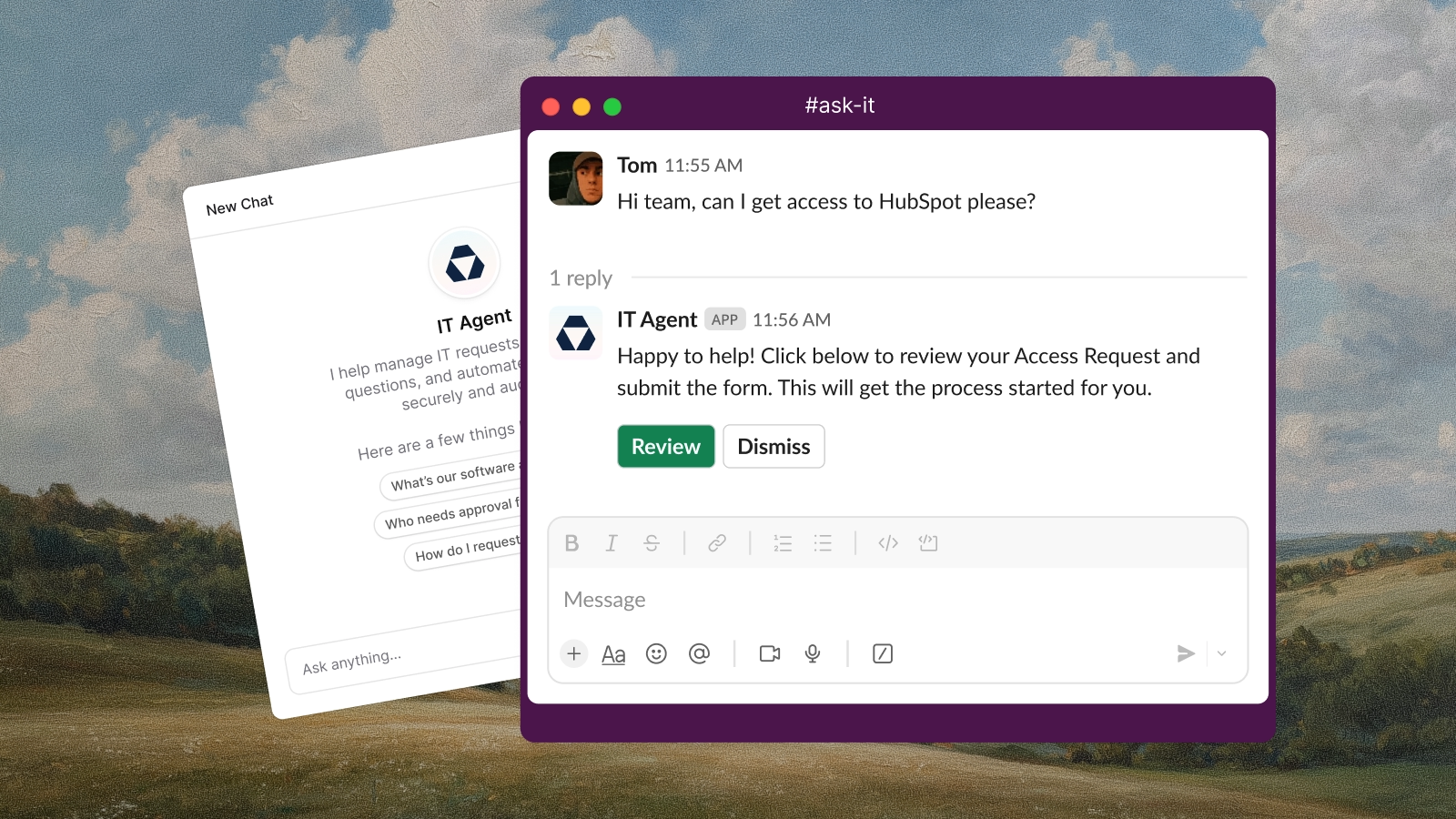
Deploy custom AI agents into your channels to automate support requests, answer questions, and route tickets. Configure agents using natural language prompts to define behavior, integrate with external tools, and access your knowledge base. Agents handle instant responses, intelligent ticket routing, and workflow automation across Slack, email, and integrated systems.
## System overview
An agent is a conversational AI assistant deployed to one or more channels. It processes user messages in real time and responds using four capability layers:
1. **Rules** define behavior for specific scenarios using natural language instructions. Each rule tells the agent when to activate and what to do, referencing Ravenna resources with `@` mentions.
2. **Knowledge** provides the agent with searchable documentation. The agent retrieves relevant articles to answer questions with sourced responses.
3. **Escalation instructions** define fallback behavior when the agent cannot resolve a request. Without custom instructions, the agent follows default escalation logic.
4. **Tools** extend the agent with actions from built-in Ravenna capabilities and third-party integrations (Fleet, HubSpot, Jamf, etc.).
These layers compose together: a single conversation may involve checking knowledge, executing a tool action, filling a form via a rule, and escalating if the result is insufficient.
***
## Agents vs workflows
| | Agents | Workflows |
| -------------------- | ------------------------------------------------------------ | ---------------------------------------------------------- |
| **Execution** | Conversational, real-time, synchronous | Background, asynchronous |
| **State** | Stateless single-turn responses within a conversation thread | Multi-step with wait states, approvals, delays |
| **Triggers** | User messages in connected channels | Events and schedules |
| **Branching** | Linear rule matching based on user intent | Conditional paths, parallel execution, converging branches |
| **External systems** | Tool calls within conversation | Native integration actions, HTTP requests |
**Use agents when you need:** conversational information gathering, interactive dialogue, real-time question answering, simple ticket creation, single-action tool calls.
**Use workflows when you need:** approval gates, parallel execution across systems, scheduled automation, wait states (for messages, approvals, inactivity), multi-step orchestration with error handling.
***
## Agent-workflow integration
Agents cannot trigger workflows directly. To hand off from a conversation to a workflow, use ticket state as the bridge:
* **Submit a form.** The agent collects details with `@Form Name` and submits it on the ticket. Configure a Form Submitted workflow to run the backend processing.
* **Set a category.** The agent classifies the request with `@Set Category`. Configure a Category Assigned workflow to route or automate from there.
* **Apply a tag or change status.** The agent uses `@Set Tags` or `@Set Status`. Configure a Tags Changed or Status Changed workflow to react.
* **Publish a ticket.** The agent creates a ticket in the appropriate queue. Configure a Ticket Created workflow (filtered by queue, category, or form) to take it from there.
The agent handles the conversation; a workflow triggered by the resulting ticket event handles the execution.
***
## Common patterns
**IT support agent:**
Rules for password resets, software access requests, and hardware issues. Each rule references a specific form via `@Form Name`. Knowledge folders provide self-service answers. Tools like Fleet or Jamf enable device lookups during conversation. Escalation instructions route unresolvable issues to human agents.
**HR support agent:**
Rules for benefits questions, time-off requests, and onboarding. Knowledge folders cover policy documents. Forms collect structured request data. Workflows handle multi-step processes like onboarding provisioning.
**Multi-tool lookup:**
A single rule can chain multiple tool calls. For example: use `@Look up device with Fleet` to get device info, then `@Run query with Fleet` to check diagnostics, then analyze results and provide troubleshooting steps. The agent executes tools sequentially within the conversation.
**Agent-to-workflow handoff:**
The agent collects information conversationally (application name, business justification, manager name) and submits `@Form - Software Access Request` on the ticket. A Form Submitted workflow then handles approval routing, provisioning, and notification steps that require background execution.
***
## Constraints and gotchas
* **One agent per channel.** Each channel can have at most one agent assigned. The same agent can be deployed to multiple channels.
* **Explicit resource access.** Agents do not automatically have access to all forms, workflows, or tools. Resources must be granted via `@` mentions in rules or through the knowledge configuration.
* **Single rule selection.** The agent selects only the single best matching rule per request, preferring the most specific match over broader ones. Keep rules distinct for predictable behavior.
* **Knowledge scope.** The agent only searches knowledge folders explicitly connected to it. It cannot access knowledge from other agents or unconnected folders.
* **Tool availability.** Integration tools require the corresponding integration to be installed and connected. If an integration is disconnected, its tools become unavailable.
* **Channel behavior modes.** Slack response behavior (all messages, mentions only, requests only) is configured per agent and applies to all channels that agent is deployed to.