> ## Documentation Index
> Fetch the complete documentation index at: https://docs.ravenna.ai/llms.txt
> Use this file to discover all available pages before exploring further.
# Bookmark for easy employee access
> Add a Ravenna bookmark app in Okta so employees can launch your support assistant directly from their dashboard with a single click for help.
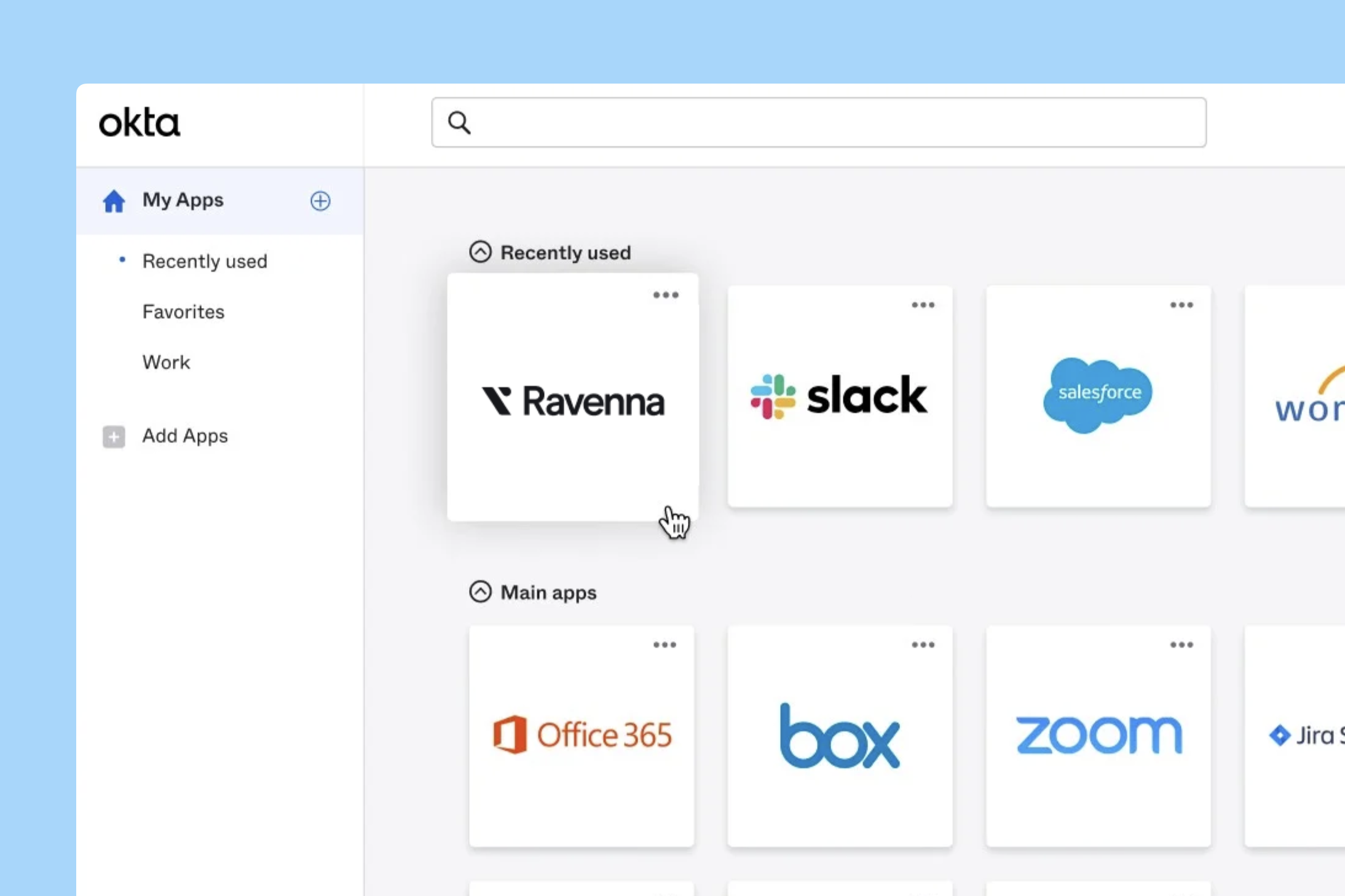
The Ravenna platform is most effective when employees can easily access support through the AI agent in Slack. For customers that use Okta, we recommend creating an Okta bookmark app that provides direct access to your Ravenna-powered support bot. This gives employees a convenient one-click way to get help with issues and requests through your organization's service desk.
### Creating the Okta bookmark app
Within the Okta Admin UI, navigate to the **Applications** tab.
Click Add Application.
Search for Bookmark App.
Add the Bookmark App as an application.
Fill out the bookmark application details:
* **Application label** = Your Ravenna bot name or Support Channel name
* **URL** = Link to your Ravenna support bot or channel name.
If you haven't got your links yet, you can find out how to do so [here](/guides/best_practices/driving_adoption/deep_linking#creating-deep-links)
Change the logo of the new bookmark application to match your AI Assistant bot avatar or the Ravenna logo.
Assign the bookmark app to all employees.
The Ravenna bot will now appear as a bookmark for all employees to directly access support.
Clicking on the bookmark will open a chat window directly to your Ravenna support bot for the employee.