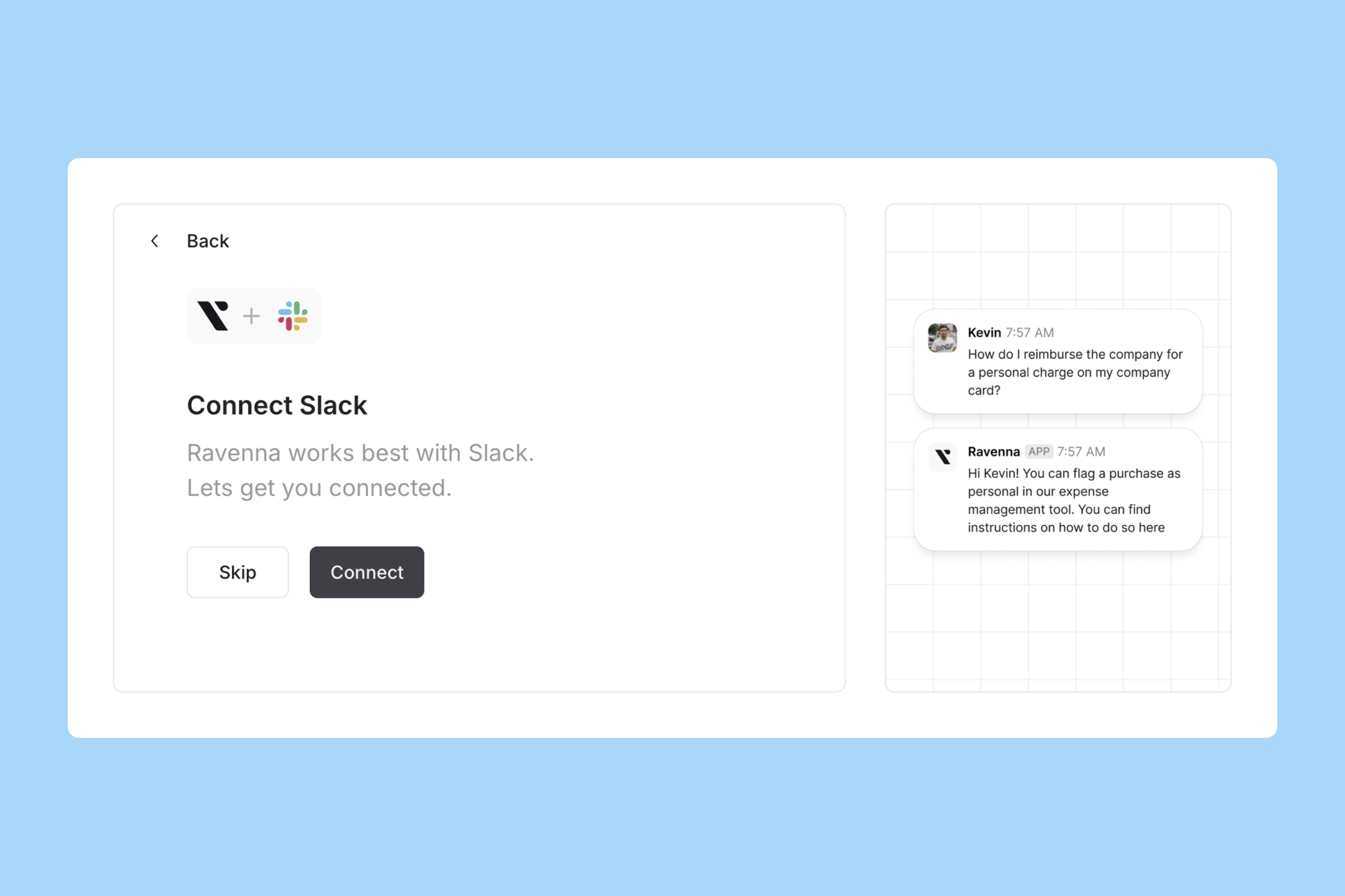
To start this step you must have been invited to your Ravenna Organization by our team. If you have not yet been invited, please follow the guide Request Access.
- Interactive Walkthrough
- Step-by-step
Sign in to Ravenna
Go to and sign in with the email invited by the Ravenna team to your Organization. You can sign in using your email or Google account.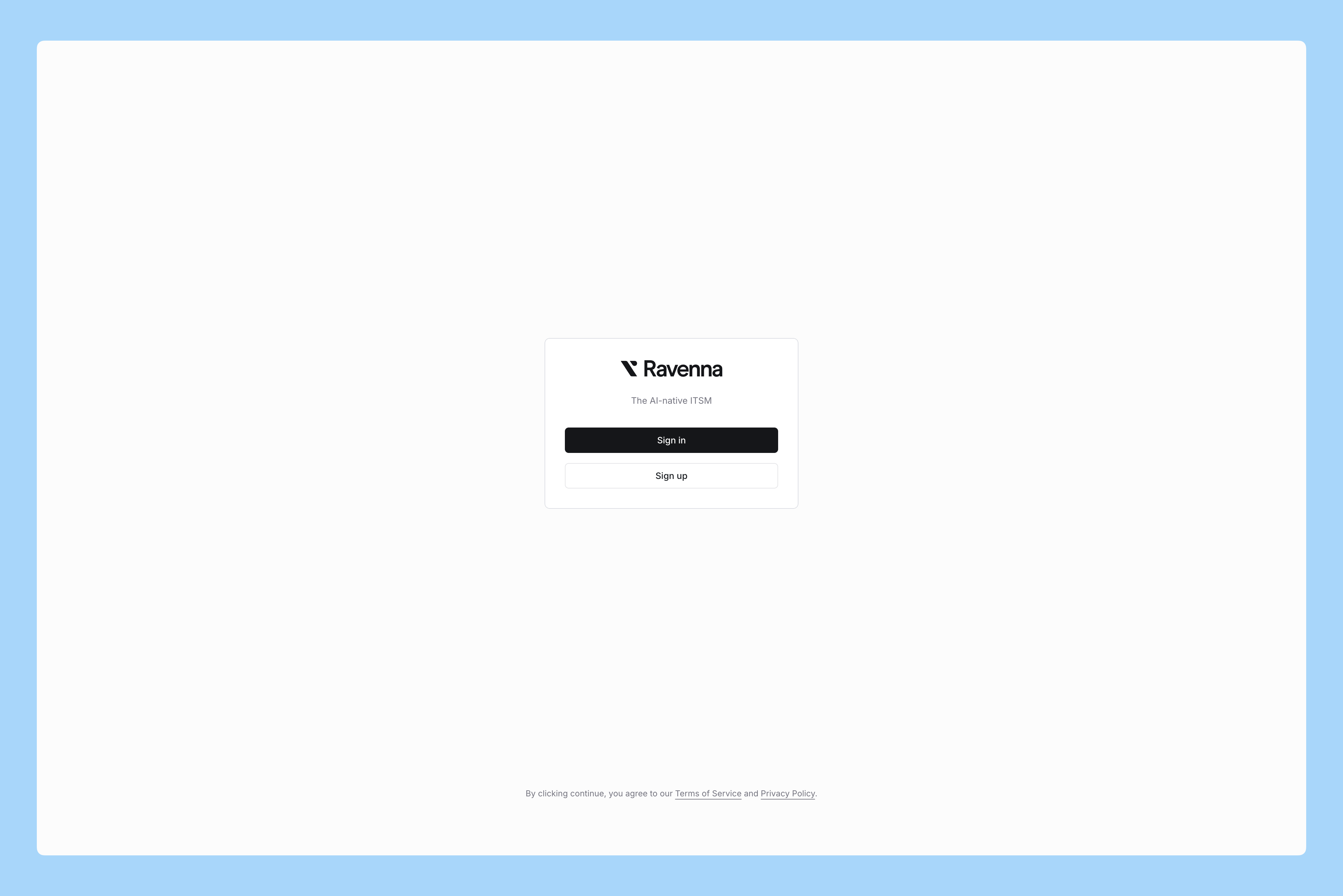
Set up your first Workspace
Each team in your Organization can create its own Workspace to manage support requests and connect Slack channels. When you first log in, Ravenna prompts you to create a Workspace.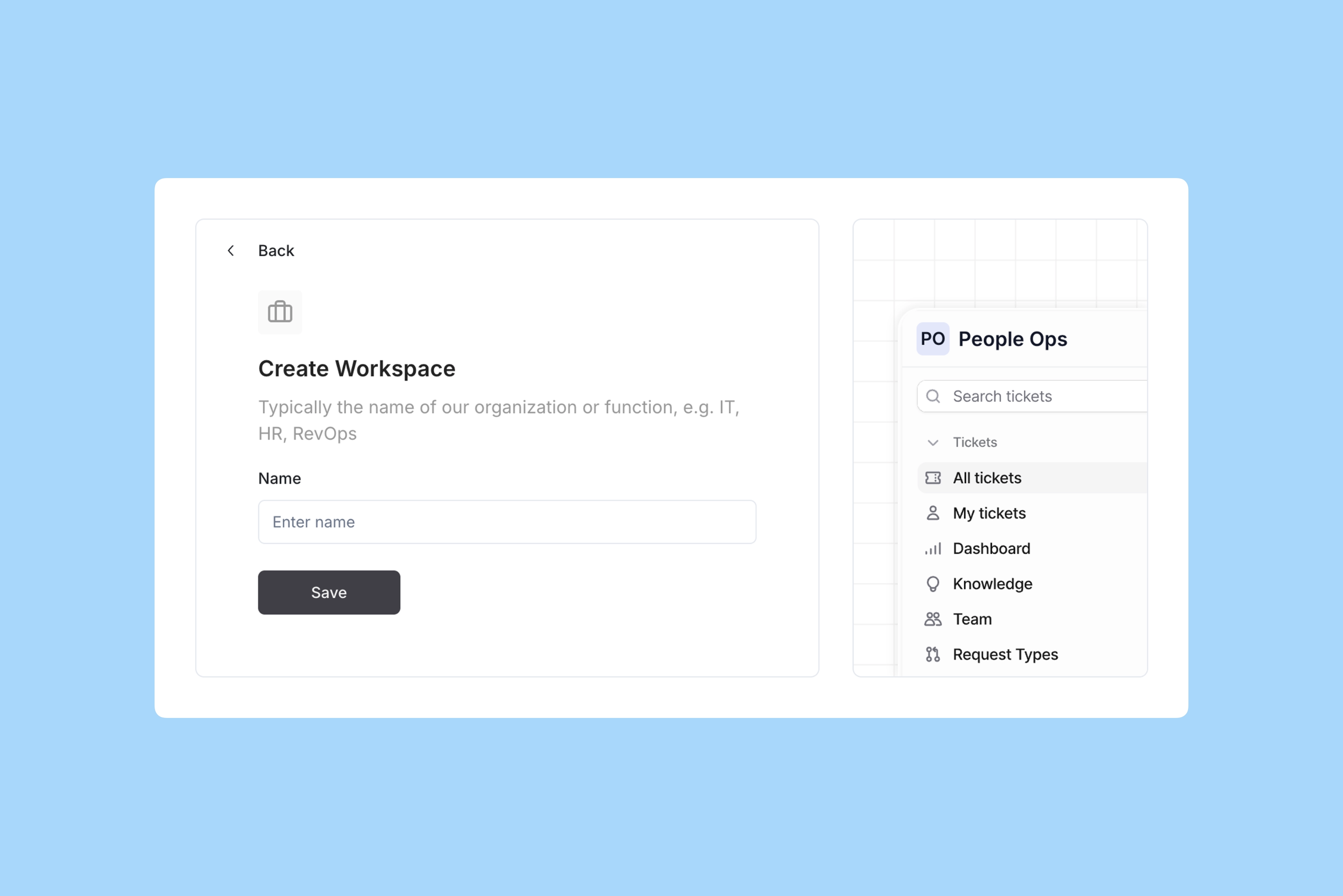
Use a clear, descriptive name like “IT Operations” or “People Operations.” This helps everyone understand the purpose of the Workspace. You can rename it later if needed.