Documentation Index
Fetch the complete documentation index at: https://docs.ravenna.ai/llms.txt
Use this file to discover all available pages before exploring further.
AI Agents are your customizable AI assistants that automate ticket creation, routing, and responses across your support channels. Create agents with specific rules, personalities, and capabilities to handle different types of requests.
Interactive walkthrough
Step-by-step
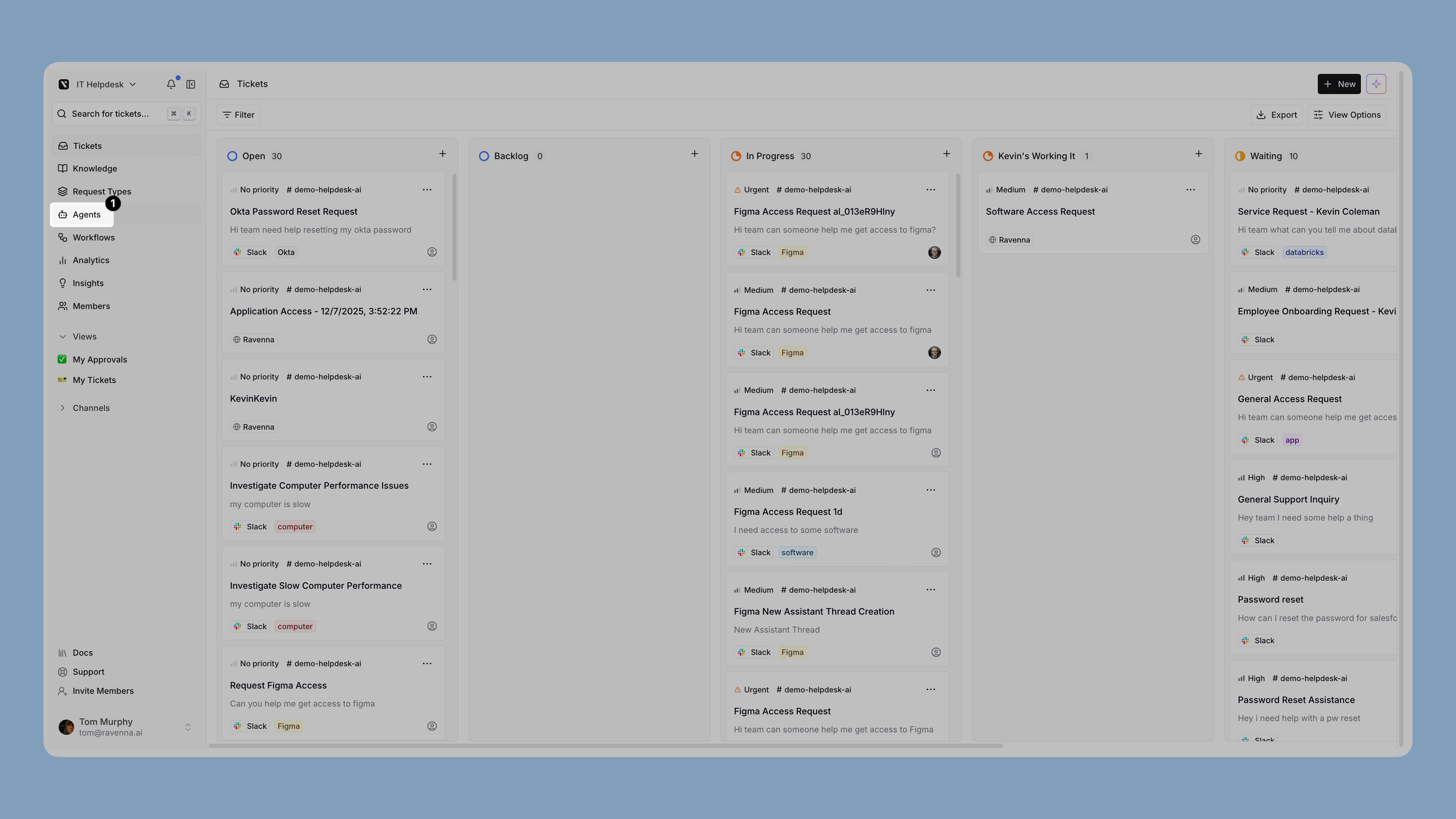
Open Agents
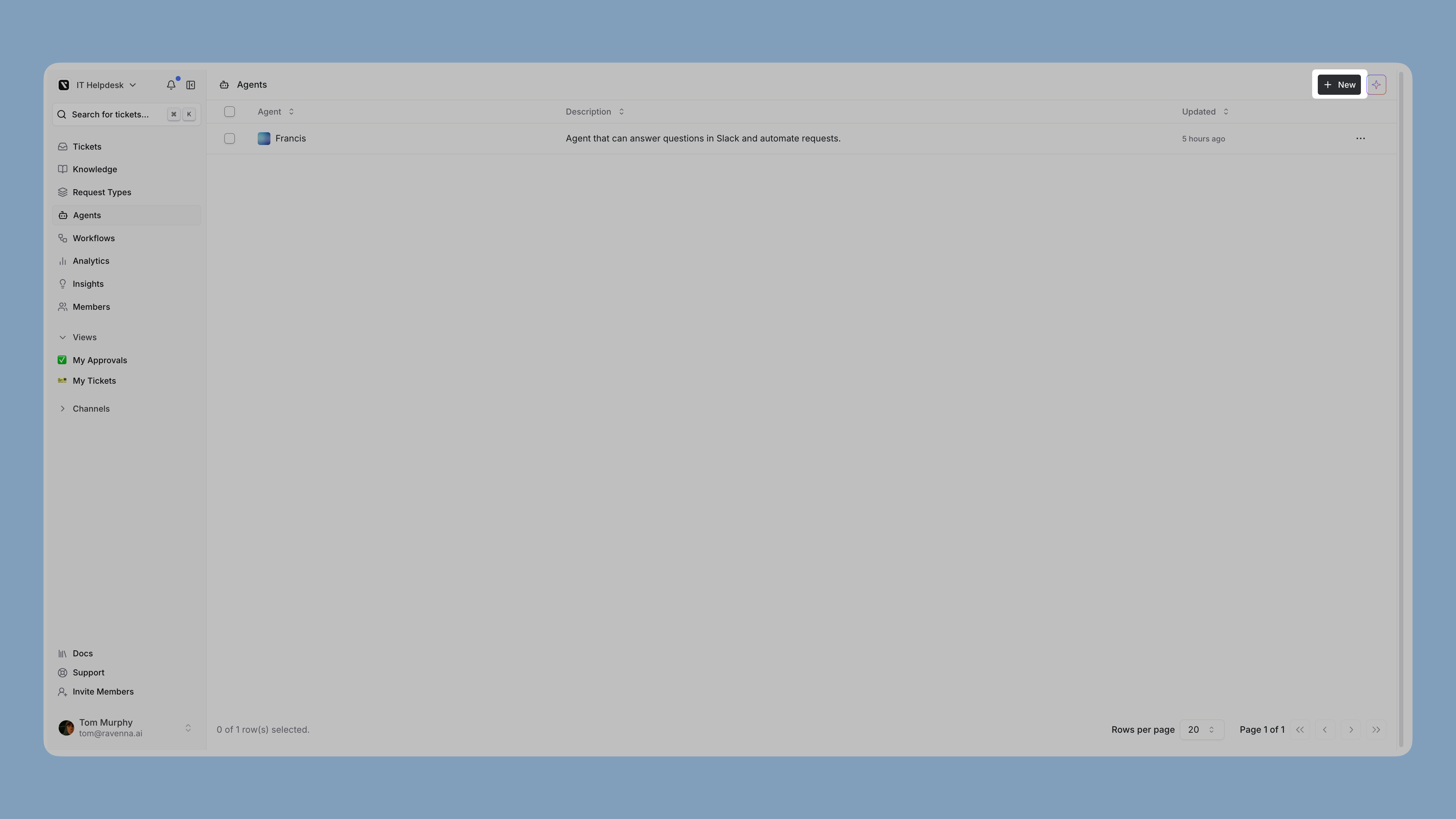
Click Agents in the left sidebar to access the Agents management area. Create a new agent
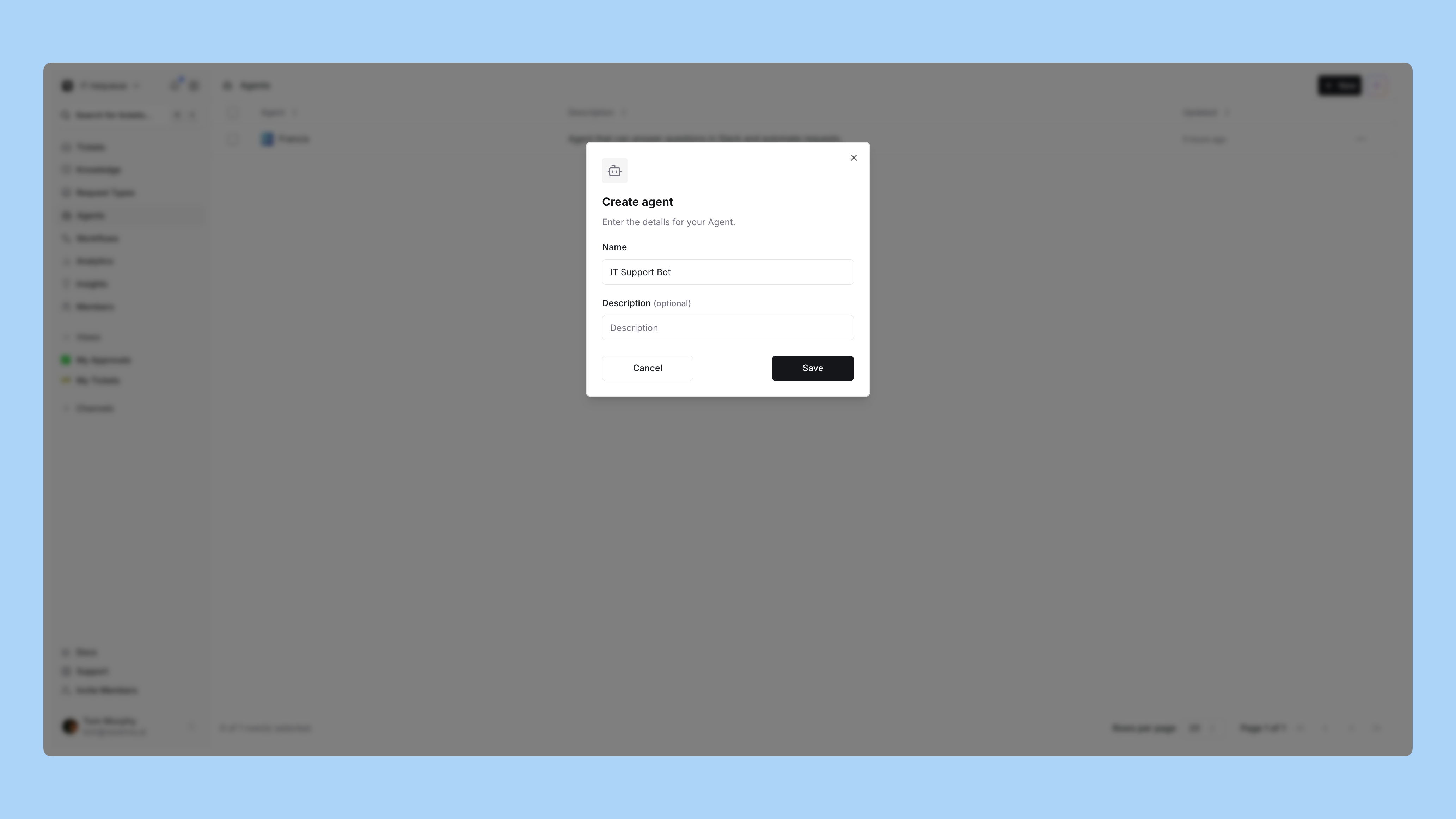
Click New to create a new agent.Enter a name and description for your agent that reflects its purpose. Upload an avatar
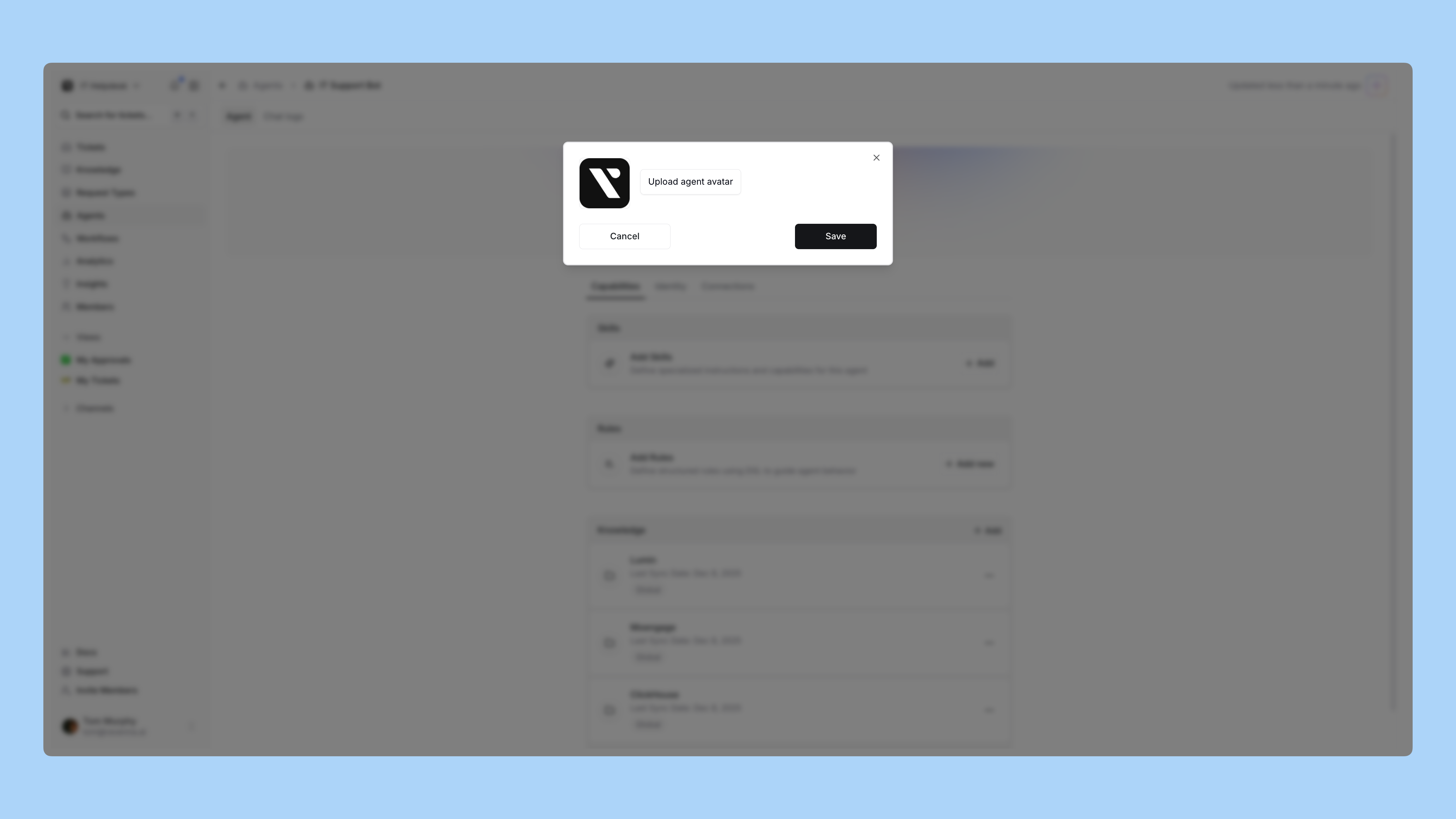
Upload an avatar image to give your agent a visual identity. When you select an image, a cropping dialog appears where you can adjust the crop area to select the portion of the image you want to use.Image requirements
- File formats: PNG, GIF, or WebP only (required for Slack compatibility)
- Maximum file size: 1MB
- Output size: Images are automatically resized to 512x512 pixels
Configure rules
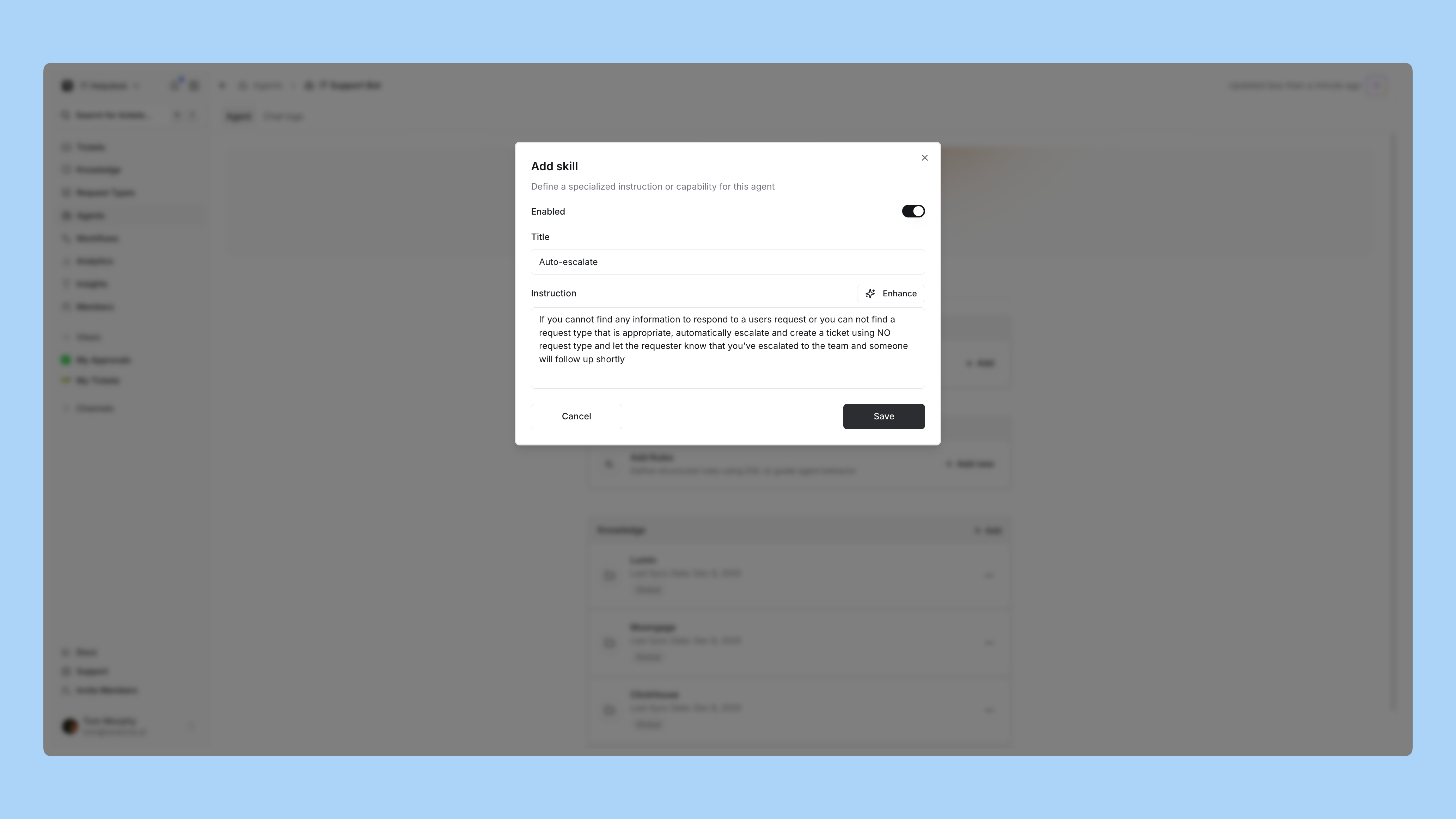
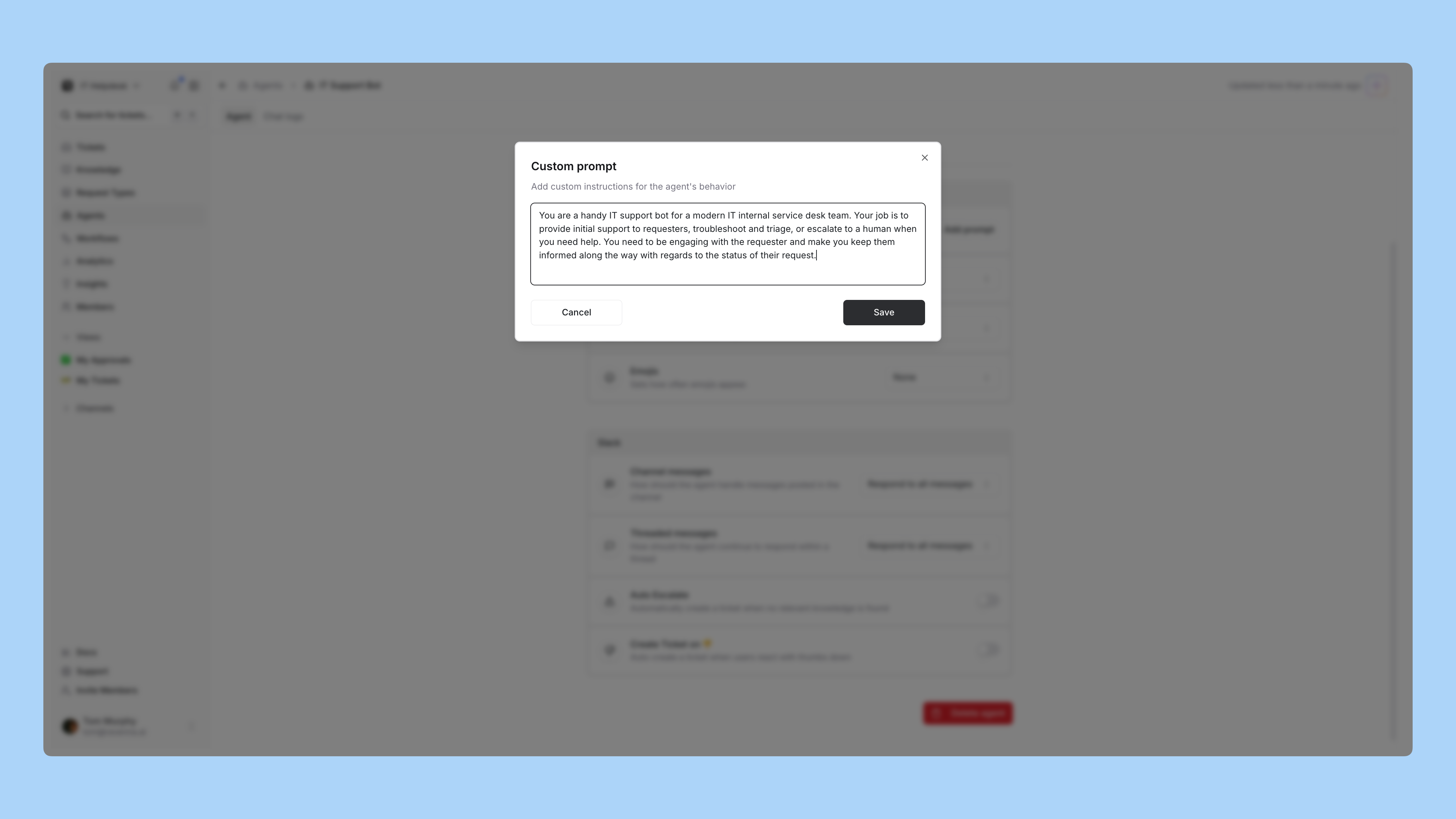
Add rules to define how your agent handles specific scenarios. Rules use natural language to tell the agent when and how to respond. Use @ mentions to reference forms, knowledge bases, and other resources. Connect knowledge
Select which knowledge folders your agent should access when answering questions. Agents only have access to knowledge you explicitly grant them. Set personality and appearance
Customize your agent’s personality, tone, response length, and emoji usage to match your brand voice. This determines how the agent communicates with users. Deploy to channels
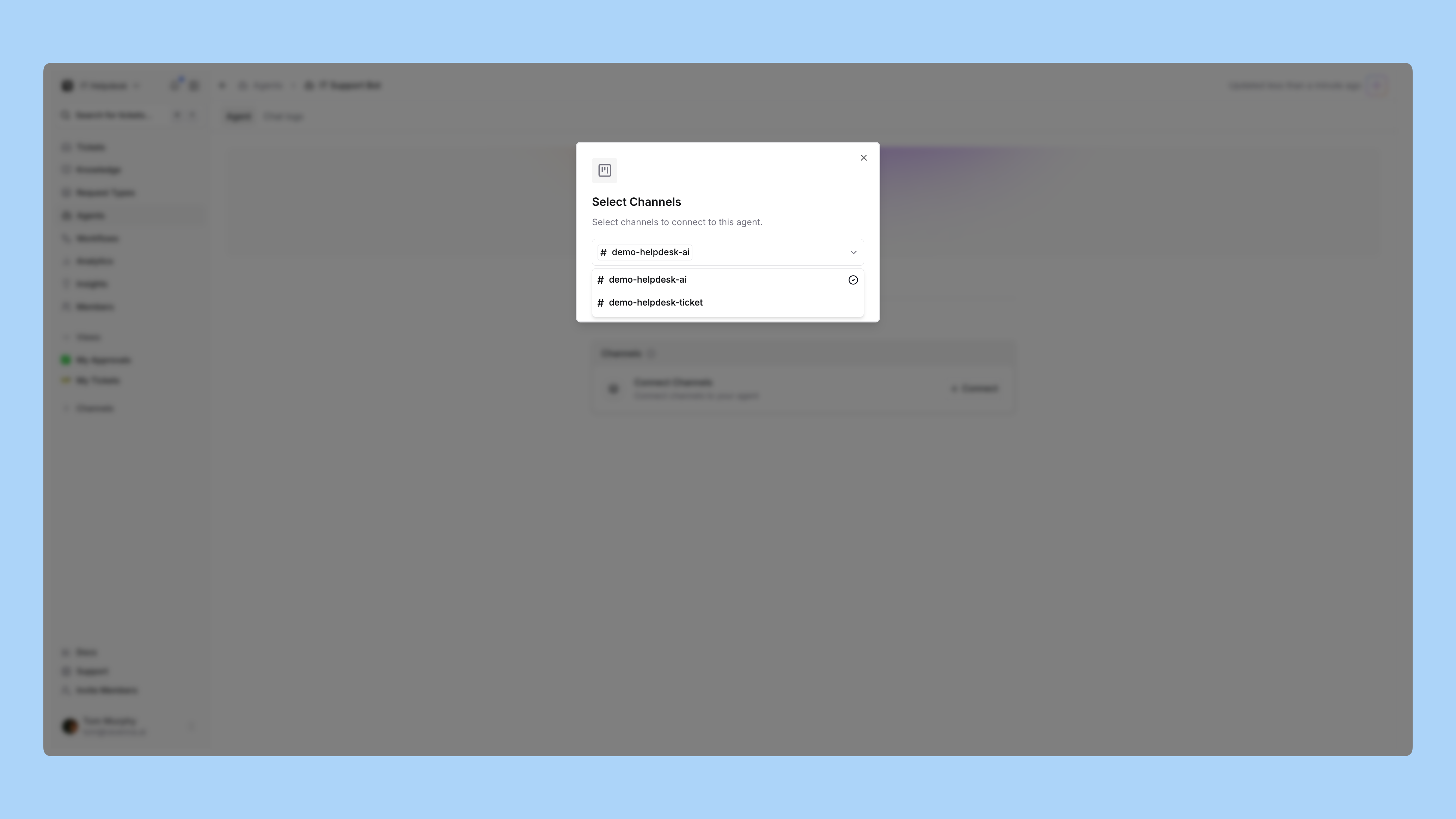
Deploy your agent to channels where it will be active. Each channel can only have one agent assigned. The agent will respond to messages based on its configured rules and settings. Test your agent
Send test messages to your channels to verify the agent responds correctly, uses the right forms, and retrieves relevant information from your knowledge bases.