

Before you start
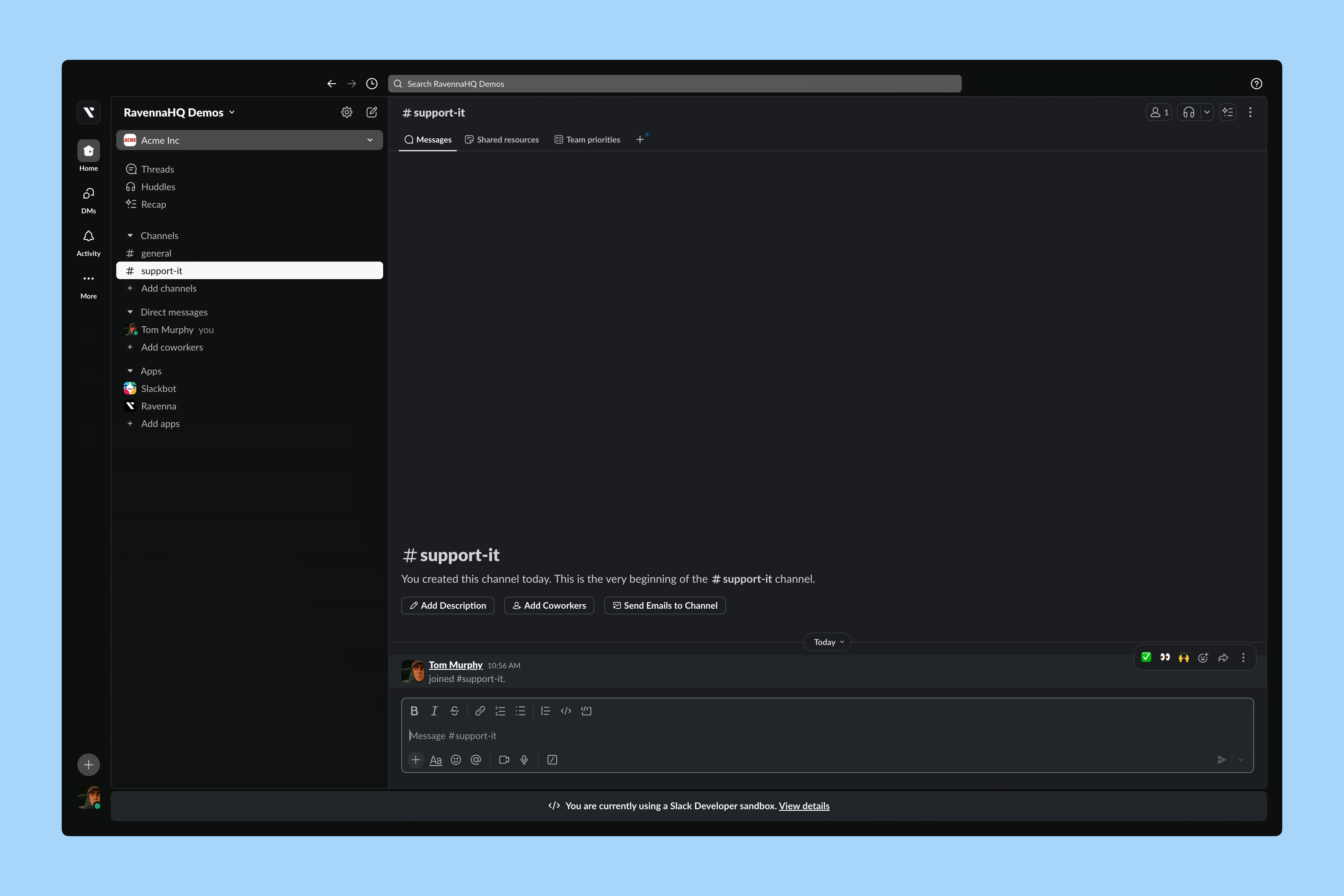
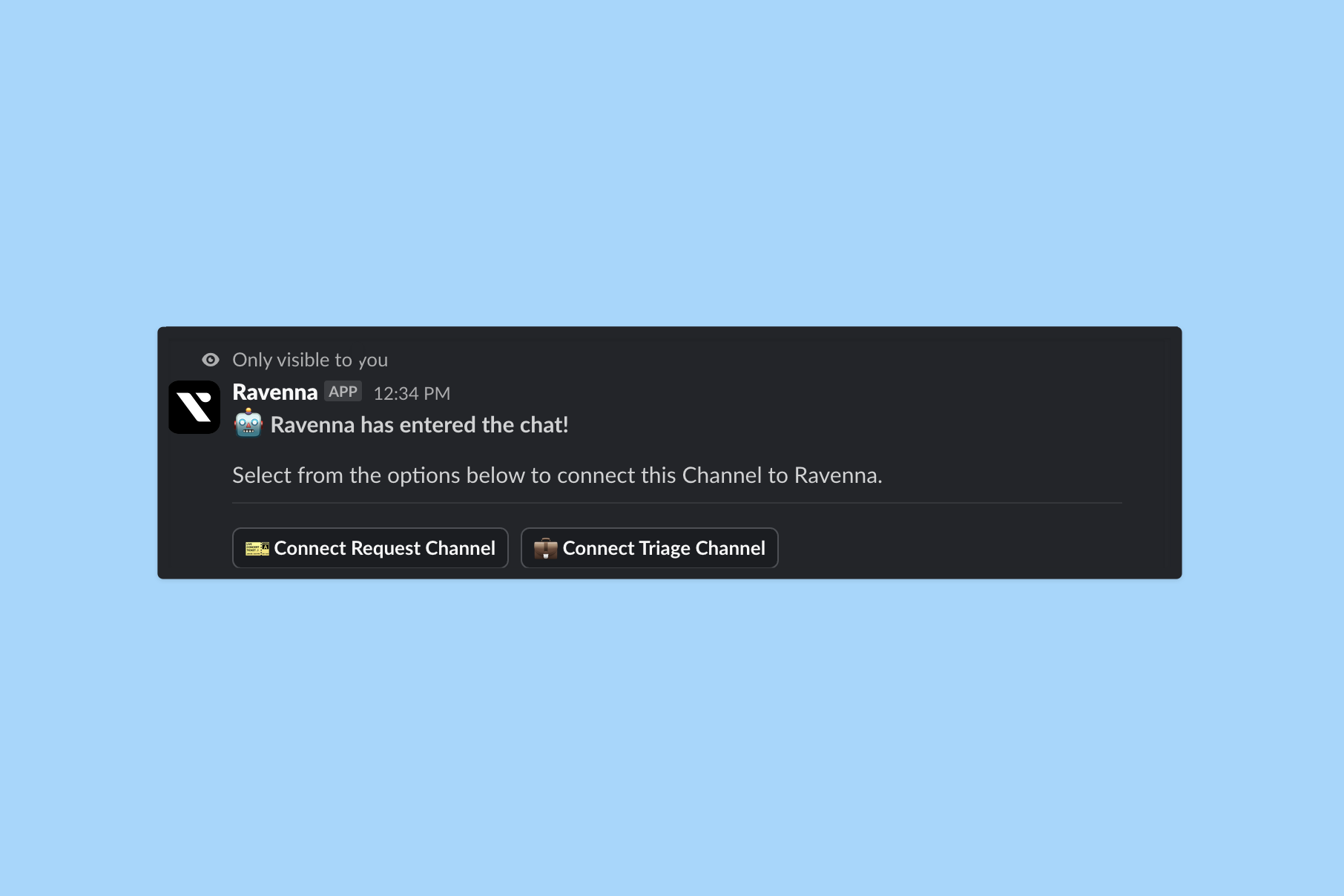
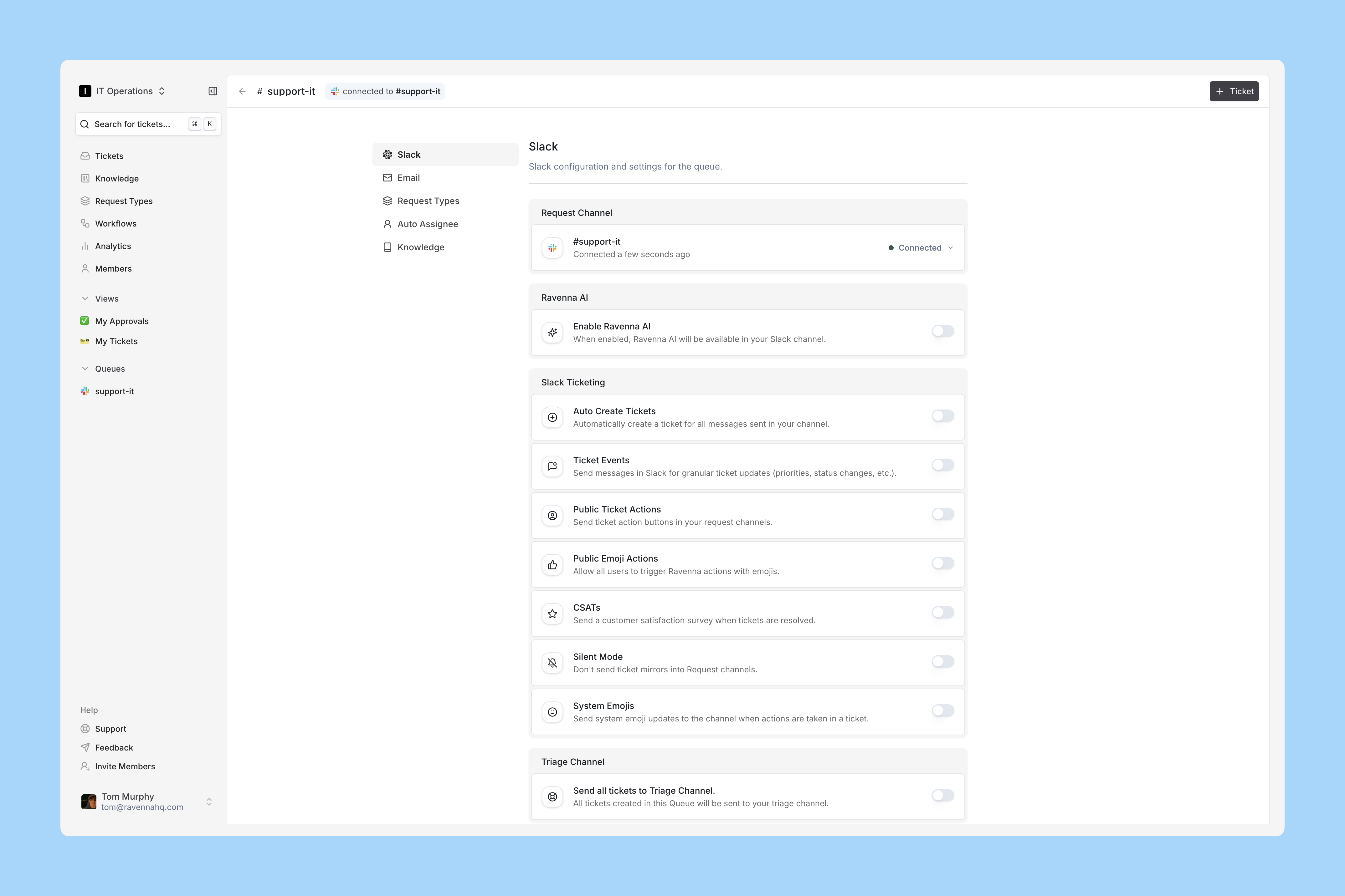
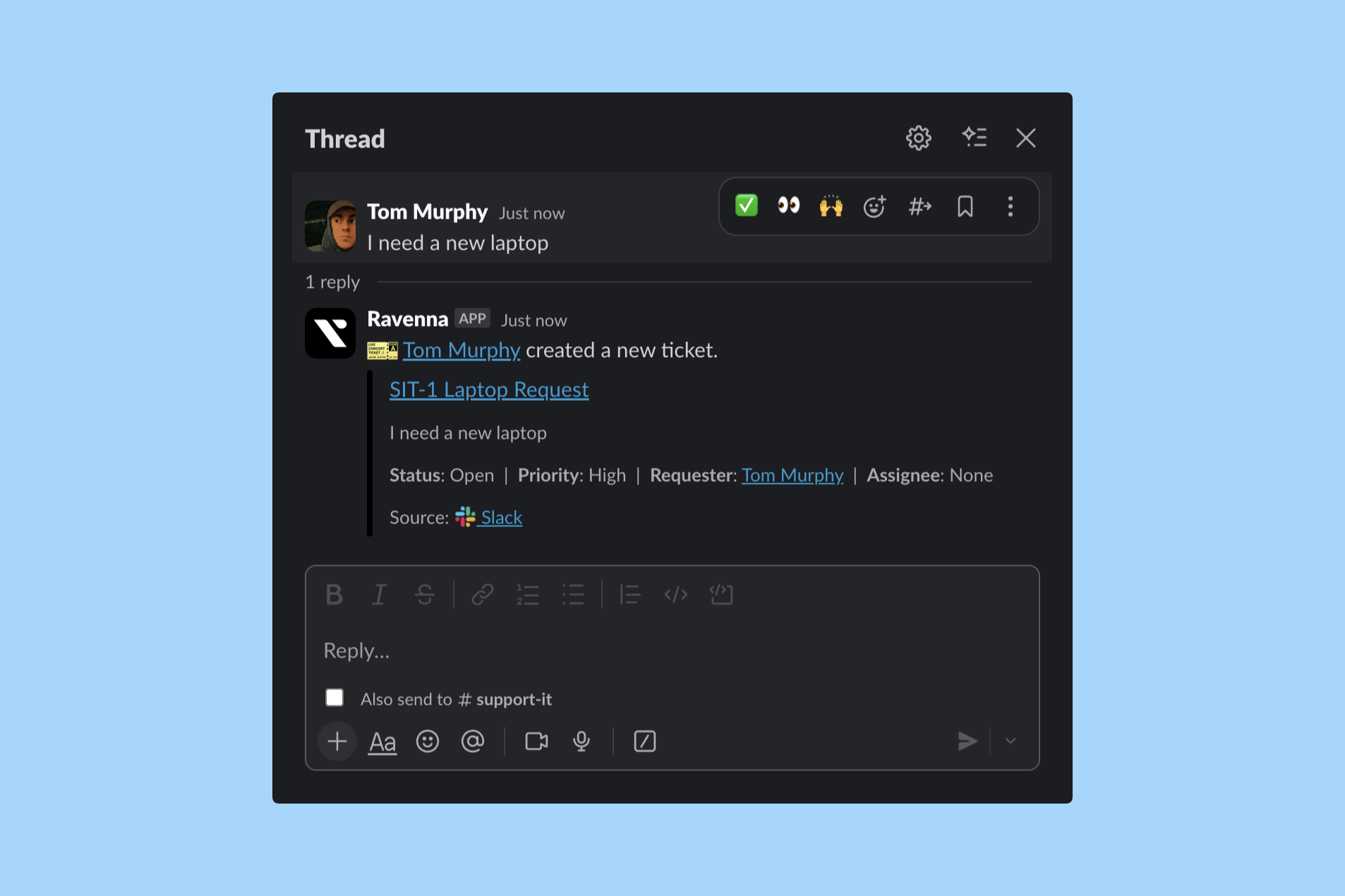
Create a public Slack channel for requests if you do not have one. This example uses the IT Operations team’s request channel, the place employees go to ask for help.- Interactive walkthrough
- Step-by-step

How many channels do you need?
Start with one. Channels are intake surfaces, not work streams. A team with one request channel and a handful of saved views is easier to run than a team with eight channels, because every extra channel is another place a ticket can go unnoticed.Learn more about choosing between channels, views, and categories
Other ways requests can arrive
A channel is not limited to one Slack channel. The same Ravenna channel can also accept:- Email, using the channel’s unique inbound address. See email support.
- Direct messages to the Ravenna bot, for requests people would rather not ask in public. See public vs private support.
- The Portal, for employees and guests who do not live in Slack. See launch the Portal.
- Microsoft Teams, for organizations on Teams instead of Slack.
Next
Give your team one place to see and act on everything arriving in this channel.Set up a triage channel
Mirror every new request into a private Slack channel your team can work from.