Create custom AI Agents to handle specific tasks and interactions within your workspace. Each agent can have its own personality, skills, and deployment channels.
This feature is currently in Beta. Once an Agent is deployed to a Channel, it takes over the AI settings for that channel. To learn more, please review Agent documentation.
Interactive Walkthrough
Step-by-step
1
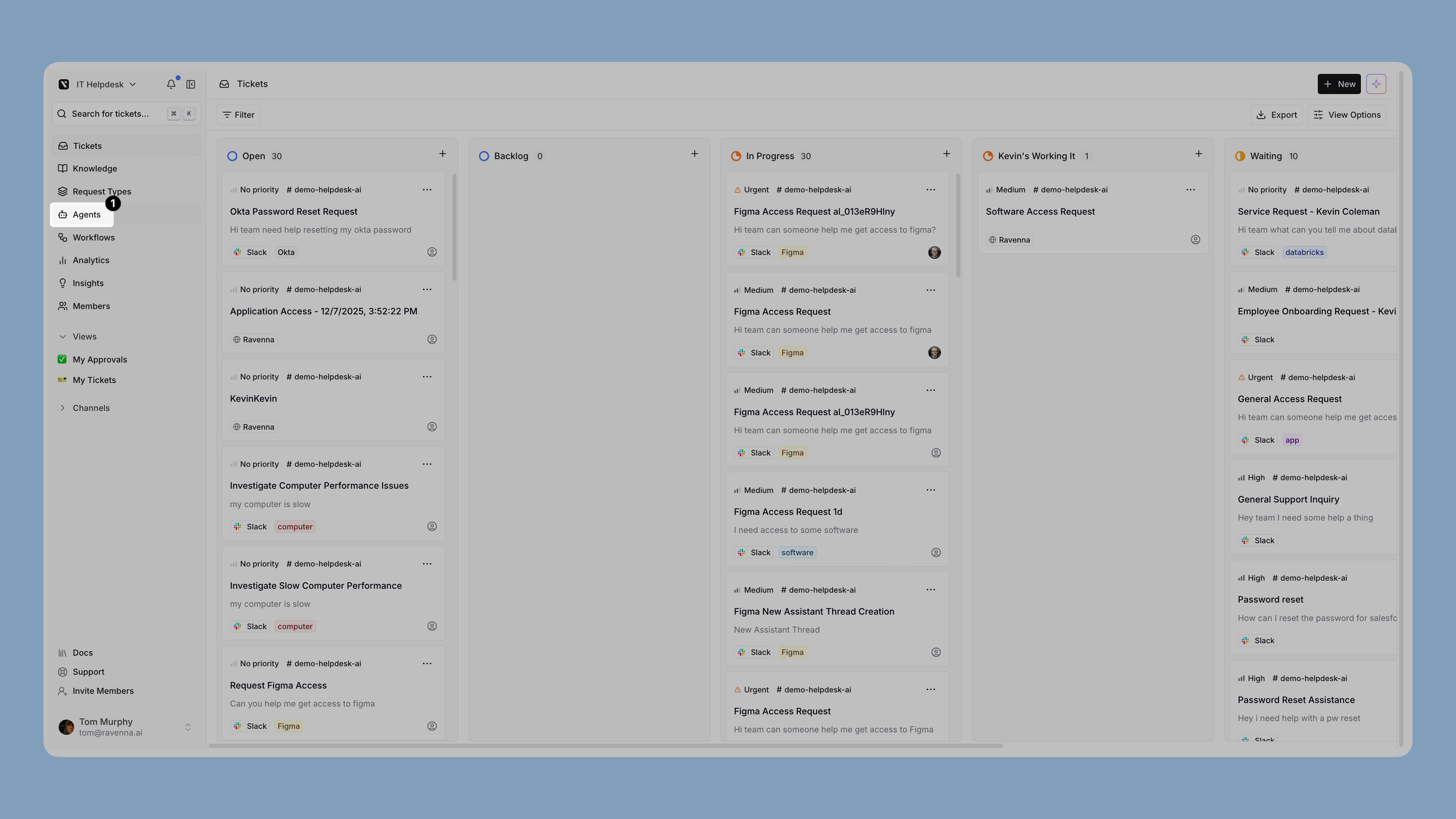
Open Agents
Click Agents in the left sidebar to access the Agents management area.
2
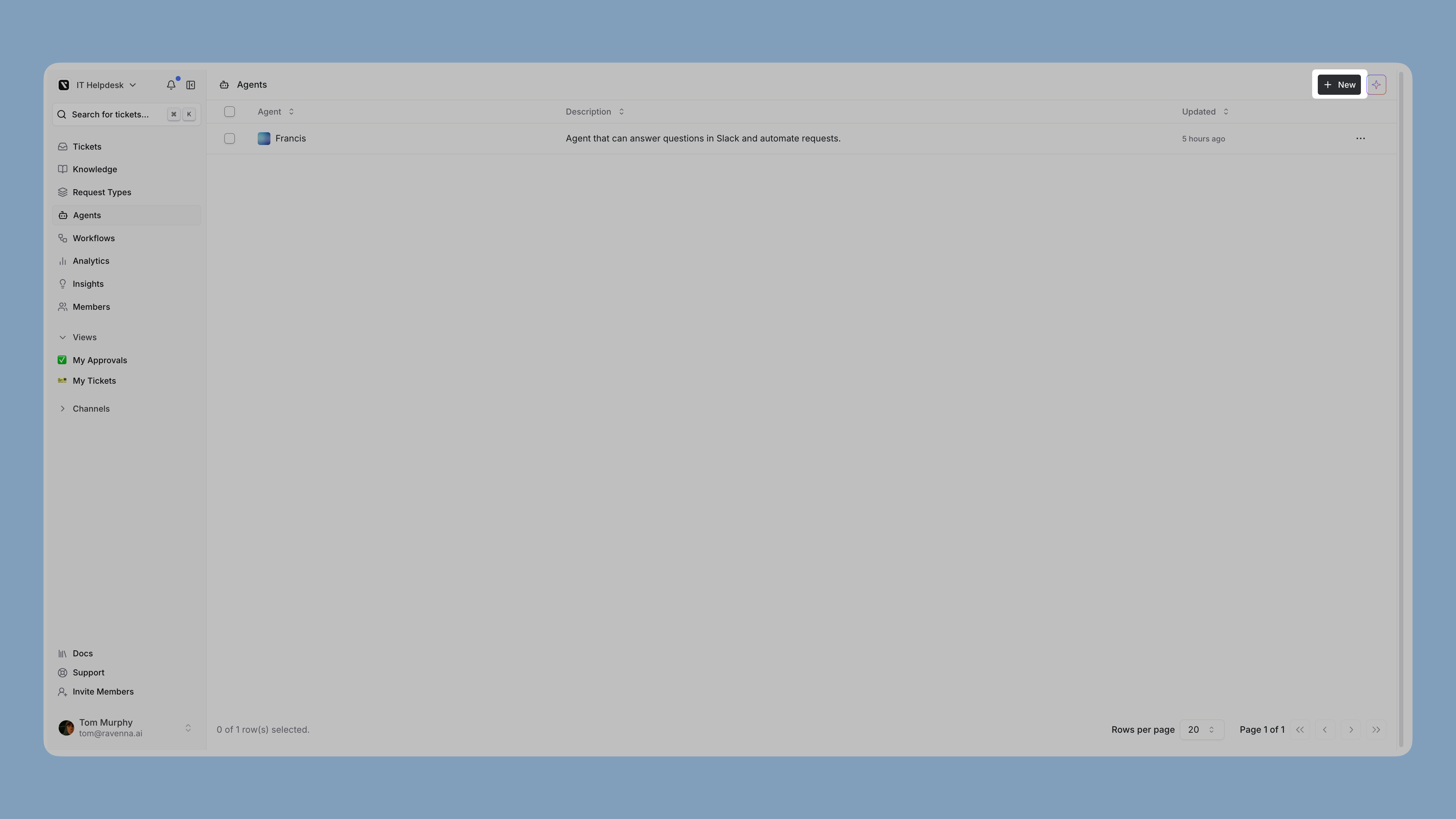
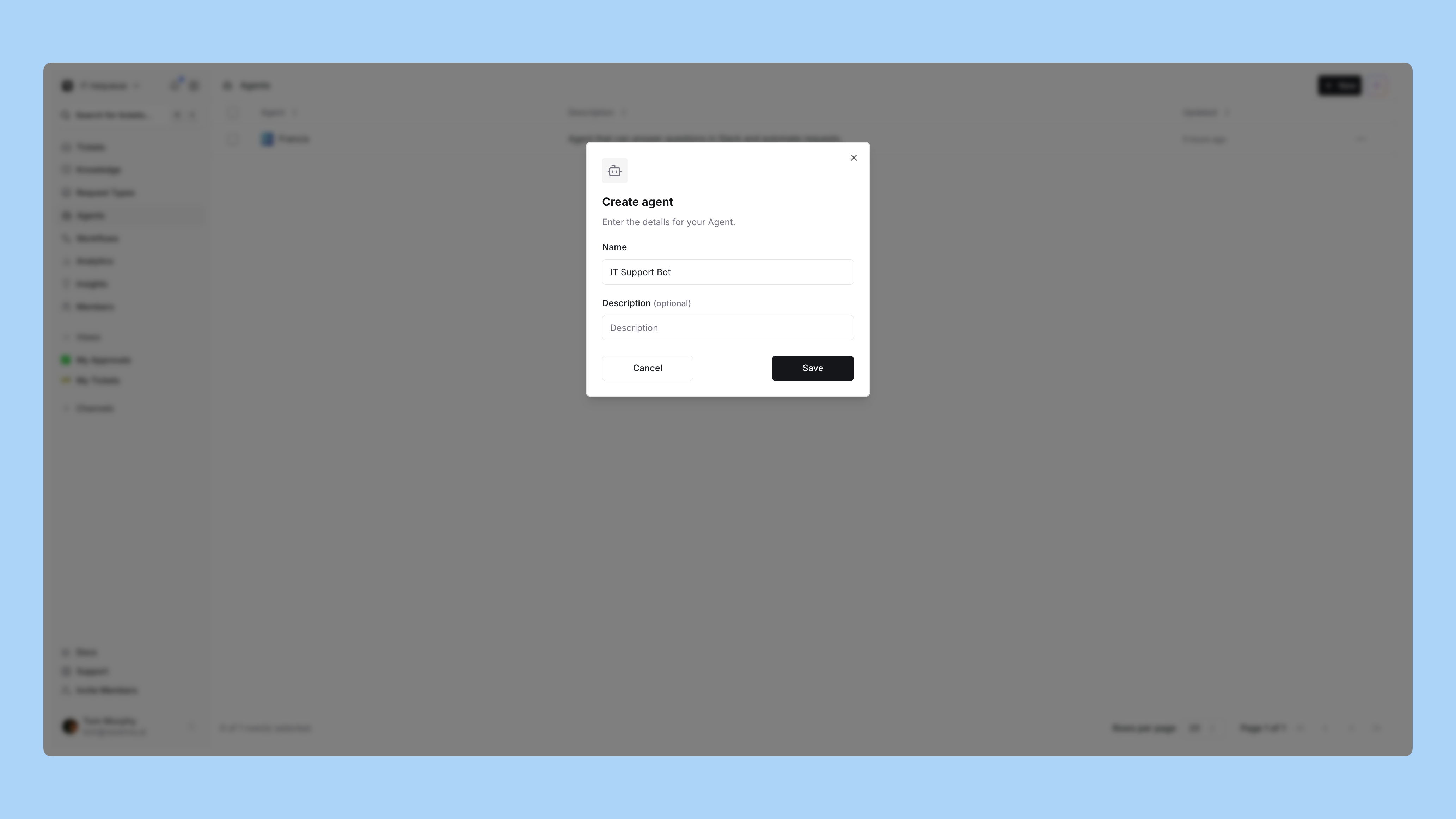
Create a new agent
Click New to create a new agent.
Enter a name and description for your agent that reflects its purpose.
3
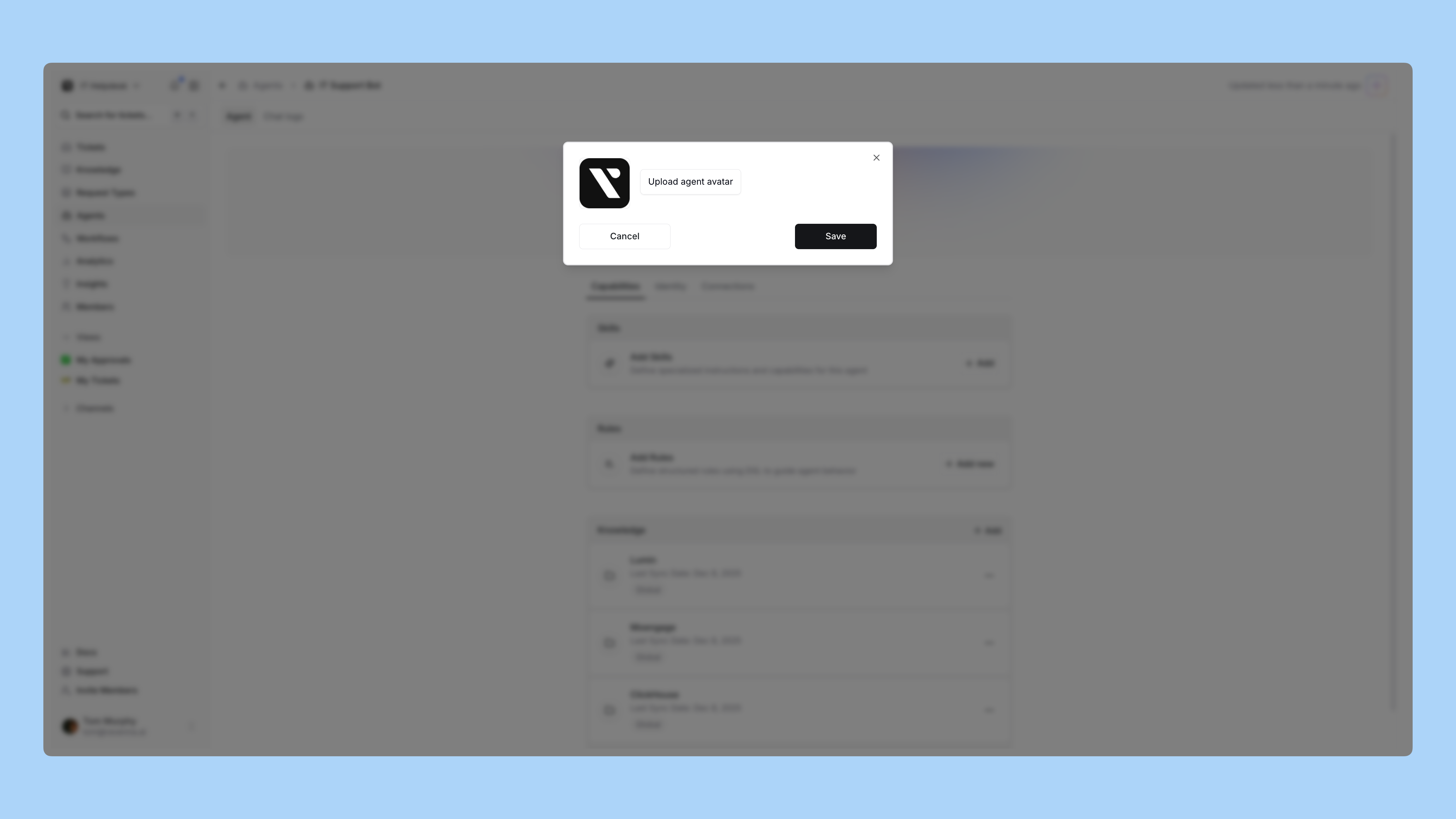
Upload an avatar
Upload an avatar image to give your agent a visual identity. This helps users recognize the agent in conversations.
4
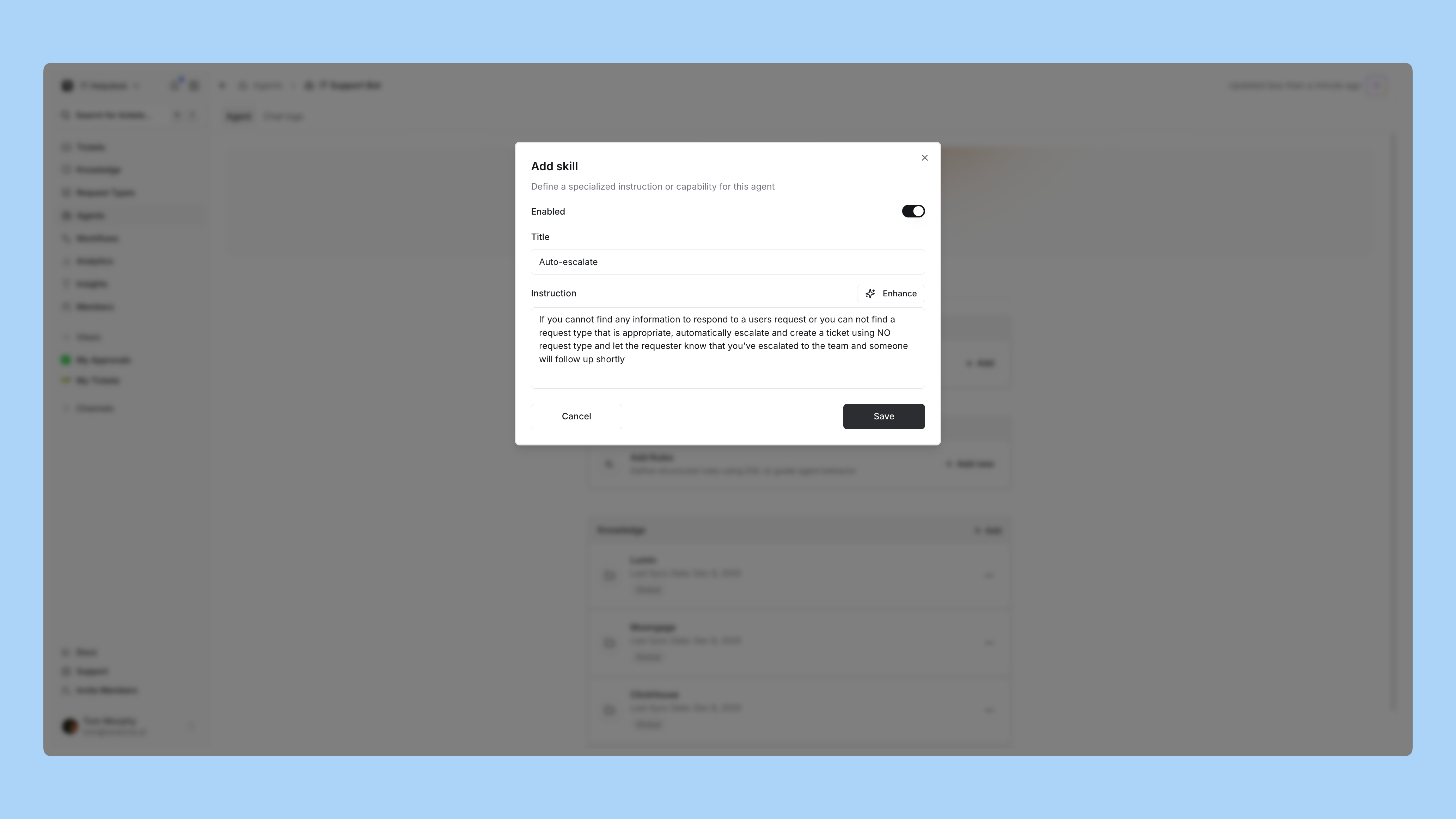
Add skills
Configure the skills your agent should have. Skills determine what actions and capabilities the agent can perform.
5
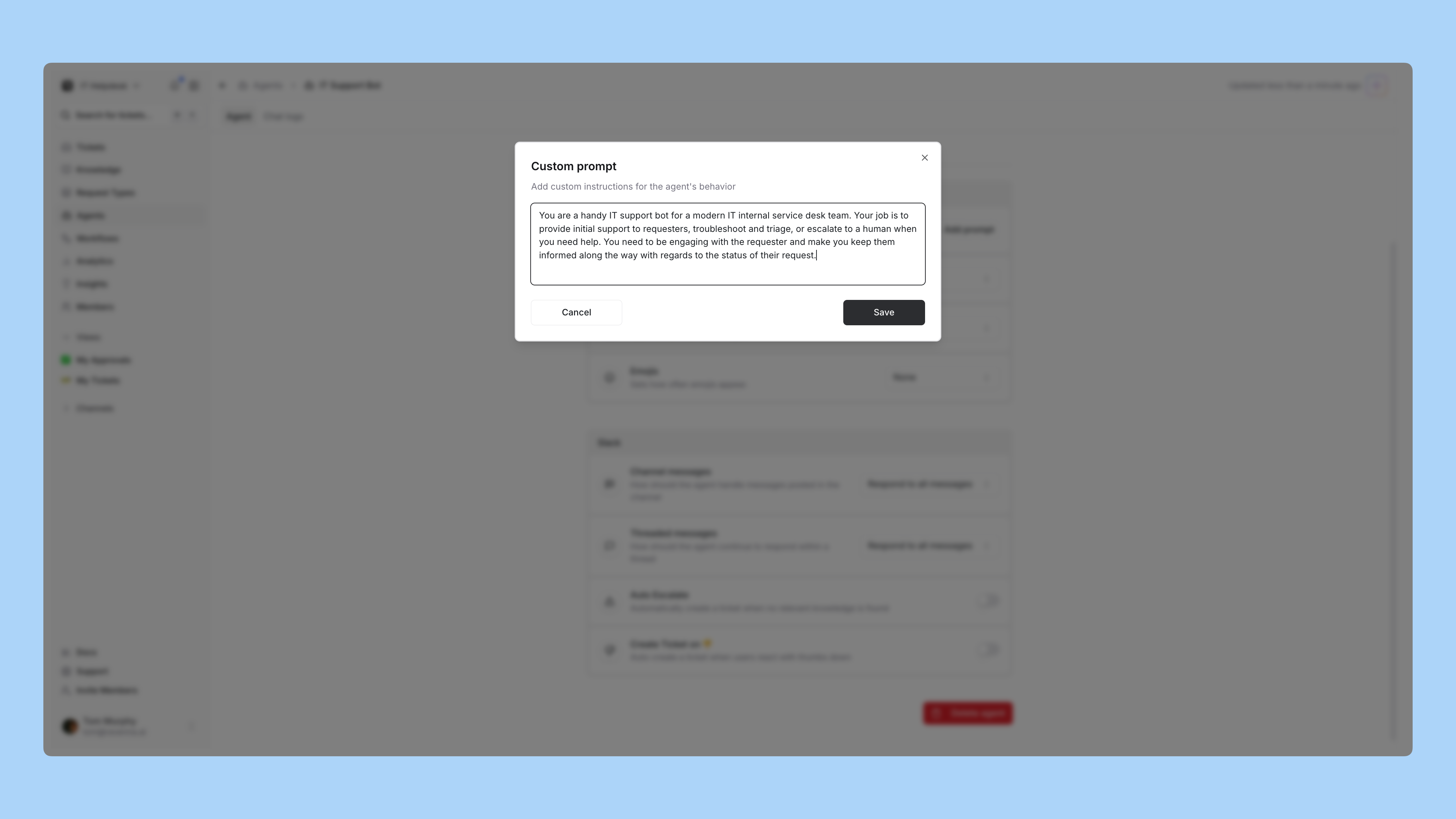
Set personality and tone
Customize your agent’s personality and tone to match your brand voice and the type of interactions it will handle.
6
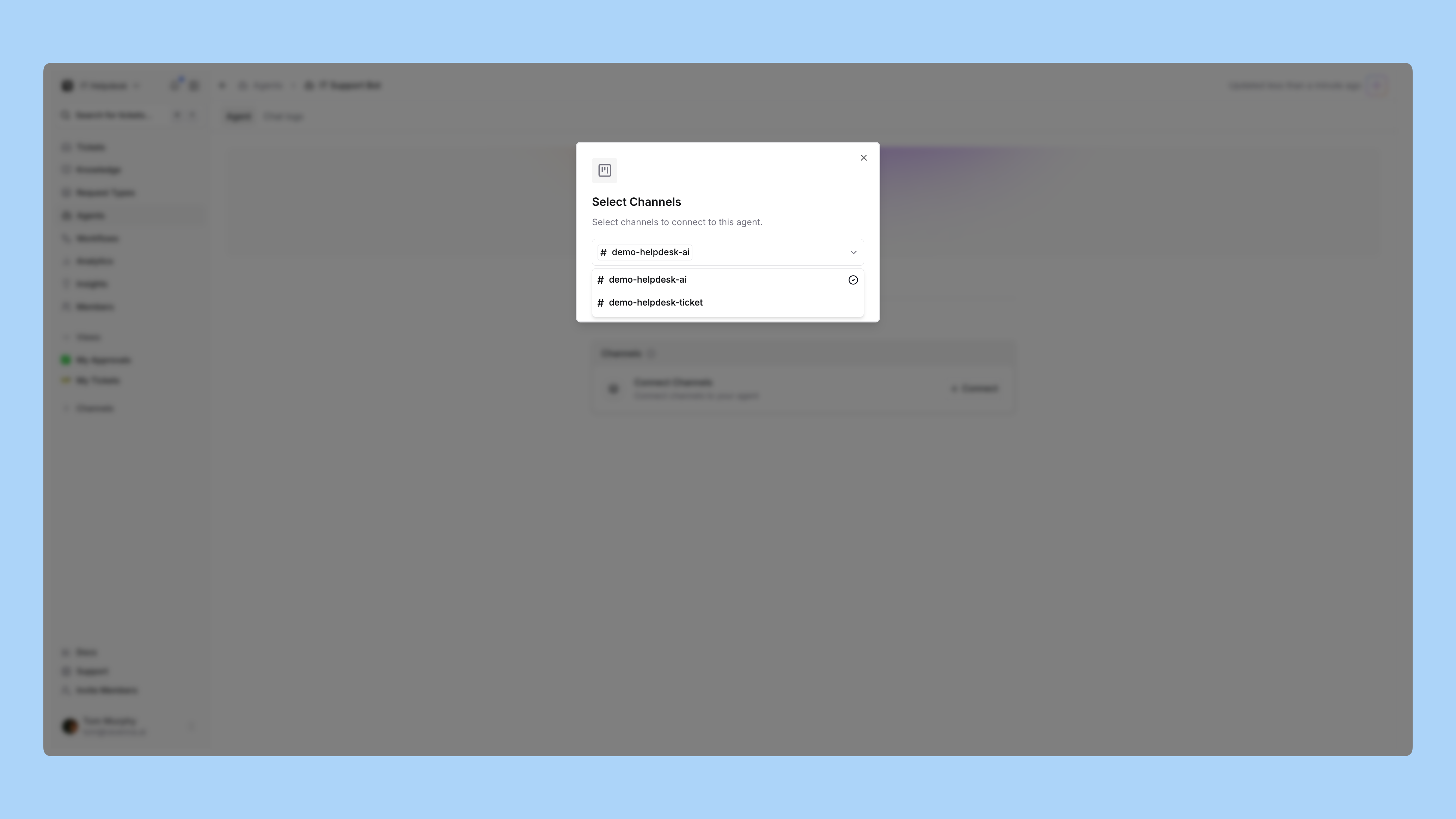
Deploy to a channel
Deploy your agent to a channel where it will be active and ready to assist users.