

What agents can do
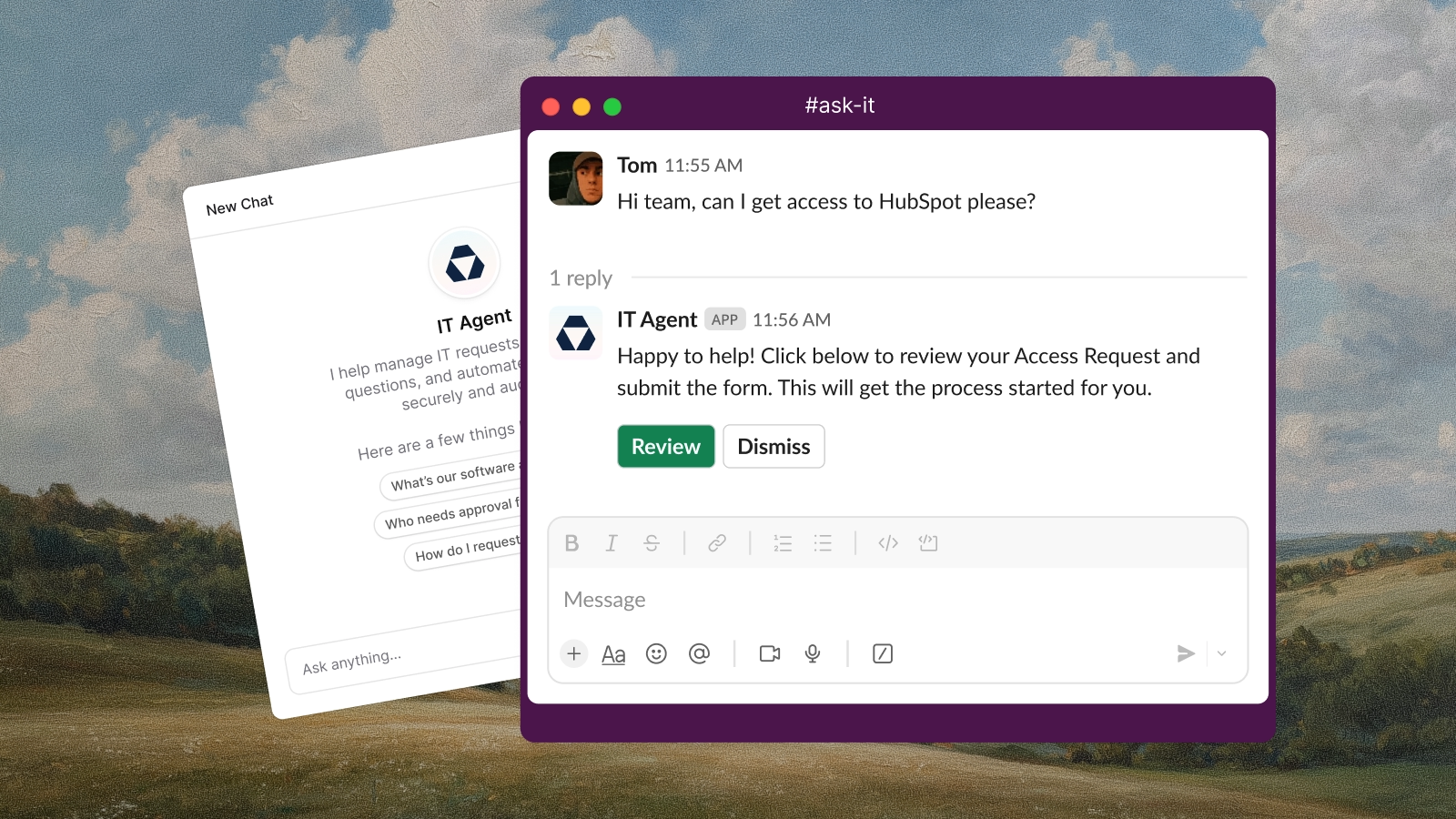
Answer questions
Use your knowledge base to respond to questions with accurate, sourced answers
Create tickets
Create tickets with specific forms, collecting structured information from users
Execute tool actions
Run actions through integrated tools like Fleet, HubSpot, Okta, and Jamf
Route and escalate
Route tickets to the right team and escalate complex requests to human agents
Respond across channels
Work in Slack, email, and integrated systems like Jira, Linear, and GitHub
Protect sensitive information
Automatically send passwords, API keys, and credentials as private DMs instead of in shared channels
Recognize the inbound channel
Detect where each message arrived from and avoid telling users to post in a channel they’re already in
How agents learn
Define agent behavior through natural language , connect for accurate answers, configure escalation instructions for handling complex requests, and integrate external tools for specialized actions.Agents vs workflows
Agents and both automate work, but they fit different situations.Using both together
Agents and workflows both automate work, but they run independently. Agents handle the conversation (collecting information, answering questions, classifying, submitting forms). Workflows handle event-driven backend processing (provisioning, approvals, external system sync).Agents cannot trigger workflows directly. Hand off through ticket state instead: have the agent submit a form, set a category, apply a tag, or change the status, and configure a workflow to fire on that ticket event.Learn more about workflows
Getting started
Set up your first agent
Follow the step-by-step guide to create, configure, and deploy an AI agent