TicketsMembersPortalAccess requestsAgentsWorkflowsCopilotFoundryRemindersEmailIntegrationsCloudflarePlatform
Everything about a member, on one page

Name approvers right on an access policy
An access policy no longer needs an approval template to decide who signs off. Pick the people, groups, or roles who should approve, and choose whether any of them or all of them have to agree before access is granted.Learn more →Decide who can trigger an agent rule
An agent rule now has its own audience. Leave it open to Everyone, or limit it to specific user groups, so a rule that grants access or touches a sensitive system only runs for the people who should be able to start it.Learn more →Prove a workflow request really came from Ravenna
The HTTP Request action can sign every request it sends, so the system on the other end can confirm Ravenna sent it and nobody changed it along the way. Point the signing key at a Vault credential and Ravenna signs with HMAC-SHA256, putting the signature inX-Ravenna-Signature or a header you pick.Learn more →Grant a Cloudflare Access app straight from a ticket
Connect Cloudflare Access and Ravenna can add and remove people from your Zero Trust groups as a workflow step. An access request can grant an application and take it back on schedule, with nobody opening the Cloudflare dashboard.Learn more →Quality of life updates:Tickets:- Large ticket lists and boards load noticeably faster.
- Edit and delete tags directly on the tags page.
- The form picker in the workflow builder lists draft forms, so you can build the workflow before you publish the form.
- A reminder policy can follow each person’s own working hours instead of one schedule for the whole workspace. Set yours in My Settings, and a reminder addressed to you waits for your next working window.
- A channel can ignore everyone else on the thread when it is CC’d or BCC’d on incoming mail. Those people are not added as followers and are left off replies. An alias that keeps the channel out of To and CC counts as BCC.
- The portal has an organization-wide side navigation with My Tickets from every workspace you belong to, plus your recent Copilot chats. Your open requests and past conversations are in one place, whichever workspace they came from.
- Rule matching now gives up rather than hanging, with a 10-second limit per rule and 30 seconds overall, so a stuck rule cannot hold up a conversation.
- The Runs tab is always available, so you can review past runs before an agent has any rules.
- An agent posting to a Slack channel can reply inside a thread, so a follow-up lands with the original message instead of starting a new one.
- Every step in the workflow builder has an Outputs panel that breaks results like Ticket and User into individual values you can reference, so a later step can use one field without you reading raw JSON.
- The Wait for Approval action no longer has a separate On Timeout branch. It branches On Approved and On Declined. An approval that times out without a decision follows neither branch and the run ends at that step, so handle a stalled approval with a reminder policy and a Reminder Expired workflow.
- The Search Ticket and Search User actions return one result when Limit is 1 and a list when it is higher, so later steps get the shape they expect.
- Workflow run retries are available in every workspace from the runs table.
- Copilot reuses an OAuth provider your organization already registered when it sets up a Foundry integration, instead of asking for the same client credentials again, and carries on by itself once you enter them.
- Foundry recognizes an API that makes you log in first, or that wants its credentials split across several fields, and suggests the right setup. It asks for the Authorization URL and Token URL directly when it cannot find them in the API’s own documentation.
- Foundry stops hiding short values that only look like a secret, so an ID or a country code comes through as itself. When something genuinely is hidden, the result now says so.
- A Foundry native bridge and its functions share one sidebar row, so a long list of related actions no longer crowds the panel.
- A Google Workspace error when creating a user names the organizational unit Google rejected, so you can fix it without reading logs.
- Saving an integration’s settings or credentials rechecks the connection right away, so its status reflects what you just changed.
- Slack messages from bots like RSS feeds and webhooks now arrive in Slack-sourced tickets under the bot’s own name and avatar, instead of being dropped.
- A customer’s email reply threads back onto the original ticket instead of opening a new one.
- An email reply that fails to send leaves a private note on the ticket with the error and who it was meant for, instead of disappearing quietly. Replies on older tickets with malformed reply-all recipients go out again.
- The ticket editor no longer replaces a title or description you just typed with an older draft when you switch tabs mid-save.
- A bulk ticket update that fails now tells you, instead of appearing to do nothing.
- A ticket counts as unread only when a new message arrives, not just because you have never opened it, so the unread count reflects what actually changed.
- The ticket table no longer breaks on a Slack-sourced ticket whose Slack thread is gone.
- Clearing or changing ticket filters clears the older ones too, so a filter you removed stops coming back.
- Unassigning a ticket is recorded in the conversation, so its assignment history stays complete.
- A workflow run no longer performs a step twice, and a ticket created by the Create ticket action triggers notifications and follow-up automations again.
- An access request for an access level with no approval policy now asks any approver to sign off, instead of failing to open an approval round. Approvers are also worked out from the requester, so the right people are asked when the level depends on who is asking.
- An approved agent tool batch runs instead of stalling.
- The message classifier no longer skips a ticket because of the way its attachment is linked.
- Copilot’s automation planner sees your workspace’s real channel list, so it stops rejecting a channel name you typed.
- A failed Foundry auth test says what to fix, not just that it failed, and the OAuth dialog shows the full callback URL Ravenna actually sends.
- A portal form with a pre-filled multi-select answer loads instead of crashing.
- An out-of-date error on a Slack form clears once the dependent fields appear, so the form stops looking broken after you pick a value.
- The
/rav infoSlack command calls the linked channel Connected Channel instead of an internal name. - Detail pages for applications, forms, and knowledge documents show a proper error instead of a blank screen when something fails to load.
- A channel’s email footer and a task description pick up edits made elsewhere, instead of showing an older draft.
- Tasks, task templates, and channel settings can only be read or changed from inside the workspace they belong to.
TicketsFormsAgentsKnowledgeNotionCopilotFoundryWorkflowsSLAsAnalyticsAccess requestsOktaIntegrationsPlatform
Share a form publicly without opening it to the world
Put a passcode on a public form and only the people you gave the code to can use it. Requesters enter it before the form will load, and every submission is checked against it, so you can hand a link to contractors or new hires without exposing it to anyone who finds the URL.Learn more →Connect an API that makes you log in first
Plenty of tools will not answer a request until you trade credentials for a token. Foundry now handles those, with the Advanced authentication method.Describe the login call once: which credentials to collect, where each one belongs on the request, and whether to send it only at login or on every call. Ravenna logs in, holds on to the token, and gets a new one when it expires. Anything you mark as secret is kept in your Vault instead of in the integration. Start from a preset for an API key, a bearer token, or Mosyle, and Test connection shows you the exact request before you save it.Learn more →Your agents can read the files attached to Notion pages
A file attached to a Notion page is no longer a dead end. Ravenna pulls the text out of PDF, Word, PowerPoint, Excel, and HTML attachments and indexes it with the page itself, so an answer can come from inside the attachment and cite it.This happens on every new and re-synced page with nothing to set up. An attachment Ravenna cannot read still appears as a link, as before.Learn more →Quality of life updates:Tickets:- Merging tickets now closes the loop on the one you merged away. It gets a note pointing at the ticket that carries the conversation on, and if someone else raised it, they start following that ticket so they keep seeing updates.
- A merged ticket stops behaving like open work. Its SLAs stop, reminders and inactivity auto-close skip it, and a reply no longer reopens it. It also stays read-only until you unmerge it, so nobody edits a ticket the team has stopped watching.
- A Duration custom field can be shown or hidden based on any other field, the same as every other field type.
- An agent follows the assignment guidance in a knowledge article its escalation instructions point at, instead of ignoring the article.
- A Notion database synced into a knowledge base is indexed row by row instead of as one wall of text, and each row keeps its column headers. Search returns the rows that answer the question, with enough around them to make sense.
- Google Docs and HTML files arrive from Google Drive as Markdown rather than plain text, so headings, lists, and links survive for an agent to cite. The docs now list every supported file type and how each one is stored.
- A sync error with a long link in it wraps instead of stretching off the screen.
- Copilot spots an API that needs Advanced authentication while it sets up a Foundry integration, so it asks for the right credentials instead of falling back to a generic login.
- An Okta Verify push now goes to every device the person has enrolled, so the prompt reaches whichever one they have on them.
- The admin audit log records the users an integration’s sync creates or updates, credited to the integration rather than to a person. Its name and logo appear in the table, the detail panel, and CSV exports, for example Okta Sync.
- A public form with an audience no longer lets someone outside that audience submit by opening the form’s direct link.
- A saved date range filter no longer crashes the ticket list, and searching a filter’s options finds every match.
- Changing the page size on a shared view no longer shows an error.
- A value already entered in a custom field is kept when the ticket loads, instead of being cleared.
- Dropping a ticket on a board column reliably lands in that column.
- A ticket that is reopened and resolved again gets new resolved and closed times, so durations in analytics reflect the latest resolution.
- Chatting with an agent shows every message it sends in a turn, not only the last one.
- Image attachments in Copilot chat upload and display again.
- The table widget on an analytics dashboard lists its tickets again instead of coming up empty.
- Analytics counts respect a filter that excludes tags and other related records, instead of ignoring it.
- An entitlement’s status keeps updating while a grant or revoke finishes, instead of sticking part-way.
- Activating a workflow that fails validation no longer leaves it showing Active. The status goes back and the problems stay flagged, so it is clear the workflow was not published.
- The Update ticket workflow action handles the request type’s custom fields correctly when it changes a ticket’s request type.
- A workflow action from an integration you built in Foundry appears under that integration’s own tile in the workflow builder, not another app’s.
- The Foundry credential card reopens after a failed check, so you do not lose what you typed.
- Foundry no longer repeats a version like
/v2when both the API’s base URL and the endpoint path include it, so requests reach the right address. - Sending a message in Foundry action chat no longer shows your prompt twice.
- A Microsoft Teams dialog form fills in correctly instead of leaving auto-selected dropdowns blank.
- A large Vanta user sync no longer trips a rate limit partway through.
- Ravenna no longer crashes on Safari on an iPhone or iPad.
- An expired session is renewed in the background instead of failing your requests until you reload.
Access requestsIntegrationsOneLogin
Bug fixes:
- Revoking an entitlement mapped to a OneLogin group now clears the user’s group in OneLogin. It previously reported the revocation as successful while the access stayed in place, and could strip an unrelated role whose numeric ID happened to match the group’s.
- An access level mapped to a OneLogin role now assigns that role. It previously wrote the role’s ID into the user’s primary group field. Where an earlier grant did that, group-mapped grants for the affected user fail with
USER_BELONGS_TO_DIFFERENT_PRIMARY_GROUPuntil an admin clears their group in OneLogin. - OneLogin group and role membership survives a resync, so an entitlement you granted no longer disappears from the group in Ravenna.
- A OneLogin grant or revocation Ravenna cannot carry out is recorded as failed instead of successful, so it shows up on the entitlement rather than passing quietly.
TicketsAgentsSlackFoundryCopilotMCPOktaWorkflowsKnowledgeAnalyticsPortalAccess requestsIntegrationsPlatform
Merge duplicate tickets

Foundry functions with secrets as agent tools
Agent rules can now use Foundry functions that need a secret, like an API key. Pin the secret to a Vault credential in the tool’s input settings, and Ravenna injects the value when the function runs. The agent never sees the secret, and a rule does not save while a required secret is unpinned. Rule pinning covers top-level secret inputs; a secret nested inside an object input stays workflow-only.Learn more →Quality of life updates:Copilot:- Create applications and revoke or extend entitlements from Copilot or an MCP client.
- Agents and Copilot can add a private note to a ticket, keeping internal context out of the requester’s view.
- Copilot can set up a Foundry integration that authenticates with OAuth 2.0. Ravenna reads the grant type, token URL, and scopes from the API’s documentation, and you enter only the client ID and client secret in an inline card, so the secret never passes through chat.
- The command palette finds your Copilot chats alongside tickets, so you can jump back into a past conversation from anywhere in the app.
- Copilot shows a ticket filter as a compact inline link in its replies instead of a large card.
- When you test a Foundry action, the endpoint field is prefilled with a known-safe endpoint instead of an empty box.
- Foundry action generation can see native integrations you have not connected yet and points you to connect them, instead of ignoring them.
- Foundry shows one alphabetical list of integrations when you pick one, and knowledge-only integrations no longer appear as action targets.
- When a Foundry request could apply to more than one integration, Foundry asks which one you mean instead of guessing.
- Search the rule list on an agent’s settings page to filter rules by title or description.
- Agent chat logs show readable tool and integration names, like Search tickets and Google Workspace, instead of internal identifiers.
- Workflow conditions and filters can match on the requester’s Organization Role, so a rule can treat admins, members, and guests differently.
- Slack knowledge imports skip channel events and bot-started threads, distill each message into a clearer searchable form for better agent answers, and default to the last 24 hours when you do not pick a time range.
- Rename a knowledge base article from the article editor.
- When an access request cannot be created from a ticket, Ravenna posts a message on the ticket with an error code you can share with support, instead of failing silently.
- Sort tickets by requester, and group board columns by requester, in views.
- Paging through the ticket list no longer recounts results on every page, so pages load faster.
- The agent analytics dashboard has a new layout, with summary cards for total tickets, agent participation, escalations, and unactionable tickets.
- A percentage card in analytics now says what the percentage is computed out of. Hover the value to see the exact denominator.
- A new Unlock Okta User workflow action and agent tool unlock a user whose Okta account is locked after failed sign-in attempts, so a locked-out employee gets back in without waiting on an admin.
- The integrations settings page has a search bar, and its categories are sorted alphabetically, so you find the integration you need faster.
- The connect dialog for an integration is redesigned with separate Credentials and Permissions tabs, and the same dialog appears everywhere you connect one, including from a workflow.
- An integration that syncs with problems shows a warning on its card in settings, with the details on hover, instead of looking healthy.
- Pick 10, 25, 50, or 100 rows per page on lists across the app.
- Mentioning the Ravenna bot in Slack before you exist as a Ravenna user gets a reply explaining that an admin needs to add you, instead of silence.
- The built-in Slack channel is hidden until a Slack workspace is connected.
- An email address inside a code span in a Slack message stays as written, instead of being turned into a link.
- Navigating back or forward to a ticket page no longer shows an “Unknown workspace” error.
- The web app loads reliably on iOS Safari instead of crashing while restoring its cache.
- An agent no longer uses tools scoped to a rule when no rule matched the conversation.
- A deleted rule no longer lingers on the agent’s settings page or errors when you detach it.
- A mention pill in an agent rule renders as a chip even when Copilot wrote it without quotes, instead of showing raw text.
- The @mention menu in an agent rule no longer offers knowledge sections for an agent with no knowledge attached.
- Asking Copilot to group tickets by a field it does not recognize looks up the matching attribute instead of returning nothing.
- A blanket instruction to Copilot like “confirm all update actions” covers every write action in the plan, so Copilot stops asking again for each one. Destructive actions still get their own confirmation.
- Copilot no longer gets stuck asking you to confirm the same automation plan.
- Two Foundry integrations with the same name no longer overwrite each other’s stored credentials.
- Deleting a Foundry integration works even when the Vault credential it references is missing.
- Foundry action generation no longer reports failed and then quietly completes. The status you see reflects the outcome.
- The Foundry connect dialog pre-fills the API key header Copilot found, instead of asking you to retype it.
- The integration connection form shows the error message when connecting fails, instead of failing silently.
- Steps a workflow takes on a ticket show as Ravenna in the ticket timeline, instead of borrowing a branded agent’s name and avatar.
- Text fields in workflow filters offer interpolation values again.
- Grouping entitlements by application no longer crashes the page.
- Entitlement scans read every user group from your identity provider, not only the first page.
- A private workspace with the portal turned on now appears in the portal for everyone in your organization, not only for workspace members. Ticket visibility is still governed by the workspace’s privacy setting.
- Notification emails strip unexpected HTML from message content, so an injected tag renders as plain text instead of markup.
SlackCopilotAgentsFoundryTicketsApprovalsSLAsWorkflowsAnalyticsIntegrationsOktaEmailMCPPlatform
A new Slack DM experience
- Routing follows agent presence. Connect an agent to a channel and DM conversations route to it. Visibility settings no longer affect routing, and connecting an agent no longer changes them.
- Visibility settings live in one place: a Visibility card in Workspace Settings > General with two toggles, Available in Slack and Available in Portal, that control where the workspace appears when filing tickets from the Slack home tab or the portal.
Approvals leave the requester out
A new Allow requester as approver switch in workspace approval settings decides whether a ticket’s requester can sit on their own approval rounds.It is off by default, so the requester is stripped from every round, even when the thing that pulled them in was an approver group they belong to. Groups expand first and the requester is removed after, so there is no gap to police by hand. The rule applies the same way in the ticket sidebar, the approval rounds UI, workflows, and forms. Turn it on when self-approval is legitimate for your team.Learn more →Quality of life updates:Copilot:- Copilot shows its reasoning while it works on a reply: a short summary of its thinking, interleaved with tool activity. The thinking section streams in collapsed, so a long turn shows where it is headed instead of going quiet, and you can expand it to follow along or leave it closed.
- Searching your Copilot chat history now searches all of your past chats, not just the ones already loaded in the sidebar.
- Copilot keeps a visible plan while it builds an automation and updates each step as it finishes.
- Ask Copilot to list, create, and update the outbound webhooks that deliver workspace events to an external endpoint, and to pause or resume delivery. Each webhook appears as a card in chat, and the signing secret is entered in a masked field on that card rather than in the message box, so Copilot never sees it. Workspace admins only.
- Copilot can update an existing Foundry integration’s name, base URL, and auth settings, instead of only creating new ones.
- A long attachment list in a Copilot chat collapses behind a show more button.
- Point a Foundry function’s secret input at a Vault credential instead of pasting the value. The workflow stores only the reference, Ravenna decrypts it in memory at run time and scrubs it from execution logs, and it works for secret fields nested inside objects and arrays.
- When a secret input is not configured yet, the agent says which step it could not run instead of substituting another tool.
- When an API’s documentation does not cover the endpoint you asked for, Foundry names the gap so you can point it at the right docs, instead of failing without an explanation.
- The Foundry credential setup card in Copilot chat has a cleaner layout.
- The new SLA Target Outcome ticket filter binds one target to one outcome in a single value, such as Time to First Response met or Time to Resolution breached. Stack two conditions to find tickets that met one target but breached another, which the separate target and outcome filters cannot express. It works in ticket lists, saved views, analytics widget conditions, and dashboard filters.
- Connect Gusto as an HRIS to sync employees, departments, and manager relationships into Ravenna, so agents can personalize answers and route tickets by department or role.
- Okta setup now opens with a comparison of the client secret and private key methods, and spells out every API scope the OIN app grants and what Ravenna uses it for. You can also switch a live integration from private key to client secret with Update Credentials, keeping the same integration ID with no resync.
- The HTTP Request workflow action has a Fail on error toggle. Turn it off and a failed call no longer stops the run: the action returns
isSuccess: falsealong with the response’s status code and error message, so later steps can branch on the failure. - Email channel settings gain outbound block lists. Add addresses or domains under Blocked emails and Blocked domains, and Ravenna stops sending email to them.
- Select several tickets and choose Unassign in the bulk assign menu to clear their assignees at once.
- An agent that creates or updates a Google group can add group managers and choose the requester’s role, rather than always adding them as a plain member.
- When a Slack channel has no agents left to connect, you get a shortcut to create a new agent.
- The ticket metrics behind the prepackaged analytics dashboards compute for every organization, with no enablement step.
- Inputs, text areas, and select fields share one refreshed style across the app, and the Ravenna bot icon adapts to dark mode instead of staying light on a dark background.
- The agent no longer adds duplicate form buttons to its Slack replies, and shows its Create Ticket button at most once per thread instead of repeating it on every reply.
- A message to the Ravenna Slack app routes straight to your only routable agent instead of asking you to confirm it first.
- When an agent auto-submits a form on your behalf, it clearly confirms the submission instead of also showing a form card, and it no longer implies it submitted a form it is still waiting on you to fill out.
- A one-word message that matches an agent rule follows the rule, instead of the agent asking what you need.
- An agent rule that says to collect several details in one message, or to look up an existing record before creating one, is honored instead of being overridden by the agent’s defaults.
- Listing a workspace’s Slack channels works again instead of returning an error, and the Remove Group Members Slack workflow action can remove a user group’s last remaining member.
- Private notes stay private: their excerpts no longer appear in notification feeds, and ticket message reads hide them from people outside your team.
- A ticket summary now checks your access to the ticket and leaves private notes out unless you have full access.
- Ticket message reads and writes check ticket access consistently on every call.
- The new ticket modal opens with your current workspace and channel instead of the ones you last visited.
- Copy title as link copies the ticket title as the link text, not the ticket ID.
- Deleting a channel with no tickets no longer asks where to move them.
- The workflow user attribute drilldown keeps the Manager option under HRIS and identity provider attributes.
- Editing an SLA policy no longer loses unsaved changes when the list refreshes in the background.
- MCP clients search applications scoped to what you can access, instead of listing every application in the organization.
- Foundry library documentation lookups follow redirects and rank catalog matches by relevance, so building an action finds the right API reference faster.
- The Foundry OAuth provider dialog shows the correct callback URL for your instance.
- The close button on the Foundry editor’s find and replace bar is no longer blocked by its own tooltip.
- An analytics card grouped or filtered by a multi-select attribute or custom field loads again instead of erroring.
- The unread badge on the in-app help chat no longer disappears after a trip through Settings.
- Menus opened from sidebar items close together with the sidebar, and rows for disabled tools in the agent tools list stay readable instead of appearing dimmed.
- The time field clock renders correctly in dark mode, agent log cards get their padding back, and a table row’s focus ring is no longer clipped.
CopilotMCPAgentsIntegrationsSlackTicketsFormsWorkflowsAnalyticsSLAsFoundryAccess requestsPlatform
Agent-led access troubleshooting

@Search Okta System Logs, and add the okta.logs.read scope to your Okta app to turn it on.Learn more →Copilot fills in the details
Say what you want in plain language and Copilot works out the rest: which form fits, which fields to fill, which columns you meant.- File a ticket by describing it. Copilot picks the right form and fills the fields and attributes it can from what you said, then asks about anything missing. It shows you what it inferred, so you can correct it before the ticket is created.
- Move a ticket to another workspace. Its status, tags, category, and attributes come along.
- Build a form end to end. From Copilot or an MCP client, set the fields and their order, who can see it, tags, agents, task template, icon, and color, then publish when it looks right. Nothing is deleted unless you ask.
- Add a Table card to a dashboard. Ask for the tickets and columns you want on an analytics dashboard, from Copilot or an MCP client, and check the preview in chat first.
- Rebind a Slack emoji action. Ask which emoji triggers each Ravenna action, swap in a different one, or put it back to the default.
- The SLA breaching in ticket filter takes any duration in minutes, hours, or days, rather than four preset choices. Copilot searches and saved views accept the same durations.
- Press ⌘ J (Ctrl J on Windows) to open or close the Copilot sidebar, and ⌘ O (Ctrl O) to start a new chat.
- A settings search that finds nothing now offers to ask Copilot, so “where do I turn on X” gets an answer instead of a blank page.
- Archived options on a custom field are cleared once no ticket uses them, so long-lived dropdowns stop collecting dead choices.
- The AI Outcome metric counts a rule-driven agent reply as participation, includes conversations that never became a ticket, and marks a ticket Escalated only when the agent’s answer was genuinely unusable.
- Copilot can set up a Foundry integration for an API that takes the key as a Basic auth username, like Stripe or Mailgun, and asks for just the one key.
- Foundry debug suggestions now apply the fix when you click them, instead of only describing it.
- Foundry actions are grouped under their own integration in the agent tools list and the
@mentionpicker. - Ravenna now uses one neutral palette, so the color scheme picker is gone from appearance settings. You keep the light, dark, and system theme choice.
- New people synced from your identity provider arrive as Member rather than Guest, so they can see the workspaces they belong to right away.
- Guests, non-members, and people without an organization membership can open their own tickets and switch workspaces again, in the app and in the portal.
- Ticket notifications come from the resolver’s verified email address again, instead of the default sender.
- Agent tool calls waiting on your approval now run once you approve them.
- A workflow paused on an approval finishes when the ticket is force approved, and passes who approved it to the steps that follow.
- Access policies match eligible and ineligible groups synced from an integration, not only groups created in Ravenna.
- Moving a ticket to another channel in the same workspace keeps its ticket number.
- Images keep their content type on upload, so your agent can read screenshots attached from Slack, email, and Copilot.
- Changing the aggregation on a percentage card in analytics no longer breaks the card.
- Copilot can write Foundry actions against an integration you have not published yet, so you can try one before it goes live.
- A Foundry integration that uses client credentials OAuth now has a Connect button, and tells you which credential is wrong.
- A form that points at a channel, task template, user group, tag, or agent in another workspace now names the reference it cannot find, and saving or duplicating a form updates the portal right away.
- A Slack triage channel shows the ticket card on the original message again, and ticket update DMs reach people who have never had one.
- The analytics change badge reads a falling response time as an improvement, so getting faster is no longer flagged red.
- The audit log records access against the organization where it was granted.
CopilotTicketsAgentsFoundryWorkflowsAnalyticsIntegrationsAccess requestsPlatform
Copilot’s toolbox keeps growing

- List, create, update, and reorder SLA policies, and answer SLA-aware questions about a ticket, like time remaining, breach risk, and which policy applies.
- Read and configure approval and assignment reminder policies per workspace.
- List, connect, and configure the Slack channels wired into a workspace.
- Create a saved ticket view from chat, with a live table preview attached to the reply and the sidebar refreshing to include it.
- Ask Copilot to check whether a ticket looks like a duplicate of another open ticket before you file or reply.
- Create analytics folders to group dashboards, and place a new dashboard directly inside one.
- Group and filter analytics queries by ticket custom fields and attributes, from both Copilot and MCP.
Right-click context menus across the app
Right-click a ticket row, workflow node, or sidebar item to reach the actions you would otherwise hunt for in a hover menu. Select more than one row and the menu offers the bulk actions instead.Assign people through your own ticket attributes
User select and User multi-select custom fields can now appear as ticket attributes. Name the attribute after the role you care about, like Reviewer or Hiring manager, and set the person or group from the ticket sidebar.Learn more →Connect a Foundry integration without leaving Copilot
When Copilot proposes a Foundry action that needs credentials, you now enter them on a card in the conversation instead of leaving for the integrations page. Fields are masked as you type and go straight to encrypted storage, so a secret never passes through the model or into the chat history, and Copilot tests the credentials before running the action.Learn more →Other updates:- An agent can stay on a ticket after it escalates to a human, without waiting to be
@mentionedeach time. The toggle is off by default, and unavailable when threaded replies are set to Respond to all, so the agent will not talk over your team. - A workspace API key can be restricted to a list of allowed IP ranges, so a leaked key cannot be used from an unfamiliar network. Set the ranges when you create the key or edit them later from Settings → API keys.
- Ask Copilot why a workflow run failed and it names the failing step and explains the cause, instead of stopping at the run’s overall status.
- Copilot reuses the rules, agents, and workflows you already have when it plans an automation, and warns you before editing a rule that other agents share.
- Copilot can filter a ticket search by custom field and attribute values, so “tickets where Tier is Gold” resolves in one turn.
- The entitlements table has a Time left column showing how much longer a user’s time-bound access lasts.
- The @mention picker groups tools by integration, so a long list is faster to search.
- Copilot shows a countdown while it waits on a workflow or Foundry action it launched, so a long turn no longer looks stalled. The docked sidebar also has a full-screen button that moves the conversation to the full-page view.
- The ticket deflection metric now counts unpublished closed tickets that AI resolved on its own, so the rate reflects tickets a human never saw.
- The Okta Create User workflow action takes an optional Secondary email, so provisioning can capture a personal address alongside the primary one.
- Guests can see portal-enabled workspaces in the customer portal workspace switcher again.
- Posting in a Microsoft Teams channel triggers the Ravenna Agent again, instead of the message being dropped.
- A ticket attribute value can be cleared after it has been set, a ticket with an older attribute value loads again, and changing an attribute now records an event on the ticket timeline.
- A multi-select custom field keeps its option labels through create and update instead of falling back to raw ids.
- Foundry actions stay runnable after you link native credentials to their integration.
- The Ravenna Agent can look up statuses and tags on a published ticket again, read the ticket checklist, and mark tasks complete. It also keeps nested lists in its replies instead of flattening them to one level.
- A knowledge base document’s images no longer stop loading a few hours after it is saved, and the Notion picker now offers databases embedded inside a page.
- Knowledge base folders and documents, and ticket custom fields, now check workspace membership consistently on every read and write.
- MCP tool calls reject a parameter that does not exist instead of ignoring it, so a bad argument fails loudly rather than returning a wrong answer.
- Ticket replication keeps replicated systems in sync for tickets created by automation, and no longer creates a ticket from an email bounce notification.
- A time-limited access request entitlement now expires from when it was provisioned rather than when it was requested, so you get the full window you approved.
- The ticket sidebar no longer shows an empty Form card on a ticket whose form has no visible fields, and Copilot asks for your timezone instead of assuming one.
TicketsAnalyticsCopilotWorkflowsFoundryIntegrationsMCPSLAs
A redesigned ticket page
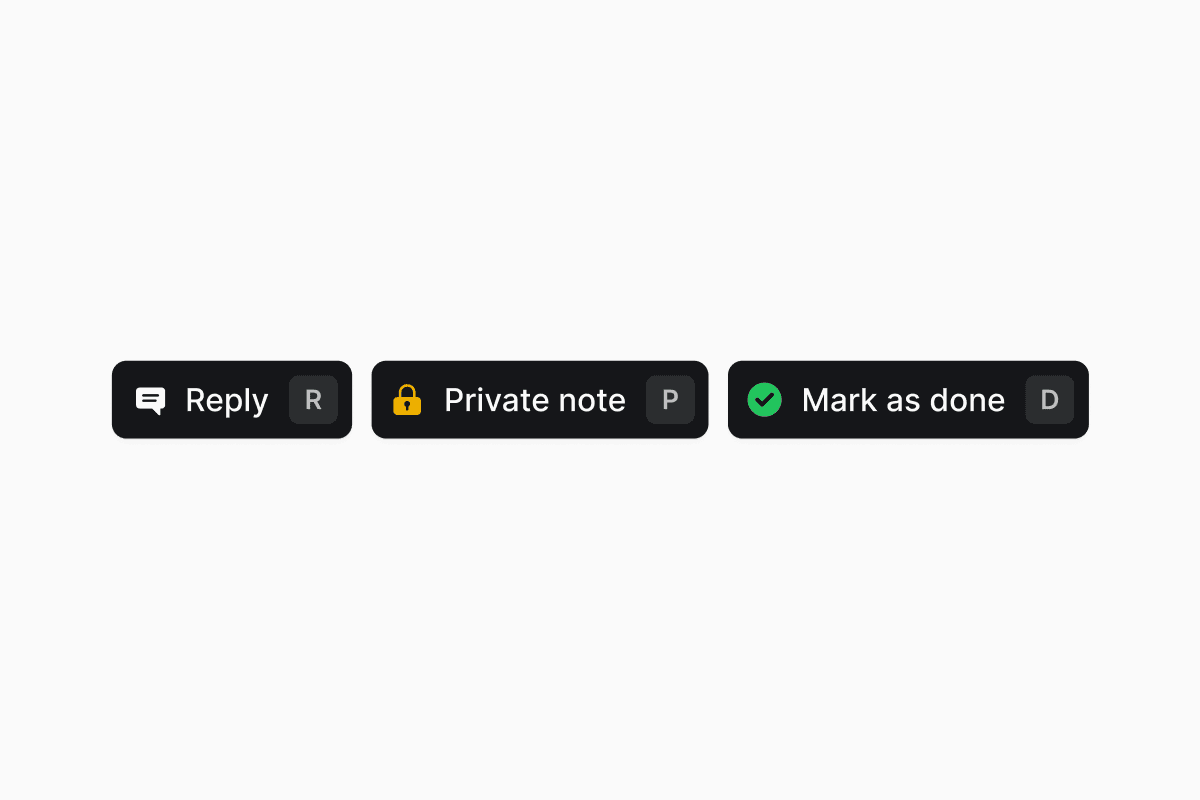
- Ticket actions, the default. Previous and Next, or ← and →, step through the tickets in the view you came from. Assign, Status, and Archive sit in the middle.
- The composer. Press R or click Reply to switch. Esc or Back returns you to the actions.
- Reply, R. Opens the composer for a public reply.
- Private note, P. Opens the composer already switched to private, so an internal note can’t reach the requester by mistake.
- Mark as done, D. Resolves the ticket, and becomes Undo mark as done once it is resolved.
- Drag a section’s handle between the two zones, or reorder within one.
- Your arrangement saves to your preferences and follows you across workspaces.
- Form fields and approvers start in the sidebar. Subtickets, tasks, and links start as tabs.
- Tabs carry a count badge, and a form’s tab is labeled with the form’s name.
- Keep composer open, in the composer’s menu, leaves the dock in whichever state you left it as you move between tickets.
- Snippets open in a floating list above the dock instead of covering what you are writing.
- Your sort direction and Hide logs choice persist across tickets, and posting a comment scrolls to your new message.
- The whole page works on a phone.
Report ticket durations from timestamps, not just the SLA clock
Custom analytics cards on the Tickets data source now expose two families of duration fields. SLA Time to First Response, SLA Time to Resolution, and SLA Time to Close keep reading the SLA target record and honor business schedules, pause statuses, and superseded targets. The new Time to First Response, Time to Resolution, and Time to Close fields measure wall-clock time from the ticket’s own timestamps, so you can benchmark performance across every ticket, including ones no SLA policy covers.Existing saved widgets keep pointing at the SLA-clock fields under their new SLA labels, so no numbers move.Learn more →Peek any ticket from a list
Every row in a tickets table and every card in a Kanban now has a Peek button that opens the ticket in a side drawer, so you can read and act on a ticket without leaving the list you were browsing.Learn more →Personalize your sidebar
Each user can now hide individual channels and views from their own sidebar without changing anyone else’s layout. Hidden items move into a collapsible section at the bottom and can be brought back at any time. You can also create a new saved view directly into a specific sidebar folder from the sidebar folder menu, instead of creating the view first and dragging it in afterwards.Learn more →Copilot’s toolbox grows
Copilot can now drive more of your workspace from chat:- Create and update user groups.
- Create and update access levels and access policies.
- Read and manage workspace ticket statuses.
- List and reference business schedules, with a schedule attachment card on the reply.
- Publish and deactivate workflows it built for you.
- Search existing Foundry actions before scaffolding a new one, so it reuses what your organization has already built.
- Run a Foundry action it just built as part of the same conversation, so you can validate end-to-end without leaving Copilot.
Browse Copilot use cases from the empty state
The Copilot empty state now opens onto a categorized use-case browser instead of a short list of generated starter prompts. Pick a category like Workflows, Agents, Analytics, or Knowledge, then click a ready-made prompt to drop it into the composer and start iterating.Learn more →Workflow tools available over MCP
Every Copilot workflow tool (create, edit, publish, deactivate, list, inspect, and step-level edits) is now available through the Ravenna MCP server, exposed via the same Copilot surface. The old tRPC-backed workflow MCP tools are retired so external MCP clients see a single, consistent workflow API.Learn more →Streaming AI stays online through provider outages
The Ravenna Copilot and Ravenna Agent streaming loops now fail over between AI providers automatically. If a provider degrades mid-turn, the reply continues from a fallback provider instead of erroring out.Learn more →Quality of life updates:- Copilot replies now consistently call the customer-facing AI an Agent rather than “assistant”, “bot”, or “AI assistant”, including while it is still being proposed.
- The forms toolbar sort menu now includes Description and Status.
- The SLA policy settings page now anchors Save changes to the right, with the “Changes apply to new tickets only” note next to it, so the action lands where you expect it.
- A generated Foundry action’s inputs and outputs are now valid on the first pass, instead of needing a fix before the action will run.
- Category ticket counts now reflect the real number of tickets instead of always showing 0.
- A form with hidden fields no longer blocks submit, and form editors no longer block Save on fields the form never renders.
- Conditional fields parented on system fields (like Priority or Status) now resolve visibility everywhere they appear.
- Analytics time-series charts skip dates with no data instead of drawing a gap at zero, and stat cards no longer show 0 for a period with no records when the metric is undefined.
- Knowledge source chips in a Copilot reply no longer carry a leftover list ordinal (like
1.or2.1)) in their titles. - Filter dropdowns no longer lose the search field’s focus when your mouse moves over the option list.
- The Create ticket modal’s file dropzone now accepts drops reliably instead of intermittently rejecting them.
- A Copilot chat input card is now centered in the workflow empty state instead of anchoring to one edge.
- The Ravenna Okta Activate User step now succeeds when the user is already active, instead of erroring on the redundant activation.
- The Ravenna Google Groups integration can now look up a group by email address, not just by group id.
- A ticket’s work object now renders in Slack messages even when its metadata is large enough to hit Slack’s per-message byte limit.
- Tickets with custom fields no longer intermittently error when opened or updated.
- Confirmation dialogs now disable Confirm and Cancel while the underlying action is running, so a slow delete or update can’t be triggered twice by an impatient double-click.
TicketsTasksCopilotAgentsWorkflowsFoundryAnalyticsKnowledgeMCP
Task cancellation
You can now cancel a task on a ticket without deleting it. Cancelled tasks stay visible in the checklist, freeze their description, assignees, and completion checkbox, and can be restored at any time. The Tasks header shows a cancelled counter alongside the completion counter (for example,2/5 · 1 cancelled).A new workspace Close ticket task policy decides what happens to open tasks when a ticket moves to Done or Closed. Leave the default to keep tasks open, or switch to Cancel remaining tasks so Ravenna prompts agents to cancel the rest of the checklist on close.Learn more →Business-hours aware inactivity auto-close
The inactivity auto-close policy has a new Business hours selector. Point it at a business schedule and Ravenna only counts that schedule’s working hours toward the inactivity threshold, so tickets are not warned or closed over nights, weekends, or holidays. Leave it unset to keep the current wall-clock behavior.Learn more →Drag and drop files into Copilot chat
You can now drop files straight into the Copilot chat input to attach them to your next message. The dropzone lights up as you drag over the composer, and attached files show up as chips you can remove before sending.Learn more →Copilot can act on tags, approval templates, and any settings page
Copilot now has first-class tools for ticket tags (search, create, update) and approval templates, so you can ask it to tag tickets or line up approvers without leaving the chat.Itsui_control skill also reaches every settings page now, so a request like “open my email domain settings” jumps straight to the right screen.Learn more →Quality of life updates:- Copilot ticket tools understand ticket type, so you can read, set, and filter tickets by type (Service, Incident, Question, and so on) directly from chat.
- Copilot now knows the current time of day, not just the date, and gracefully falls back when a user’s timezone can’t be resolved, so date-sensitive answers stay accurate.
- Count-card widgets in a Copilot reply now stretch to the full width of the message for easier scanning.
- The Ravenna Slack app and other LLM-facing surfaces now consistently say “channel” instead of the old “queue” wording.
- Every operator in the analytics filter picker now reads as is, is not, is between, and so on. The old has / does not have wording for multi-value fields is gone, so two ANDed conditions on the same field read consistently.
- Ravenna Copilot no longer carries a leftover draft into a new chat; the composer clears when you start a fresh conversation.
- On a Forms page, Copilot’s starter suggestions now reflect the forms and folders actually on that page, so proposals are relevant to what you are looking at.
- When Ravenna Copilot builds a workflow, it now names the parts of your request it can’t build (for example, a piece that belongs in a different setting) in the same message it delivers the plan, instead of surprising you later.
- Foundry code generation now uses Context7 OpenAPI specs directly as the source of truth, so scaffolded integrations line up with the real API contracts.
- The Foundry Context7 picker has a Find more matches action for broader searches and a manual library ID input for cases where search comes up empty.
- Grouped bar charts rendered by Copilot now show their group names on the axis instead of leaving them blank.
- Ravenna Copilot can now restyle an analytics widget (for example, switching a bar chart to a stacked bar) without redoing the underlying query.
- Ravenna Copilot streams now stay open through long silent turns; a slow tool call no longer causes a proxy to sever the reply mid-generation.
- When Ravenna Copilot creates an agent rule, the rule link opens the new rule and the rule appears immediately in both the workspace rules list and the owning agent’s rules list.
- URLs in a Ravenna Agent reply render as clickable links again instead of plain text.
- Sort options on the Agents table now match the sortable columns, so every visible sort works.
- The sidebar unread count on a saved view now respects that view’s own filters per user, so shared views no longer bleed each other’s unread counts.
- SLA outcome filters and featured values in analytics now match against the ticket’s stored state, so filters return the tickets you expect.
- Access eligibility for a form is now evaluated against the requester, not the row author, so requests submitted on someone else’s behalf can still reach the right form.
- The Notion knowledge base picker now offers pages whose parent is a Notion block (not just page-parented pages), so the full tree is available to add as a source.
- The Foundry Context7 picker is now gated on the integration version state rather than its last run state, so the picker appears in the right places again.
- The Ravenna MCP server now declares proper JSON Schema types for
customFieldsandattributeFieldson ticket create and update tools, so strict MCP clients no longer reject the input. - Every Ravenna MCP tool now advertises its real display title, so tools list cleanly in MCP clients.
- The Jira ticket replication link is now written reliably on ticket create, even when the post-create hook takes an unusual path.
AnalyticsCopilotWorkflowsAgents
AI Outcome skips tickets without agent participation
The AI Outcome metric now returns Not Computed for tickets the AI agent never worked on, instead of classifying them as Escalated. Because those tickets no longer receive an outcome at all, the Resolved, Assisted, and Escalated rates on the prepackaged Agents dashboard describe only the tickets the agent actually participated in.Bot-submitted tickets are also skipped, keeping automated noise out of your agent performance numbers.The fourth outcome value is now labeled Unactionable, replacing Not Applicable.Learn more →Quality of life updates:- The ticket filters card in a Copilot reply has tighter padding, a compact “N applied” summary, and an Open ⌝ affordance so filter results are easier to scan.
- A workflow run now shows the ticket that triggered it in the run header, even when the trigger step iterated multiple times.
- Picking a form through the drilldown in a workflow builder input now stores the form’s ID, so downstream steps and validation keep working instead of failing on a malformed reference.
- Ravenna resources named in a Copilot reply render as clickable attachment cards again instead of plain text.
- Agent rules referenced by a Copilot reply also render as clickable cards instead of plain text.
- An agent rule that tags a Slack user in its instructions now keeps the
@mentionintact when the agent replies in Slack. - The Rapid create workspace preference in My settings can now be cleared back to no default.
- Copilot no longer surfaces raw database resource IDs when it talks about agent rules or related resources.
- Copilot’s agent-rule editor no longer suggests a “should-not-trigger” examples field. Narrow matching by tightening the rule’s trigger or instruction instead.
- The Ravenna Slack app auth handshake no longer fails on a specific edge case that blocked installs.
WorkflowsRemindersTicketsEmailFoundryAnalytics
Private reminder DMs
Approval and assignment reminders no longer post a public @mention on the ticket. Ravenna sends a private Slack DM (with an email fallback) to just the pending approvers or the current assignee, and honors each recipient’s notification preferences before sending.Approval reminders DM every approver still pending on the active round. Assignment reminders DM the current assignee. Everyone else on the ticket is left out of the nudge.Learn more →Send Email workflows can use a custom sender address
The Send Email action now has Sender Name and Sender Address fields. Set a display name and pick a local part on your verified email domain (for example,it-help on support@your-company.com) so workflow emails go out branded to the team that owns them.Without a verified domain the action falls back to the standard workspace sender, so existing workflows keep working unchanged.Learn more →Quality of life updates:- Inbound email allow lists and block lists on a queue now use a tokenized input instead of a comma-separated text field, so each address or domain gets its own chip and validation as you type.
- Blocked senders are now rejected before Ravenna processes the message, and the queue sends a bounce back if Send bounced emails is on for the queue.
- Outbound Email Settings on a queue has a new Mask internal agent emails switch. Keep agents’ personal addresses off customer-facing replies so only the requester and external participants are copied.
- The Send Email workflow action can now target a group (the group’s members are expanded to individual recipients at send time), alongside the existing user picker.
- When a customer emails your workspace via a distribution list (Google Groups,
list-postheaders), Ravenna keeps the group address on the reply’s CC so the whole list stays in the loop. - Form fields and approvers on a ticket now default to the ticket sidebar instead of tabs. Move them back to a tab from the ticket view if you prefer the tabbed layout.
- The Application filter in workflow conditions is a dropdown of your connected applications instead of a free-text field, so the value can’t drift from a real application ID.
- Foundry generation and publish failures now surface the actual reason (draft integration, hardcoded identity, missing scope) with an actionable message instead of a generic error toast.
- Foundry actions can now be code-generated against
ticket.list,ticket.byId, andticket.createendpoints, so Copilot can scaffold ticket-shaped automations without hand-wiring the request.
- A workflow with a Category Assigned trigger now fires when Ravenna’s AI classifies an incoming ticket, not only when a human sets the category.
- An analytics filter that ANDs two values of the same multi-value field (for example, tag = A and tag = B) now returns tickets that have both, instead of zero.
- Foundry bridged junctions declared on a native integration stay detachable, and bridge generation works on native-only integration slugs again.
- A workflow condition step no longer fails open when the condition list is empty; empty conditions evaluate to false, and broken variable references now surface as named errors instead of silent passes.
- A long Copilot Foundry tool call no longer severs the assistant turn mid-stream; the reply keeps streaming through slow generations.
- The ticket create button in the ticket header lines up with the rest of the toolbar again, and its keyboard shortcut tooltip renders the right glyphs.
- The Ravenna MCP endpoint tolerates an empty JSON body on
DELETEsession termination requests, so MCP clients that end a session with no payload get a clean 200 back.
AnalyticsFoundryCopilotMCPWorkflowsTicketsTasksPortal
See what your AI agent actually resolved
Ticket attributes get their own tab
In the ticket drawer, attributes now have their own Attributes tab alongside Conversation, Tasks, and Approvals, instead of sitting inline underneath the conversation. Edit attribute values from the tab, and promote another eligible field with Add Attribute without a trip to settings.The full ticket view keeps its sidebar Attributes section, which you can move to a tab if you prefer.Attributes and the tabbed ticket view are both rolling out gradually. Reach out on Slack or in-app chat if you’d like them turned on for your workspace.Learn more →Portal chat answers questions about your own tickets
Portal chat can now send a requester’s questions about their own data to Ravenna AI instead of creating a ticket. “Show me my tickets from this week”, “do I have any approvals waiting on me”, or “chart my tickets by status” get answered in the chat. Real support requests still route to the workspace’s agent and open a ticket as before.Answers are scoped to the signed-in requester, so questions about someone else’s tickets or approvals are denied. Follow-up turns stay in the same conversation, and each turn rechecks the setting.Ravenna AI in Portal is off by default. Turn it on in Organization Settings > Portal.Learn more →Quality of life updates:- Copilot’s create_ticket over MCP now returns an openable ticket link, so an MCP client can jump straight to the new ticket instead of quoting an ID.
- Saved credentials on a Foundry integration render as a star mask with a Saved. Enter a new token to replace it. helper, so you can tell at a glance which fields are already stored.
- A Foundry OAuth failure now shows the provider’s actual error (
invalid_client,invalid_grant,invalid_scope,unauthorized_client,unsupported_grant_type,temporarily_unavailable) instead of a generic missing code message. - A disabled Foundry OAuth provider that still has active connections stays on the Integrations page as Archived, so you can disconnect it without it reappearing in the connect flow.
- A Foundry action’s configure panel now lets you pick an integration inline, create one from an unmaterialized provider, or open its settings without leaving the action.
- Copilot’s knowledge base sources collapse into a single Sources popover in the chat, so long answers no longer push the reply off screen.
- Copilot can now list and update applications over its tools, so you can ask it to find or edit an application without leaving the chat.
- Paste a multi-line list into a task row and each line becomes its own item. Ravenna strips common list markers (
-,*,1.,- [ ],•) as it splits, so you can paste straight from a doc. - A Remove Template action in the Tasks section header deletes every task that came from an applied template, including subtasks, and keeps the ones you added by hand.
- Guests can no longer bypass form intake by opening the ticket composer from the tickets table; the header only offers it to workspace members and admins.
- Duplicating a workflow with an AI Prompt trigger now mints a fresh webhook URL for the copy, so the two workflows no longer share a direct URL.
- A metric widget’s actions menu stays open while you move to click one of its items instead of disappearing on hover-out.
- Icon-only combobox triggers across the app keep their width while loading, so buttons no longer jump as options resolve.
- A workflow with a webhook trigger no longer fires when the workflow is paused; only active workflows run on webhook events.
- Copilot’s stop button now halts an in-flight reply on the server, instead of stopping the stream on your side while generation continued.
- A Foundry connect deep-link opens straight into the configure sheet again, rather than dropping you on the Integrations list.
- Copilot chat header buttons expose proper labels to screen readers.
- Copilot ticket-filter suggestions apply as complete filters, and pausing a long-running Copilot tool no longer wedges the session.
- Copilot’s agent-select dropdown caps its height and scrolls internally, so a workspace with many agents no longer stretches the picker off screen.
- Rich text formatting from Copilot’s composer bubble menu survives once the message is sent.
- Copilot’s scroll-to-bottom button only appears when you have actually scrolled up, so it no longer overlaps the suggested-reply chips.
ApprovalsFoundryCopilotAnalyticsTicketsTasksAccess requests
Run approval rounds in parallel
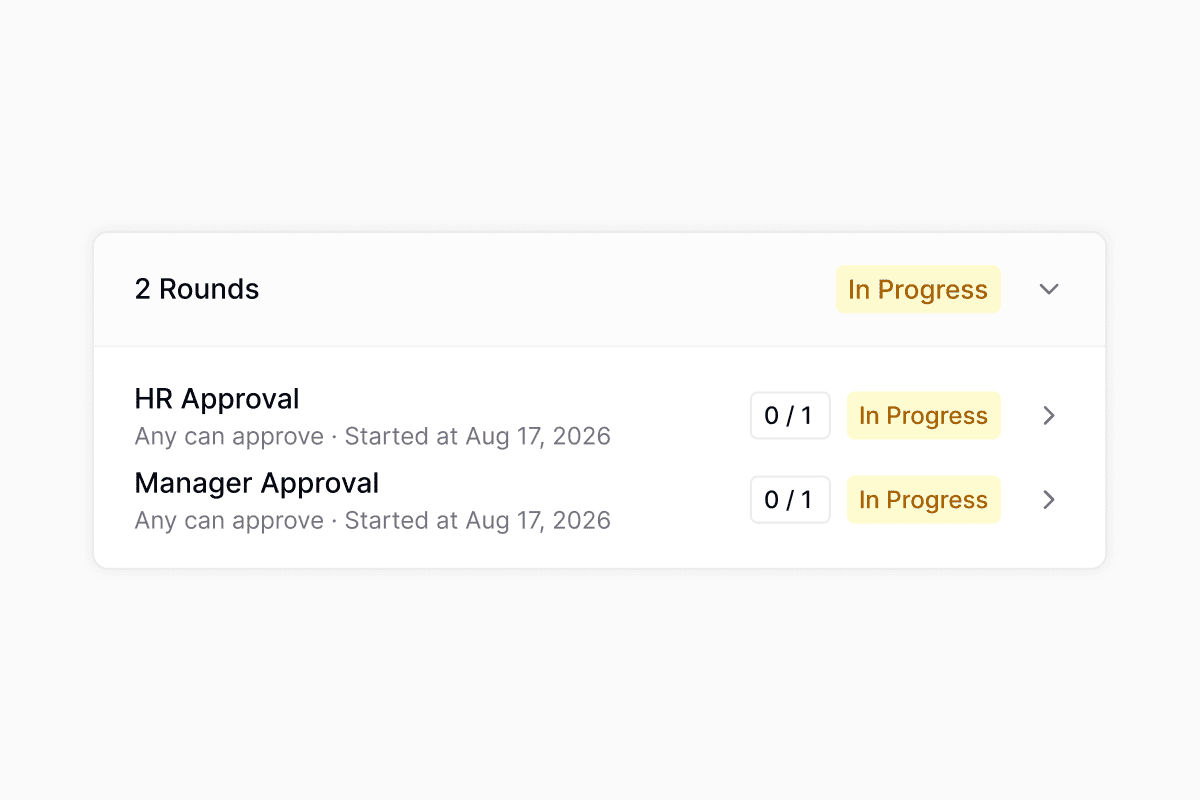
More native bridges in Foundry
Foundry actions can now reuse the credentials from thirteen more connected integrations without configuring a separate Foundry integration: HubSpot, Incident.io, Vanta, Freshservice, JumpCloud, Intune, Iru, Rippling, Jira, Linear, GitHub, PagerDuty, and Fleet. Select any of them as the action’s connection and Foundry supplies the token at run time.Learn more →Quality of life updates:- A pending approver now sees the Approve and Decline buttons docked in the ticket composer, so you can decide without scrolling to the approval card. See approvals.
- Access policies can now require the requester’s manager’s manager as an approver, in addition to the direct manager.
- Copy a task template into another workspace from the task template settings, choosing the destination workspace, folder, and a new name and description.
- Custom ticket attributes can now be edited from the create ticket modal, the edit modal, and the ticket drawer, and a plus button on the ticket sidebar promotes an eligible custom field to a workspace attribute without a settings round-trip.
- The Copilot form builder preserves dedicated field types (like Application Select or User Select), conditional-field parents, and per-field flags when it duplicates a form, so a form asked for “like this one” comes out matching the source.
- Copilot resolves partial dates like “Aug 12” against today’s year instead of asking which year you meant. See Copilot.
- Copilot answers generic automation questions (“what can I automate?”) directly instead of interrogating you for specifics before it responds. See Copilot.
- Copilot suggested-reply chips scroll sideways in a single row now, instead of wrapping onto multiple lines and pushing the composer down.
- Automation settings (reminder policies, ticket inactivity, reopen policies) save with debounced writes and confirm each save with a toast, so you can adjust a value and know it stuck. See reminders.
- Analytics single-value and grouped-value widget cards were redesigned with a cleaner header, badge-based deltas, and consistent chrome across the dashboard and Copilot.
- Copilot task tools are now available over MCP, replacing the older duplicate task endpoints.
- Agent replies no longer render literal backticks around inline code. See Copilot.
- The AI Outcome dashboard no longer shows mismatched populations between rate cards and their underlying counts.
- The Hide empty values toggle now defines the denominator for percentage metrics, so hidden buckets are excluded from the total instead of quietly diluting the rate.
- Business schedule hours and card-select conditional fields save correctly again on first submit.
PortalRavenna AICopilotWorkflowsApprovalsSlackIntegrations
Ask Ravenna AI in the Portal
Turn on Ravenna AI in Portal from Portal settings and anyone visiting the Portal can ask about their own tickets and approvals, instead of filing a ticket to find out where something stands. Each person only ever sees their own requests, so this exposes nothing new.Learn more →Quality of life updates:- The model picker is gone from the Copilot chat header. It no longer changed anything, since Copilot chooses the model for you.
- A long workflow title no longer runs underneath the + button you use to insert a variable.
- You can change how an integration signs in, for example from an API key to OAuth, and save it without having to disconnect and set it up again.
- When you send Ravenna a file in a Slack DM, it now lands on your ticket and the AI agent waits to see it before replying.
- You can remove the last round from an approval process that does not require one, instead of being stuck with a round you no longer want.
AgentsApprovalsCopilotTasksFoundryAnalyticsTicketsKnowledgeFormsSlackWorkflowsGoogle Drive
Approve and decline requests in chat
Approvers can now respond to a request from wherever the conversation is happening. Two new Ravenna tools, Approve Request and Decline Request, let an agent record an approver’s decision when they reply “approved” or “denied, the budget is too high” instead of asking them to open the ticket. A decline carries the reason through to the requester.Both tools only ever act as the person talking, so a requester or a bystander in the thread cannot approve on someone else’s behalf. After recording a decision the agent knows whether the round finished, whether the whole request is approved, and how many approvers are still outstanding, so it can answer “what happens next” in the same reply.Learn more →Copilot works your ticket checklists
Copilot can now read and edit a ticket’s task checklist. Ask what’s left, mark several items done in one request, rename or reassign a task, nest it under a header, or apply a task template by name. Copilot reads a template’s items before applying it, so you can check you picked the right one.Copilot also reports a ticket’s approval state now, including each round, who has approved or declined, the reason they gave, and who is still pending. Ask “who still needs to approve IT-4892” and you get the answer without opening the ticket.Learn more →Roll back a Foundry function to a prior publish
Foundry now keeps a version history for every function. Each code change snapshots a checkpoint in the Chat tab, and each publish records a deployable version, so there are two ways back.Restore on a checkpoint marker rewinds the draft’s code, schemas, settings, and integration bindings, plus the conversation, to that moment. Your current state is saved first, so a restore is itself reversible. Click the published v3 badge in the function workspace header to open Publish history and roll the live version back instead: rolling back fromv5 to v3 re-publishes immediately as v6, annotated ↳ rolled back to v3, and keeps your chat where it is.Learn more →Quality of life updates:- Agent Outcome is now AI Outcome everywhere: the tickets table, views and filters, and analytics.
- AI Outcome gained an Assisted value for tickets where the agent did substantive work but a human finished the ticket, alongside Resolved, Escalated, and Not Applicable. Tickets the classifier has not reached yet read Not Computed.
- Clicking a segment of an AI Outcome chart opens the tickets behind it.
- The Percent of aggregation is now a single share-of-total mode driven by Group by. Group by SLA > Outcome, AI Outcome, or Resolution Path for those rates, and every ticket is counted rather than excluded when it has no value. Cards built before the change keep their current numbers, so only new cards use the new mode.
- A new Date & Time custom field type captures both halves in one field. In Slack it renders as Slack’s combined picker and is read in the submitter’s timezone, and the value is stored as wall-clock time so 9:00 AM stays 9:00 AM for everyone.
- Form pickers across Ravenna only offer published forms. A draft or archived form that was already attached to a Ravenna channel, an agent, or a Slack channel stays visible so you can remove it, labeled with why it is no longer selectable.
- A workspace’s default form is now an ordinary form. It is created Published so the workspace can take tickets immediately, and you can edit, archive, or delete it to replace the starter form with your own. See forms.
- The Slack ticket modal prefills the description with the message you started from, and the workspace picker only lists workspaces where you have a published form you can submit. The generic Others option is gone.
- The Google Drive knowledge picker has five tabs (All files, My Drive, Shared with me, Shared drives, Starred), so team-owned files in a shared drive are reachable.
- An unconfigured placeholder step in the workflow builder can take child steps and branch, so you can lay out a workflow’s shape before choosing its actions.
- The HTTP Request workflow action no longer sends a
Content-Typeheader on bodyless GET and DELETE calls, which strict servers were rejecting. - Foundry names function outputs that hold a Ravenna entity ID with Ravenna’s canonical field names, so callers can expand an ID into the full user, ticket, or application instead of getting a bare string.
- Agent rules authored through MCP render their form references as badges in the rule editor rather than raw
[form: ...]text. - Copilot suggested follow-ups are stored with the conversation, so they are still there when you reload a session or come back to it later.
- The integrations settings page has matching horizontal padding on desktop, in line with the rest of settings.
- Spam, delivery bounces, and monitoring alerts no longer count toward the AI resolution rate denominator, so rates on a noisy inbox reflect the tickets a person actually opened. Assisted and Not Applicable also render their labels in the tickets table instead of a blank cell.
- A dashboard widget’s View action now carries the widget’s filters into the ticket list it opens. See analytics.
- The SLA target filter no longer produces invalid SQL.
- A required field in a form layout section no longer blocks submits, and checkbox fields drive conditional logic correctly on the web and in Slack.
- The tickets table no longer crashes when a custom field’s stored value does not match its current type, and editing a custom field on a ticket refreshes the table without a reload.
- The Slack ticket mirror card is no longer silently dropped on tickets large enough to exceed Slack’s block limits.
- Workflow URLs with underscores are no longer corrupted by markdown escaping. The workflow runs table’s Ticket and Version columns are no longer sortable either, since neither maps to a real field and clicking to sort them used to error out.
- The Auth Test Endpoint field on a custom Foundry integration keeps what you type instead of being rewritten as you go.
- The audit log loads the next page of results instead of repeating the first.
- Out of office status reverts to your manual setting when a Slack sync fails, rather than leaving a stale status behind.
- Foundry OAuth integrations refresh their tokens just in time instead of returning 401s, show Reconnect for client-credentials connections, and no longer crash on secrets containing colons.
- Images sent to AI agents are passed to the model as S3 URIs, fixing attachment handling on large files.
- Guests no longer see the table view option in the sidebar, where it was never applicable.
WorkflowsMCPFoundrySlackTicketsAnalyticsKnowledgeConfluenceCopilotFormsSLAsOkta
Notion and Jamf Pro in Foundry
Attach existing Slack threads to tickets
- Drag-to-reorder ticket detail sections between the tab bar and sidebar. Your layout saves to user preferences and follows you across workspaces.
- Analytics widgets can now pin their own date range instead of following the dashboard picker.
- Confluence knowledge sync uses the shared knowledge sources picker. Choose specific pages and blog posts (up to 3 levels deep) instead of pulling in the whole space.
- New Agent Outcome column on the tickets table, sortable and groupable. See views and filters.
- Copilot visual refresh: rounded side panel, consistent attachment cards, and a smoother thinking indicator.
- Foundry studio now shows clickable suggestion chips above the input when the model offers follow-up choices.
- SLA analytics and filters now account for business hours, pauses, and superseded targets.
- A new Complete Tasks workflow action marks task list items as complete on the trigger ticket.
- Workflow code actions can now return structured JSON data. Downstream steps reference individual fields via the variable picker.
- The MCP ticket tools now accept a
filesparameter for attaching files directly from tool calls. - A new MCP tool lets AI assistants open access requests programmatically.
- The Send Email workflow action now supports file attachments.
- Submitting a request form no longer fires duplicate events, so form-triggered workflows run once per submit.
- Private form custom fields can now be toggled required directly on the form without the workspace-level floor applying.
- The Assignee is Me ticket filter now works on the main tickets table.
- Slack emoji self-assignment (👀) and Public Emoji Actions now respect the workspace Assignee Options scope.
- Okta external-group syncs on tenants with many groups no longer hit rate limits.
- SLA drill-downs work again, and the ticket filter is now labeled SLA Outcome (Met / Breached).
AgentsApprovalsKnowledgeRavenna AICopilotMCPWorkflowsSlackTicketsFormsOrganizationsGoogle Drive
Knowledge Gaps
Gate agent tools with per-rule execution policies
Each tool referenced in an agent rule now has an execution policy that decides what happens before the agent invokes it: Auto-execute for read-only lookups, Requires confirmation to prompt the requester before a change, or Requires approval to open an approval round. Policies are scoped per rule, so the same tool can run automatically in a low-risk rule and require sign-off in a sensitive one. Write and delete tools default to confirmation, and read tools default to auto-execute.When you pick Requires approval, choose workspace admins or any approval template, including named users, groups, and role-based approvers like the requester’s manager. If a single agent run plans multiple approval-gated calls, Ravenna groups them by approver set and opens one parallel round per group, so approvers see one consolidated request instead of a stream of prompts.Learn more →Scheduled Slack ticket reports built by Copilot
Ask Copilot for a recurring Slack report of live ticket data, for example your open tickets each morning or a team’s backlog every Monday, and it builds the workflow end to end. Copilot creates a cron-based schedule trigger, queries the tickets you describe, formats the results, and posts them to a Slack DM or channel. You preview the formatted message and iterate on it before turning the workflow on.Learn more →Quality of life updates:- The built-in tool group in the agent configuration tools picker is now labeled Ravenna, matching how the docs and rules already refer to these built-in tools.
- Custom form fields can now be marked Hidden, which removes them from every requester-facing form surface (web request form, portal, Slack and Teams dialogs, bulk editor, AI agent) while keeping them editable by agents on the ticket, prefillable by workflows, and available via the API. Required and Hidden are mutually exclusive.
- Text Area custom fields now support opt-in rich text. Admins flip a Rich text toggle on the field and requesters get a formatting toolbar on the web and Slack’s native rich text input, with values stored as markdown.
- Copilot and the MCP server ticket tools (create ticket, update ticket, add ticket message, update ticket message) now accept a
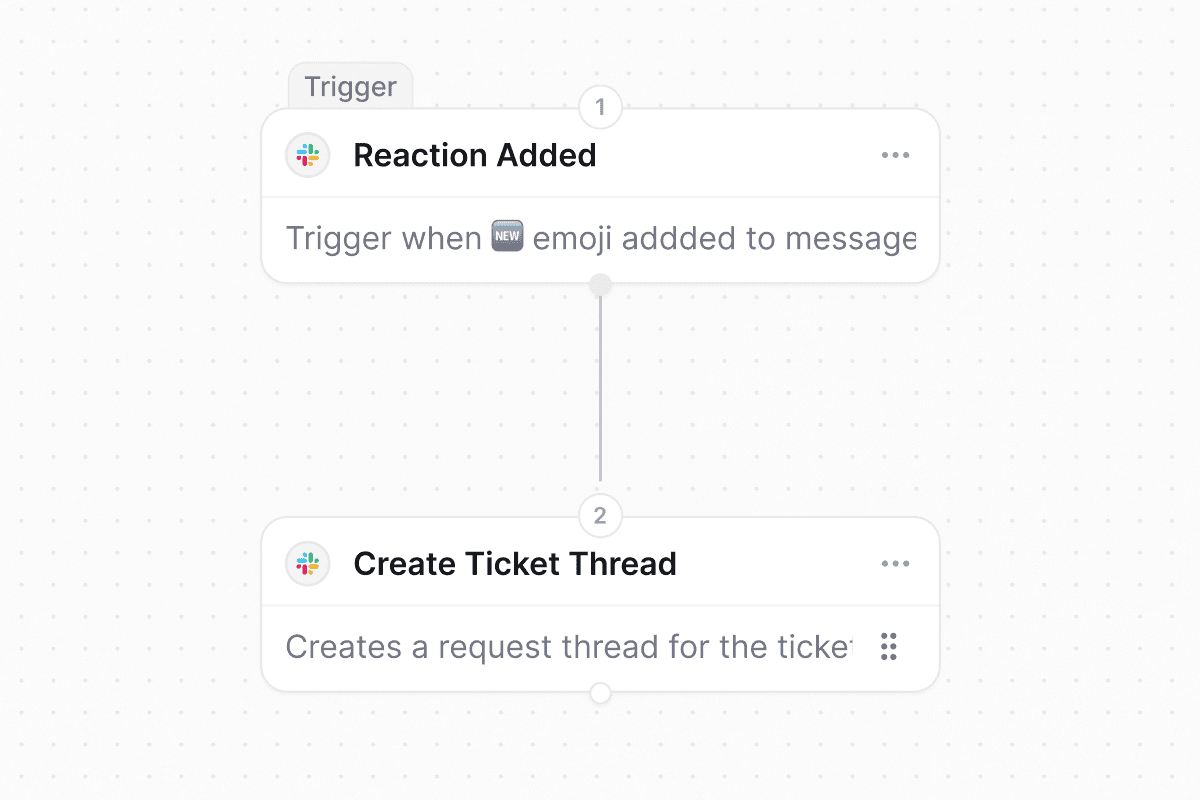
filesparameter so tool calls can attach files (up to 5 per call) directly from a URL or base64 payload. Each attachment is validated, MIME-checked, size-capped, and mirrored to Slack like any other ticket attachment. - The Slack Create Ticket Thread workflow action can now attach an existing Slack thread to a ticket by URL, post an optional custom message, and toggle the ticket card. Comments sync bidirectionally from the moment of attach.
- Workspace admins can now fast-forward timer-based Wait steps on in-flight workflow runs from the run detail panel, immediately advancing past the sleep without cancelling and re-running the whole workflow.
- Admins can now block and unblock individual organization members from the org members table. Blocked users are signed out on their next request and shown an account-suspended screen, without removing them from the org or losing history.
- A new Edit Completed Approvals workspace setting lets admins edit or reset an approval process after it has been decided. The timeline now shows the correct outcome for prior decisions even after a reset.
- When an access request needs manual provisioning, the ticket assignee now gets a Slack DM in the ticket’s mirror thread with a Provision access button that provisions the entitlement inline.
- The workflow builder’s app and action selection sidebar supports full keyboard navigation. Use the arrow keys to move through search results and press Enter to select, no mouse required.
- Copilot messages render through a new streaming-aware markdown pipeline, eliminating the visual flash between the streaming and finished states. Full-page Copilot also gets larger, easier-to-read text.
- Google Drive knowledge sync now detects when its access token has been revoked and prompts you to reconnect the integration, instead of failing silently and leaving documents out of date.
- A running workflow no longer receives duplicate trigger signals after it has already started. Trigger signals are now scoped to starting new runs only, so the same ticket event is not processed repeatedly.
GitHubPortalTicketsWorkflowsSlackFoundryCopilotAgentsAnalyticsMCPKnowledgeWorkspaces
Native Ravenna Github App
Curate Portal suggestions per workspace
Suggested questions in the Portal can now be tailored per workspace. Each workspace maintains its own list of suggestions, adds back any organization-level questions it has dropped, creates new suggestions inline, or hides suggestions entirely with a single toggle so requests reach the right place. Workspaces start from the organization list until an admin customizes it, and only portal managers see the controls.Learn more →Custom ticket attributes in Slack and workflows
Custom ticket attributes now appear on the Slack work object card and are fully supported in workflows. Workflow actions can create or update tickets with attribute values, workflow conditions can match on attributes, and Copilot suggests and validates attributes when building workflow steps. The workflow step input panel lists attributes alongside built-in ticket fields.Learn more →Quality of life updates:- The queue Ticket Sync settings now use a single toggle to turn the integration on or off, and the disconnect control lives with it in the card header.
- The tickets table SLA column is cleaner. It shows the most urgent pending target while a ticket is active, then a compact
SLA: met/totalsummary once every target is resolved. - Foundry’s Available APIs panel now lists every Foundry-enabled integration, including native integrations like Slack workspaces and connected APIs like Meraki. Clicking a native integration creates a new function with the integration already connected. See Foundry integrations.
- Copilot suggests up to three quick replies, ordered best-first, so the strongest suggestion is always visible.
- Saving an agent rule without a title now shows an inline Required error and focuses the title field. Long agent names in the picker are no longer cropped.
- The analytics percentage aggregation dropdown has an explicit None (share of total) option, and the Agent Outcome filter can target tickets with no outcome yet with is empty and is not empty.
- MCP OAuth now supports the
offline_accessscope, so MCP clients stay signed in across sessions without re-authenticating. - The default inactivity window for the workspace auto-close policy is now 30 days, so new workspaces get a longer default before a stale ticket is warned and closed. Existing workspaces keep whatever window they already set.
- Agent rules no longer flag knowledge resources in nested folders as invalid. Rules that point at documents inside subfolders stay green.
- The Portal home loads more smoothly. Hero, chat input, team list, and workspace cards now reveal together, and organizations that enable Show organization logo instead of profile picture without uploading a logo get a clean default fallback.
- Date-range filter calendars on ticket lists and analytics widgets highlight the day you clicked, including in timezones near the international date line.
WorkflowsFormsTicketsRavenna AIAnalyticsPortalEmailFoundrySlackOktaGoogle WorkspaceMicrosoft Entra
Rearrange steps in the workflow builder
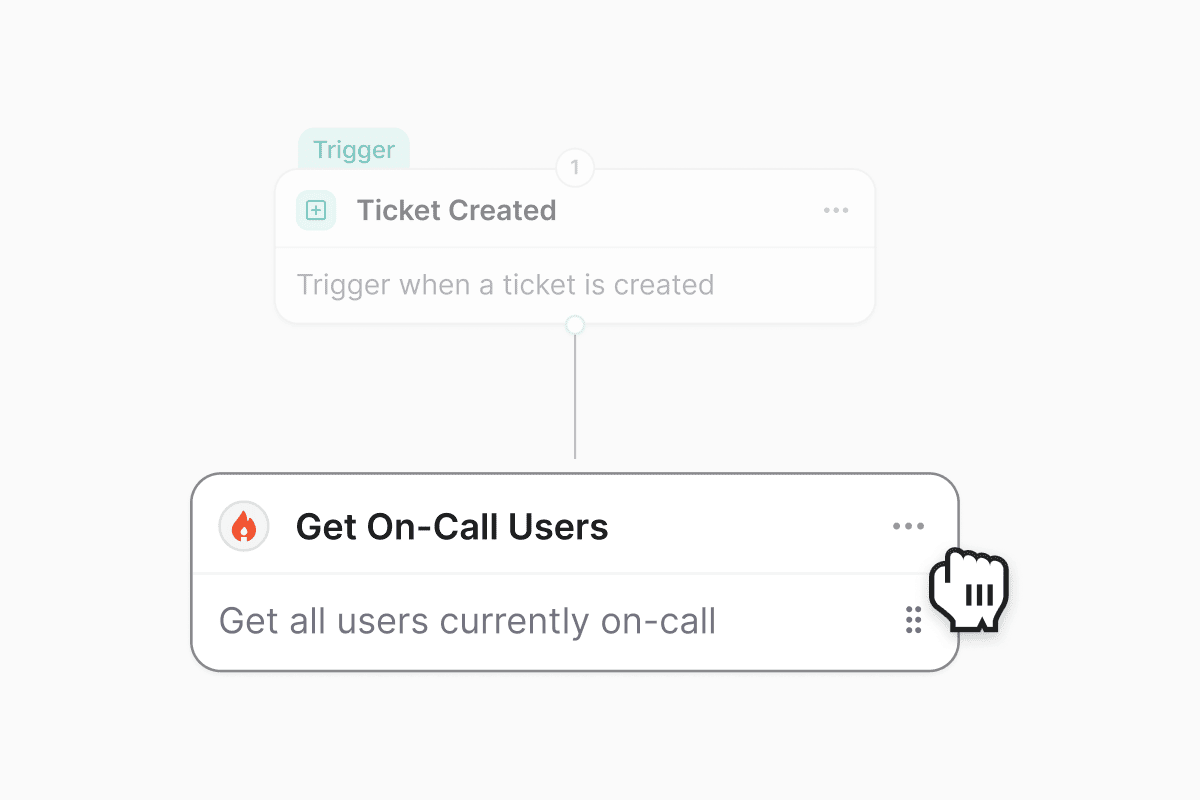
Share forms publicly, no login required
Turn on Public access for a form to host it at an unguessable URL that anyone can submit without signing in, so you can collect requests from vendors, event attendees, or anyone outside your organization. Public forms accept simple input fields only and never expose workspace data, and each submission is rate limited and protected by a CAPTCHA. Copy the public link from the Share popover, and rotate the link whenever you need to invalidate the old one.Learn more →Use Slack, Google Workspace, and Okta credentials in Foundry actions

- Ticket details now leads with a date chip and a requester chip in the metadata row, and drops the redundant assignee chip since assignee already lives in the sidebar. Long ticket subjects no longer leave a big gap above the first message, and message reaction tooltips render in the right place instead of jumping to the top of the page.
- The Share popover on analytics dashboards has been refreshed with a cleaner layout, clearer sharing options, and tighter defaults so it matches the rest of the settings surfaces.
- The ticket sidebar shows fewer, quieter SLA badges. Non-actionable states are hidden, the SLA section only expands when there’s something to show, and the sidebar renders faster on tickets with many attributes.
- Ravenna AI messages have a refreshed card and bubble treatment across the
/aichat, the side panel, and agent chat. User messages get a tighter bubble, and attachment cards (workflows, tickets, filters, widgets) share a consistent shell. - Organization admins can now retry a failed custom email domain verification directly from settings. If AWS can’t find the DNS records inside the 72-hour window, a Retry Verification button restarts the check without deleting and re-adding the domain.
- Ravenna AI’s message classifier now understands image and file attachments. A screenshot or document dropped into a thread, even with no accompanying text, is treated as a reply to the agent when the agent recently asked for one, so evidence-only responses no longer get skipped.
- Slack tickets that Ravenna auto-creates from a new thread now include the triggering message before they publish. Ticket previews, notifications, and Ravenna AI’s first read all see the actual request instead of an empty body.
- The tickets table no longer breaks its layout when custom-field columns are added. Rows keep their alignment as columns are toggled.
- Guests can no longer perform ticket mutations they shouldn’t. Guest workspace members are now treated the same as non-members for ticket edits, matching how roles and access already describe guest behavior.
- Non-member requesters can attach files to a form’s file custom field on the Portal and on public hosted forms, and rapid double-clicks on submit no longer create duplicate tickets.
- Agent chat logs no longer leak conversations across agents. When you open an agent’s chat history, you only see conversations that belong to that agent.
- Microsoft Entra group sync now links groups back to the enterprise applications they’re assigned to, so Entra-backed access levels resolve correctly for group-based provisioning.
- SSO sign-ins no longer trip the email verification step. Users completing SSO log in on the first try instead of being sent through an extra verification round trip.
SLAsTicketsCopilotAgentsFoundrySlackAccess requests
SLA policies now switch when ticket attributes change
Plan multi-step automations with Copilot
Copilot has a newplan_automation tool that recommends the right shape for a multi-resource ask before it builds anything. Describe the goal, and Copilot reads your workspace inventory (queues, forms, custom fields, agents, agent rules, connected agent tools, Foundry integrations, and workflow actions), picks between a native workflow, an agent with rules, or a Foundry-backed integration, and returns a concrete plan you approve before any create step runs. Asks that aren’t automations (like analytics questions) are politely declined with a pointer to the right surface.Learn more →Quality of life updates:- Agent rules can now set tags and statuses. Rule instructions that reference
[tag: ...]or[status: ...]in agent rules apply those values automatically after publishing, using the same bracket mention pattern that already worked for categories and workflows. If a rule sets a status, it runs after publishing so it isn’t overridden by the queue’s default open status. - New users provisioned in Okta now flow into Ravenna automatically. When Okta workflows create a user, the sync creates the matching Ravenna user in place instead of waiting for the person’s first sign-in.
- Foundry actions bound to Slack can be retargeted to a different workspace again. The linked native bridge row in the configure panel gets a switch icon (admin only) that lists your org’s other Slack workspaces and repoints the action in one click.
- Foundry
ctx.fetchonce again reaches unauthenticated public APIs (like a weather endpoint) from a function whose primary integration is a native bridge. The bridge’s host allowlist now only constrains the bridge client’s own authed calls, not the generic escape hatch.
- Slack Connect messages now route to the workspace that actually owns the channel. Previously, a guest posting in a shared channel owned by another org could be silently dropped when the connected queue lived in a different Ravenna org; the channel-first lookup now resolves across orgs.
- Copilot no longer crashes the entire page when a single response attachment card fails to render. Each card sits behind its own error boundary and degrades to a muted “Couldn’t display this item.” fallback so sibling cards, follow-up chips, and the assistant’s answer keep working. This covers
/ai, the side panel, KB explain, and agent chat. - Guest workspace members can no longer open a ticket by direct link that they wouldn’t see in their filtered list. Ticket visibility, semantic search, and unread counts are now consistently scoped to participants for guests across every surface. Copilot ticket lookups also verify the ticket belongs to the caller’s workspace, closing a cross-workspace read/write hole.
- Workflow direct URLs are decoded correctly on workspaces using a custom domain, so tokenized links from workflow actions resolve on the first click instead of failing at the URL parser.
- Slack knowledge base answers with citations render as the original plain markdown source links again, replacing the card layout that was in flight.
TicketsWorkflowsAccess requestsPortalSlackRavenna AIAnalytics
Auto-close stale tickets after a warning
Workspaces with the inactivity policy on now get a recurring sweep that finds tickets which have gone quiet, decides whose turn it is to reply, posts a single warning that mentions the right person, and closes the ticket automatically if nobody responds within another inactivity window. Empty tickets, where the requester opened a ticket but never described the ask, are also picked up and nudged instead of being skipped. One knob (inactivityHours) governs both the warning and the close, so agents stop hunting through untouched tickets that nobody plans to answer.Learn more →User settings work without a workspace
Profile, notifications, preferences, appearance, connected apps, and passkeys now live at slugless/settings/* URLs and load for any signed-in user, including org-portal members who don’t belong to a workspace. The org portal sidebar surfaces Profile and Notifications entries so those users can actually reach and save their settings, including their Slack vs. email notification preferences, instead of being bounced to the Portal chat. Existing workspace-scoped links redirect to the new paths automatically.Learn more →Quality of life updates:- The ticket details page is now responsive on mobile and tablet: keyboard hints and navigation labels hide on narrow screens, padding tightens, and message cards resize so tickets are usable from a phone. Conversation preferences (sort direction and Hide logs) now persist across tickets, and posting a comment auto-scrolls to the newest message when the thread is sorted oldest-first.
- The Access Entitlements and Access Levels settings filters default to multi-select (“is one of”), so you can filter by several applications, access levels, or statuses in one pass instead of stacking single-value filters.
- Ticket events now display the correct application for manually provisioned entitlements, so audit history matches what agents see in the app.
- A new Processing status is available on entitlement triggers, so workflows can fan out on in-flight SAR provisioning alongside the terminal outcomes.
- Comments on work objects and public forms are no longer gated behind feature flags. Both are on for every workspace.
- The Foundry action sidebar keeps you at the group root when you clear a search instead of snapping back to a previously-open group, and surfaces a warning when an action references a native integration that has been deleted.
- The Ravenna AI Copilot chat picks up analytics parity with the standalone dashboards, so questions asked from the
/aichat return the same shape of data you’d see building the equivalent widget by hand. - Refreshed icons and chrome across the
/aisurface make the chat panel, message actions, and tool chips easier to scan at a glance.
- The Wait and Wait Until workflow steps once again accept duration strings like
5d,-3h, and+1w. Recent form-generation changes had silently blocked letters and reduced the inputs to bare numbers. - The Agent Outcome filter on saved ticket views now returns tickets that actually match the selected value, and automatically pairs itself with a Done/Closed status filter so results aren’t hidden by the default view scope.
- Editing a ticket attribute (Status, Priority, Channel, and others) in the sidebar no longer flashes the old value before settling on the new one after the save.
- Public hosted forms with select, multi-select, or timezone fields no longer crash when opened by an anonymous submitter, and use consistent fonts across every field.
- Ravenna AI now attributes access requests and escalations to the actual person the requester named, not the message author, so a manager filing a request on behalf of a teammate provisions access for the teammate.
- Slack Workflow app forms once again populate the Application Select dropdown and its dependent fields (like Access Level), so forms opened from a Slack workflow finish end to end.
- Sidebar form titles wrap and truncate cleanly at two lines instead of overflowing their card, and the SLA sidebar layout and attachment overlay rendering are fixed.
- The Ravenna AI conversation and message classifier are pinned to the current generation of Google models after Google retired the previous flash tier, so agent responses and classification stop failing on retired-model errors.
TicketsFoundryAccess requestsOrganizations
Use Cloudflare credentials in Foundry actions
Auto-close tickets when an access request is provisioned
Tickets linked to an access request now move to a Closed status automatically when the request finishes provisioning. Ticket status stays in sync with what’s actually happening in the connected app, so agents don’t have to circle back and close the ticket by hand once access is granted.Learn more →Filter directly from the Cmd-K command palette
The global search palette (Cmd/Ctrl+K) now has a filter row above ticket results. Status and priority quick-filter buttons are always visible, and a + Filter menu exposes the full field list with a guided operator → value flow. Active filters render as compact chips and carry through to the See all results page so you don’t lose the query on the way to the full table view.Quality of life updates:- The Add sub-ticket modal now supports multi-select, so you can attach several tickets as sub-tickets in one pass instead of adding them one at a time. Selected tickets stay pinned even if they fall out of the current search, and
Cmd/Ctrl+Enterconfirms the batch. See ticket relations for how the hierarchy works. - Organization admins can now invite members directly from Organization Settings → Members, picking the target workspace in the invite modal. Previously, invites had to be sent from each individual workspace.
- The workflow editor now has a pencil icon next to the breadcrumb that opens the same rename dialog as the workflow list, so you can name a new workflow without leaving the editor. The button hides once the workflow is Active.
- Ticket metadata chips are now interactive: click the assignee or priority chip to change it inline, click the ticket ID to copy it, and jump straight to the source Slack thread from the source chip. Tickets with no priority no longer render an empty chip.
- The ticket action dock puts Private note ahead of Mark as done, and the Undo mark as done state uses a dedicated icon so the two actions are easier to tell apart at a glance.
- The Download all attachments action from yesterday’s release now also covers a ticket’s own attachments. When a ticket has more than one attachment, an Attachments (N) header appears above the tiles with a Download all button that packages them into a single zip. See ticket attachments.
- Chatlog filters for Message, Sender, and Agent now match in the database instead of scanning first-message content in application code, so chatlog queries return faster on large workspaces and skip the extra work entirely when no chatlog filter is set.
- Analytics dashboards go back to the multi-hue categorical chart palette, restoring distinct colors per series after a brief monochrome-blue experiment.
- Fixed a data-scoping issue on chat log routes where a user with a chat log ID from another organization could read that org’s events. Ticket event reads, updates, and deletes now enforce organization and workspace access on every request. No user action is required.
- Adding a hyperlink in the ticket-create rich text editor no longer submits the underlying Create ticket form. Confirming or pressing Enter in the link popover now only applies the link.
- Form composers with a Requester system field no longer show two Requester entries in the interpolation dropdown.
- Renaming a system field (for example, Description → Justification) on a form no longer trips the duplicate-label check when the same field is re-added, and drag-drop no longer appends a numeric suffix. The label edit modal now also notes that a rename only applies to the current form.
- Deleting an approval round now soft-deletes it, so the ticket event history around the approval stays intact. Notifications only fire when an in-progress round is deleted.
TicketsWorkflowsCopilotAnalyticsAgents
Automatically reopen resolved tickets when the requester replies
Ravenna now reopens a ticket in a Done or Closed status group when the requester sends a new message that reads as a genuine request. Reopens work across every channel, including email, Slack, Microsoft Teams, the Admin, and the Portal. Bot senders and internal agent comments never trigger a reopen. When a reopen fires, Ravenna posts a private system note on the ticket explaining why it moved back to Open.The setting is on by default. Workspace admins can toggle it from the new Re-Open Tickets card under Settings → Workspace → Automation.Learn more →Lock shared table views and duplicate any view
Shared table views now have an Allow edits toggle that controls who can promote personal changes back to the shared view. When it’s off (the new default), non-owner, non-admin members no longer see the Save for all and Save view options to view actions, so their personal filter, column, sort, and display-mode tweaks stay scoped to them. Owners and workspace admins always bypass the lock. Every member can still customize the view for themselves through the existing personal overrides model.Any workspace member can also Duplicate a view from the sidebar’s view menu. Duplicates are always created private, locked (Allow edits off), and owned by you. Each copy captures your effective view, layering your personal filter and display overrides on top of the shared configuration instead of cloning only the owner’s saved definition.Learn more →Inline previews and download all for ticket attachments
Ticket attachments now open in a redesigned preview with a header, filename, and one-click download. Inline previews cover PDFs, audio, and text files alongside images and video. Messages with more than one attachment get a Download all attachments action in the message menu that packages everything into a single zip.Learn more →Quality of life updates:- The entitlement status workflow trigger now accepts multiple statuses in one rule, so a single workflow can fan out on Provisioned, Deprovision failed, Skipped provisioning, and other outcomes together instead of duplicating the trigger.
- LLM calls that power Copilot, agents, and the message classifier now fall back to a secondary provider on retryable errors, so a transient outage or rate limit at one provider no longer surfaces as a failed run.
- The SLAs section on the ticket sidebar now starts collapsed when a ticket has no matching SLA targets, so the attribute panel stays focused on fields that apply.
- The workflow editor side panel no longer shows stale inputs after switching a step to a different action. The panel now re-renders cleanly when the selected action changes.
- Message editor: pressing Shift+Enter at the end of a code fence now creates the code block instead of leaving raw backticks. Picking a language that isn’t recognized falls back to plain text instead of throwing.
- Copilot analytics: grouped average, sum, min, max, and percent of queries no longer error out. Grouping by a time field (like created at or hour of day) now defaults to a daily bucket so the query runs without extra prompting.
FoundrySlackTicketsGoogle Workspace
Use Microsoft Entra credentials in Foundry actions
/supportis now a Slack slash command alongside/ravand/help, giving teams that use “support” as their everyday word another discoverable entry point into ticket creation.- Foundry actions now let you configure a linked built-in integration inline from the Integrations panel, so admins can adjust scopes and native credential settings without leaving the action editor.
- Ticket lists now sort by more custom field types, including Duration, Timezone, and Boolean fields, so queues built on those columns stay in a consistent order.
- Google Workspace group sync now stores the group description alongside owners, managers, and settings, so descriptions stay in step with what’s set in the Google Admin console.
- Imported Slack bot users are once again selectable as assignees, authors, approvers, and requesters when a workspace has bot users enabled, restoring parity with mention search.
CopilotTicketsOktaPortalFoundryKnowledgeSlack
Inline-edit dates and custom fields in the tickets table
You can now edit date columns and custom field columns directly from the tickets table, without opening each ticket. Click a cell to update a due date, single- or multi-select tag, or text value in place and move on to the next row.Learn more →Resolution path metric on ticket analytics
The Tickets dashboard now includes a Resolution path breakdown that classifies every resolved ticket as human touched, AI resolved, workflow only, or unclassified. Group any Tickets widget by Resolution path to see the mix over time, and use the new No Human Touch percent-of field to track the share of resolved volume that closed without an agent stepping in.Learn more →Quality of life updates:- The Okta requester card now shows the user’s Status and Last login, so you can spot deactivated or stale accounts at a glance.
- The Portal home now lists workspaces you belong to but haven’t opted into as a portal user, so members can jump straight into those teams instead of hitting a dead end.
- The agents editor tool list has a cleaner header with an inline Add button, a lighter tool row layout, and tidier @mention chips.
- The OAuth provider dialog groups fields under Basic, Authorization, and Token exchange headings, adds a grant type control that hides irrelevant fields, and cleans up the Advanced settings section.
- The Connect fields tab in the OAuth provider dialog is now hidden for org-scoped providers, since connect fields only apply to global provider templates.
- When Foundry action research hits an unhelpful cached page, it can now skip the cache, exclude URLs it has already tried, and fetch a direct URL you paste in, so iterating on doc discovery is faster.
- Foundry agent tools now route through the same approval and confirmation gates as other agent actions, so guardrails you configured on an integration apply everywhere.
- Foundry OAuth integrations using the Client Credentials grant type now refresh their tokens correctly instead of failing once the initial token expires.
- SharePoint knowledge base citations now open in the SharePoint browser viewer instead of forcing a file download.
- Knowledge base resyncs now patch source URLs on existing documents, so links stay current when a source changes how it exposes URLs (for example, SharePoint’s viewer URLs).
- Google Drive knowledge sources now resolve file IDs from the correct field, fixing metadata fetches for documents added after the recent knowledge source refactor.
- @mentions in Slack messages used with Rapid ticket creation now convert to plain names in the ticket description instead of leaving raw Slack IDs.
OktaFoundryAnalyticsSlackTicketsKnowledge
Configure your Okta requester card
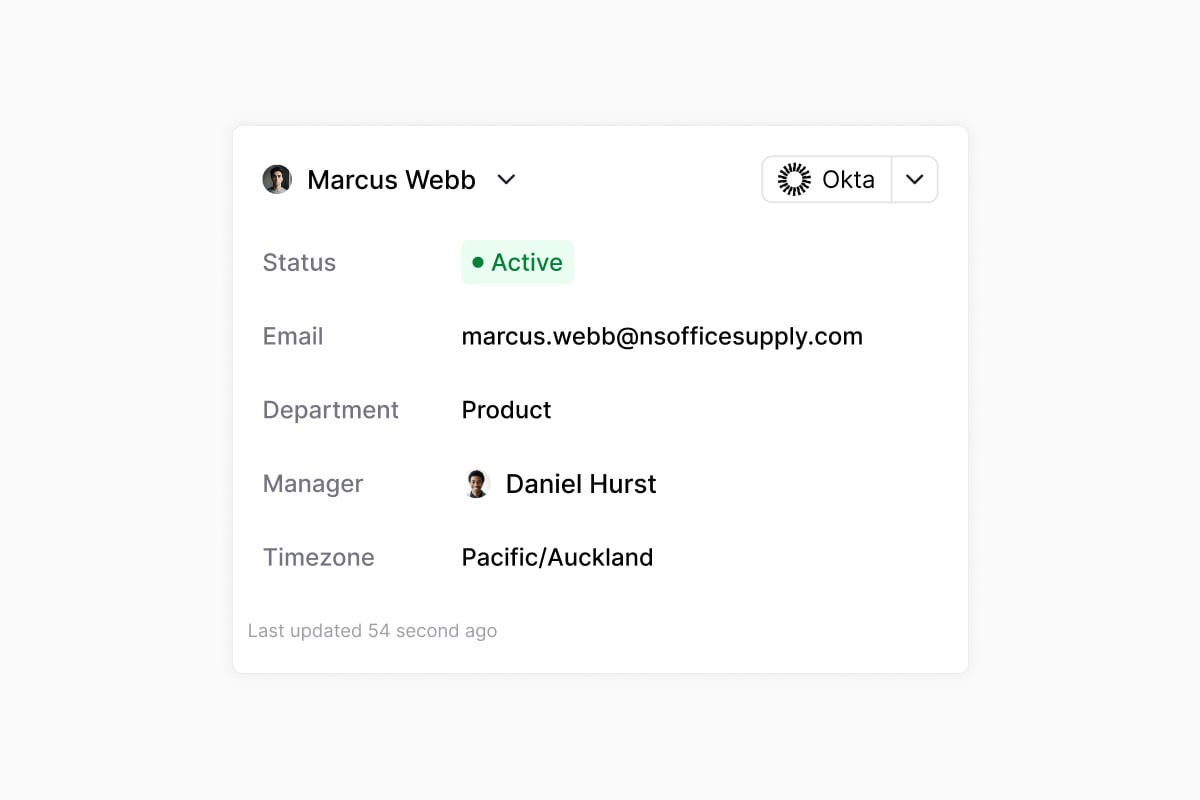
Client Credentials OAuth providers in Foundry
Register a Foundry OAuth provider with the Client Credentials grant type for server-to-server APIs that authenticate the whole org with a single machine credential. A new Connect fields builder lets you collect per-org values (like a tenant ID or account slug) during connect and interpolate them into the token URL, so one provider template covers customers with different endpoints.Learn more →Quality of life updates:- You can now sort ticket lists by a single-select custom field, so queues built on tags like tier, environment, or region stay in a consistent order.
- SLA over-time analytics widgets now include tickets with no priority, so at-risk and breached counts match what you see in the ticket list.
- The Okta password reset and MFA reset agent tools are now separate actions, so agents pick the exact remediation instead of running both. See the Okta workflows reference.
- When an AI agent hits its tool-call limit, it now posts a short summary of what it got done instead of leaving the conversation in a “thinking” state, in Slack, on tickets, and in the Portal.
- Slack message edits now sync attachment additions and deletions to the linked ticket, keeping the ticket file list in step with the source message.
- Consecutive SLA events on a ticket are grouped in the activity timeline, so long-running tickets read more like a summary and less like a wall of events.
- The knowledge base document picker now reuses an existing Google Drive connection when one is already set up, so you skip the reconnect step when adding new folders.
- Knowledge sources whose documents are all archived are now hidden from the ingestion queue, so status views only surface sources with real work to do.
- The SharePoint integration tile now uses the SharePoint logo.
- The SLA tag filter now displays the tags you’ve selected instead of showing an empty chip.
- Synced groups from identity providers now appear on the Application → Groups tab again.
- Reminders on tickets now cancel correctly when the ticket status changes to a state that shouldn’t carry a reminder.
- The escalation banner in Slack no longer renders with a broken border.
- Time to Resolution and Time to Close widgets no longer show negative durations when a ticket is reopened and closed again.
- The knowledge source picker modal no longer clips its content on smaller screens and scrolls the full list.
- Notion knowledge sources refreshed right after a re-auth now wait for the index to catch up, so documents no longer briefly disappear.
- Reconnecting a Freshservice knowledge base no longer duplicates or orphans source records.
- Foundry OAuth providers now free their slug on delete, so you can recreate a provider with the same name. Connecting a Client Credentials provider from Settings → Integrations now works on the first click.
- The Foundry OAuth Connected badge now shows immediately after a successful connect instead of only after a page refresh.
CopilotMCPAnalyticsTicketsFormsFoundry
Chart analytics from Copilot and MCP
Ask Copilot to count, chart, or trend data over tickets, ticket messages, knowledge base documents, or workflow runs. Copilot picks the right card type, renders it inline, and offers to save it as a widget on a new or existing dashboard. The same tools are exposed over the MCP server, so any connected AI client can query analytics, list and read dashboards, and add or update widgets without leaving the conversation.Learn more →Slack DMs for @mentions in private notes
@mention a workspace member in a private note and they get a Slack DM about the callout. The DM includes who mentioned them, the ticket title, an excerpt of the note, and buttons to open the ticket in Ravenna or jump to the matching Slack thread. Because private notes never appear in request or DM threads, this DM is the only way a mentioned teammate is alerted.Learn more →Quality of life updates:- Agent outcome rate as a percentage aggregation is now available on analytics widgets, so you can chart the share of tickets resolved by AI without pre-computing the math.
- Agent outcome and automation status filters on analytics widgets let you scope any chart to deflected, agent-assisted, or human-handled tickets, and to automated, automatable, or non-automatable resolutions.
- Foundry skips the initial clarifying questions when you describe a new function and preserves your existing code as it iterates, so you spend less time re-confirming intent and re-pasting work.
- Foundry iteration prompts now include test run results and the identity behind each change, so follow-up edits stay grounded in what actually happened on the last run.
- The inline Create new tag row is back in the tag picker, so you can add a missing tag without leaving the dropdown.
- The role editor hides the Guest role for non-guest members, so you no longer have to scroll past an option that does not apply.
- AI-generated ticket titles and descriptions no longer pull content from private notes, keeping internal context out of customer-visible fields.
- Ticket cards and form submission cards render correctly in the Portal chat when the ticket lives in a different workspace, instead of failing to load.
- The parent ticket link in the ticket detail metadata chips is clickable again, so you can jump from a sub-ticket to its parent in one click.
- Slack form submission attachments are scoped to the submitter’s request, so files uploaded through one form no longer surface in unrelated Slack ticket threads.
- Drag-and-drop reordering of form custom fields saves the new order reliably instead of snapping back.
- Switching between Copilot agents mid-conversation no longer leaves the chat wired to the previous agent.
FormsTicketsIntegrationsKnowledgeAnalyticsWorkflows
Share form links anywhere, including Slack
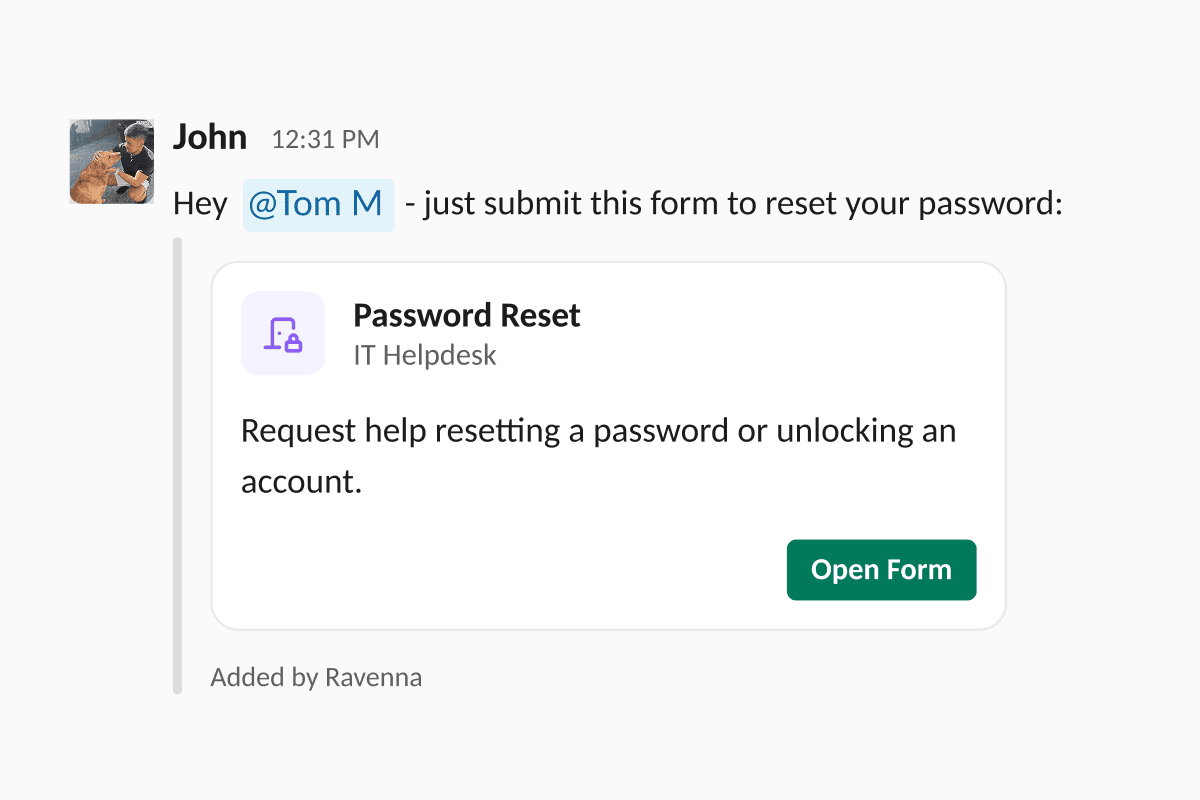
- Notion and GitHub knowledge source picker now lets you both add new sources and remove already-imported ones in the same dialog, with the list staying in sync as you edit.
- Confluence panels import as GitHub-style alerts so info, note, tip, warning, and error panels keep their callout styling when synced into Ravenna knowledge instead of flattening to plain paragraphs.
- Percent of distribution mode for analytics adds a new behavior to the Percent of aggregation. Pair it with a Group by dimension and leave Field to Aggregate empty to chart each group’s share of the total as percentages that sum to 100%.
- Applying an approval template to a ticket runs noticeably faster, so large templates with many approver groups no longer stall the ticket while the rounds are built.
- Workflow step input filters: Channel, Source, Provisioning Method, and Access Level options now populate reliably in ticket filter conditions, even when those fields aren’t referenced elsewhere in the workflow.
- Outbound ticket emails skip bot accounts when resolving recipients, so SES no longer rejects messages addressed to non-mailable system users and email-sourced tickets thread cleanly.
- Ticket due dates fail fast on malformed input instead of silently parsing to an unintended date, so an invalid value is rejected rather than saved as the wrong day.
- The Static Webpage icon inverts correctly in dark mode in the knowledge document tables, matching the other source icons.
- Response-time analytics no longer count bot replies when setting a ticket’s first responded-at timestamp, so first-response metrics reflect human agent activity.
MCPCopilotTicketsIntegrations
Form tools for the Copilot MCP server
Ravenna’s Copilot now exposes its form-building tools over MCP. Any connected AI client can create and update forms, add and edit fields, and inspect form collections without leaving the conversation. Teams configuring intake for IT requests, HR onboarding, or RevOps approval flows can describe the form they want, let the assistant assemble it, then iterate on field types and validation in place.Learn more →Other updates:- Change assignee from a Kanban ticket card without opening the ticket, so triage and standups stay on the board
- Cleaner Slack form rendering keeps form titles, icons, and field layout consistent across light and dark Slack themes
- Ticket card tooltips in the Ravenna AI chat no longer crash the app on hover
- The date-edit trigger is back in the ticket Dates section so due dates and other dates can be edited inline again
- New-ticket drafts persist correctly when the create-ticket modal is closed and reopened, so in-progress requests are not lost
AnalyticsKnowledgeAutomationIntegrations
Table widgets on analytics dashboards
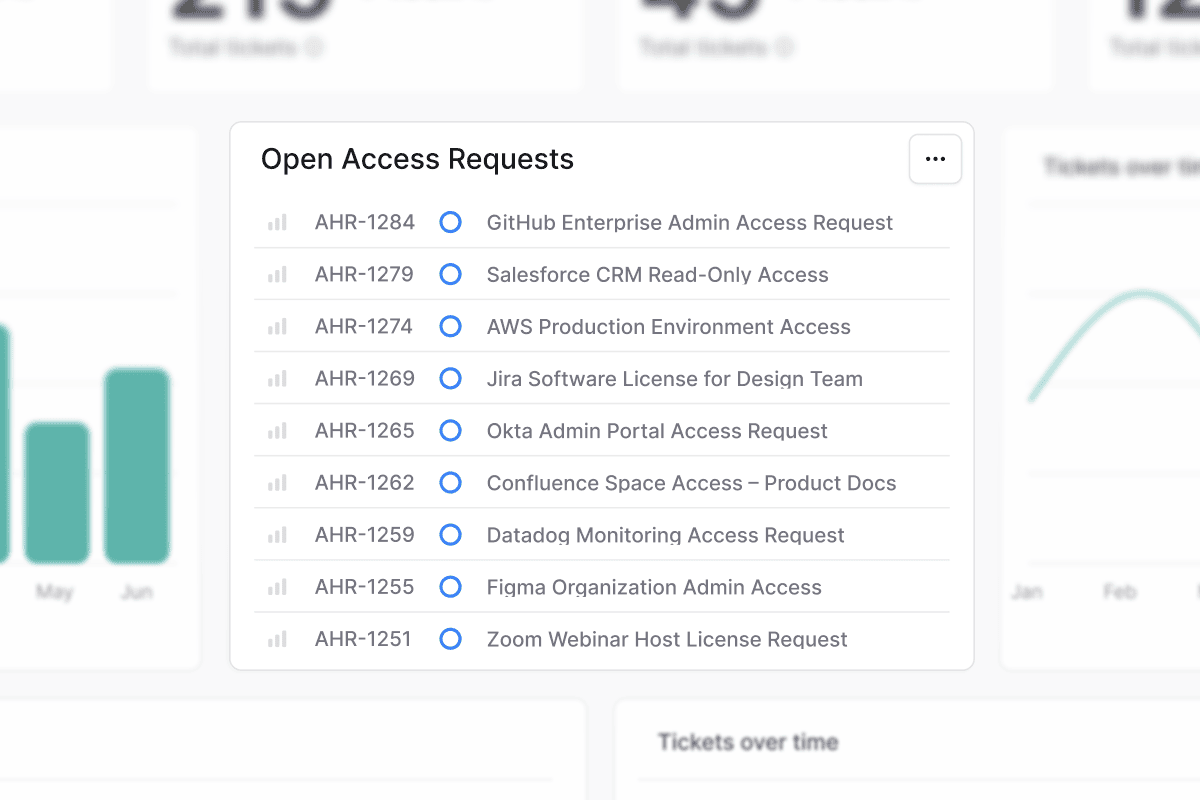
Drill into any chart value
Click a bar, slice, or data point on any Tickets-powered chart to open a drill-down modal listing the individual tickets behind that value. The chart’s filters, group, and date range carry over, and you can search and sort inside the modal. A one-click handoff opens the same result set in the full tickets list for bulk actions or export, so you can investigate spikes without losing your place on the dashboard.Learn more →Filters on reminder policies
Approval and assignment reminder policies now accept ticket condition filters, so a single workspace policy can target only the tickets that should be nudged. Scope reminders to a specific queue, priority, requester group, or any combination of ticket attributes. For example, escalate access-review approvals after one business day while leaving low-priority requests alone.Learn more →Search across knowledge folders
Knowledge now supports root-level search from the Folders tab. One query matches both folder names and document titles across every folder in the workspace, with each result tagged by type and parent folder. Jump straight to a specific runbook or policy without remembering which folder owns it.Learn more →Opt-in streaming for the Ravenna copilot
The Ravenna copilot can now stream responses progressively as they are generated. Long answers, like multi-paragraph troubleshooting or summaries of a ticket thread, start appearing immediately instead of arriving as one block, making the copilot feel faster across IT, HR, and support work.Other updates:- Approvers and Approved At columns are back in ticket exports so audit-ready CSVs include who approved a ticket and when
- Business schedule archive guardrails block archiving or deleting a schedule that still has SLAs attached, and show you exactly how many SLAs to move first
- Microsoft Teams connections now reject linking the same Teams tenant to more than one Ravenna organization, so admins get a clear error instead of a half-connected workspace
- Foundry OAuth provider test connection now flags a reachable token endpoint that rejects
client_credentialsas a warning, so you can save providers that only verify through the authorization code flow - Group sync from HRIS and identity providers now processes large directories in batches, so workspaces with thousands of groups complete a sync without timing out
- Analytics donut charts hold a consistent gap between slices instead of widening as values shift
- Jira’s assignable-user picker paginates through every project member instead of stopping at the first page
- The Portal workspace picker only lists workspaces that actually have the Portal turned on
- Ticket detail polish: approval rounds, message cards, and the side scrollbar render cleanly on long tickets
- Ticket due dates persist correctly across edits
- Large group syncs from identity providers process in batches so workspaces with thousands of groups complete reliably without database timeouts
TicketsApprovalsPlatform
Snippets for reusable replies
Approval and assignment reminders
Two new reminder types keep work moving without manual nudging. Approval reminders re-ping approvers on a configurable cadence until an approval round completes, and assignment reminders prompt assignees on tickets that have gone quiet. Both honor the workspace’s default business schedule so reminders fire only during working hours, and a new Reminder Expired workflow trigger lets you escalate or reassign when a reminder cycle runs out.Conditions for reminder policies
Approval and assignment reminder policies now support conditions. Add one or more filter groups to a policy and reminders only fire for tickets that match. For example, only nudge approvers onHigh and Urgent priority tickets, or only chase assignees in a specific queue. Leave conditions empty to keep reminding on every ticket, as before.Conditions are re-evaluated every time a reminder is about to fire. A ticket that moves out of scope is silently skipped without burning a slot against your Maximum reminders cap, and resumes nudging if it moves back into scope. To keep things bounded, a reminder chain stops on its own after 30 days if a ticket never matches.Learn more →Workspace Automation settings
A new Automation section in workspace settings consolidates assignment reminders, agent escalation defaults, and related routing toggles in one place instead of spreading them across feature pages. Workspace admins can audit and tune automation behavior without hunting through individual workflows or queues.Learn more →Other updates:- Workflow duplication and cross-workspace copy clone a workflow into the same workspace or a different one, with collection placement preserved
- Foundry Dry Run mode executes a Foundry action against the live API but rolls back side effects, so you can validate request shape and auth without changing data
- AI agent outcome on the tickets dashboard breaks resolved tickets into deflected, agent-assisted, and human-handled so you can size automation impact at a glance
- Explain in Agents Chat Logs surfaces the reasoning, rule match, and tool calls behind any agent response from the chat log timeline
- Agent version upgrades move an agent from V2 to V3 in place, preserving rules, knowledge, and history
- Ticket Created notification group for requesters controls whether requesters get a confirmation message when their ticket is created
- Inbound email block list and subdomain matching reject mail from specific senders or whole domains before a ticket is created, with explicit subdomain semantics
- CSV export for the Applications list exports the current filtered view for access reviews and audits
- Short ID and ID filters for ticket views filter by the ticket ID or short ID shown in the UI, including ranges and “in” sets
- Create Application and Access Levels MCP tools plus approval template tools let AI assistants stand up new applications and approval flows end to end
- Manager approver resolution clearly documents the lookup order across HRIS, identity providers, and manually set managers
- Freshservice knowledge base sync respects the category you select instead of pulling every Solutions article
- Slack emoji actions show a clear notice when a non-member triggers them on a private ticket
- Confluence sync resolves
@mentionsto the underlying Ravenna user when an email match exists - Notion page fetches in the knowledge selector now stream asynchronously so large workspaces stop timing out
- Reminders, SLAs, and other timer-based features all default to the workspace’s business schedule so weekend hours are handled consistently
IntegrationsKnowledgeWorkflows
Freshservice ticket replication
IntegrationsKnowledge
GitHub repositories as a knowledge source
SLAsWorkflowsPlatform
Business schedules for SLAs
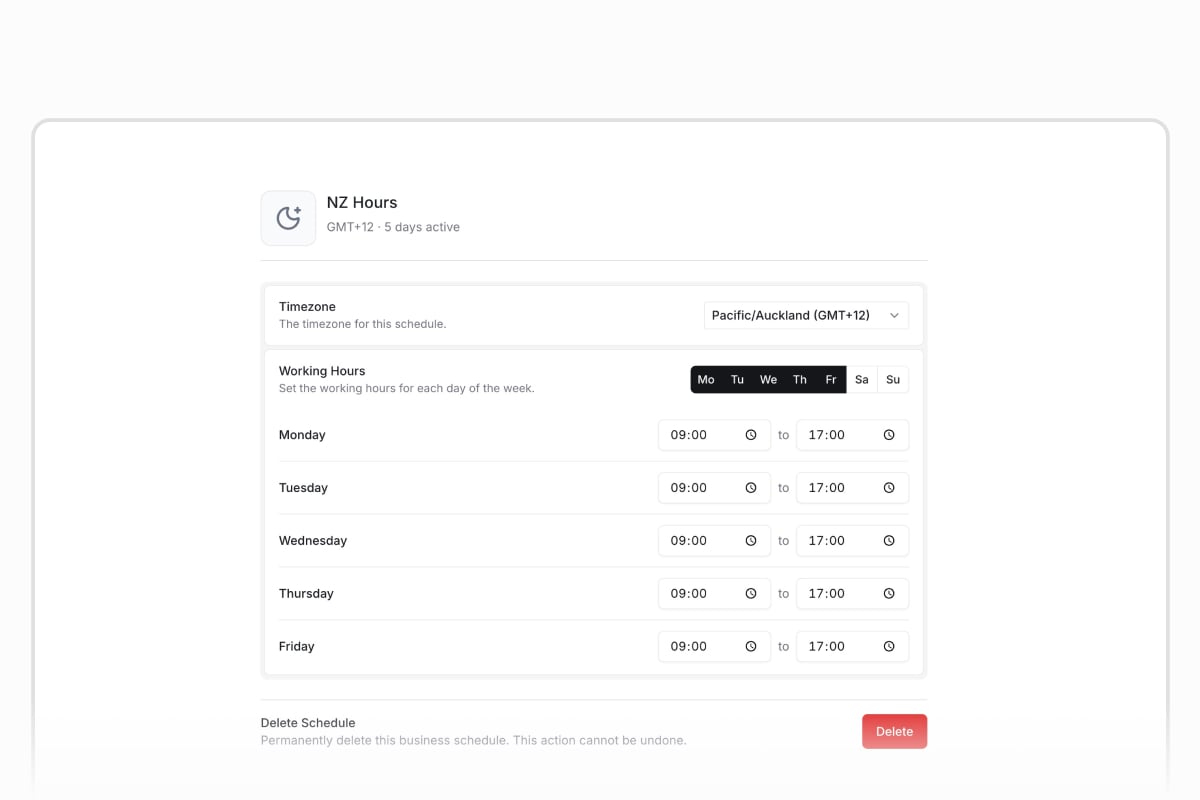
Redesigned cron trigger
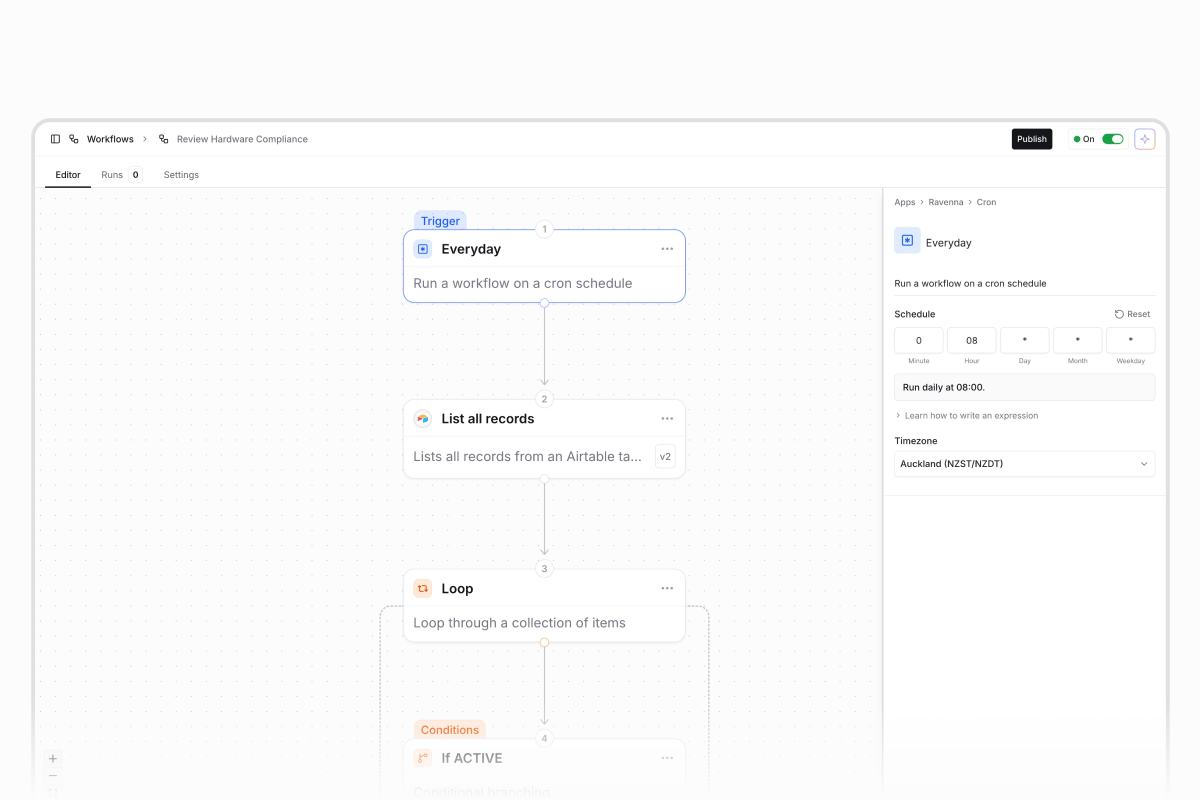
- MCP OAuth sign-in lets you log in once and reach every workspace from a single session, with no per-workspace API keys
- Settings home is a searchable landing page that surfaces every organization, workspace, and personal setting as a card
- Sort tickets by custom fields sorts a ticket table by date, number, text, or dropdown values
- Personal view overrides let you adjust filters and display on a shared view without affecting teammates
- User groups for app owners and approvers assign a team instead of a single person so coverage continues when individuals are out
- Copilot conditional fields and form deletion build show/hide dependencies, restrict picker options, or delete forms in natural language
- Agent form-link emails send the requester a direct link to a prefilled Portal form during an email conversation
- Search Users action looks up users by criteria and feeds results into downstream steps
- Arrow key ticket navigation moves between tickets without returning to the list Quality of life updates:
- Approval descriptions appear inline so you can review and act without opening a separate view
- Guest user navigation hides Command K and search for external guests
- Forwarded emails identify the original sender instead of the forwarding service
- Column visibility and reorder changes on custom views save and reset reliably
- Slack form modals no longer fail when an agent prefills a multi-select field
AgentsWorkflows
Approval-gated agent tools
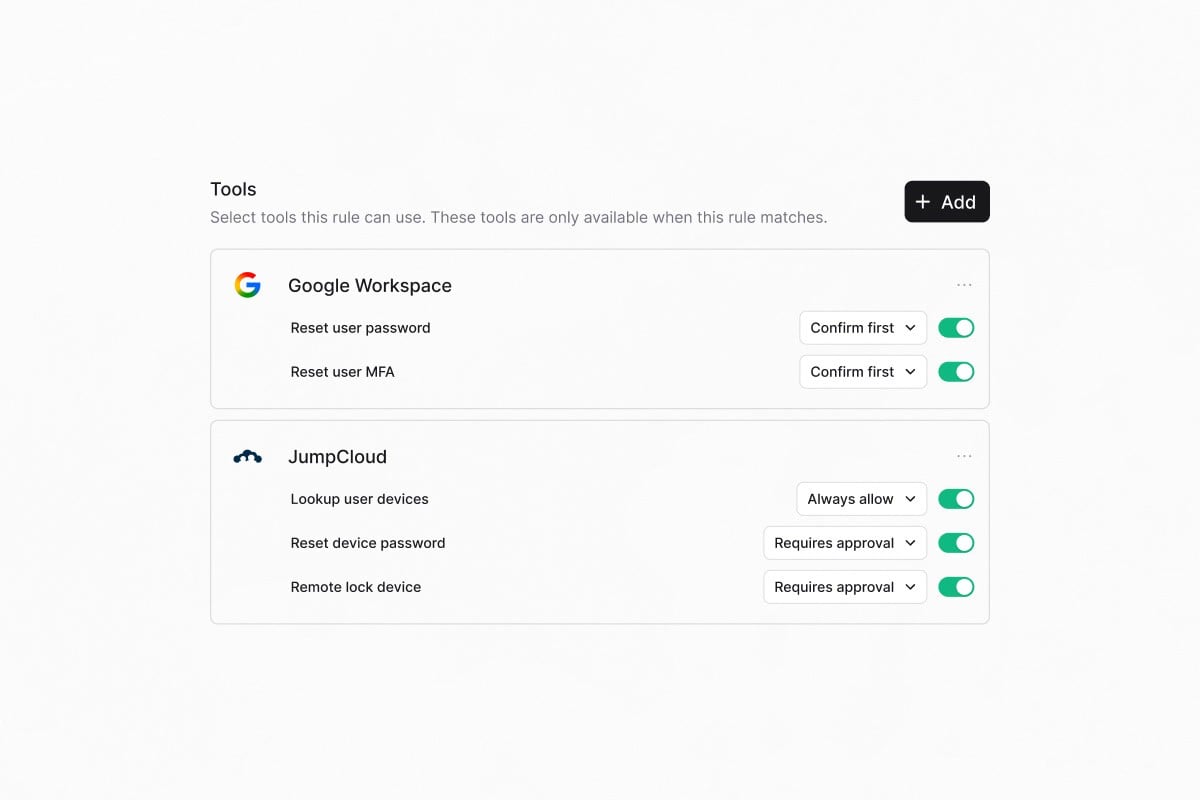
Retry failed workflow runs
Retry a workflow run directly from the run history. Rerun from the beginning, retry against the latest published version, or resume from the failed step while reusing successful upstream outputs. The new run links back to the original for full traceability.Learn more →Other updates:- Agent ticket ownership separates AI agent work from human assignees so internal routing skips notifications, CSAT, and OOO delegation
- Named-assignee escalation specifies which user a ticket is assigned to when it escalates to a human
- Wait for Approval timeout branch adds an On Timeout path so stalled requests can be escalated or auto-closed
- Application approver field designates a dedicated approver, separate from the application owner
- HiBob Get OOO Users lists who is on vacation for a date range
- Compare previous period toggle overlays the preceding period on trend cards
- /help Slack command adds a discoverable alias for /rav Quality of life updates:
- Forms default to Draft on creation so you can configure before publishing
- Task templates use inline editing instead of separate tabs
- Externally-synced knowledge documents hide the Edit button with guidance to edit at the source Bug fixes:
- Email rendering no longer freezes on large threads, and reply threading is fixed for forwarded chains
- Form fields render correctly for non-workspace members
- Multi-turn conversational form filling completes properly
- Slack admin escalation works correctly for channel create and archive actions
WorkflowsApprovalsAgentsIntegrations
Trigger workflows from external systems
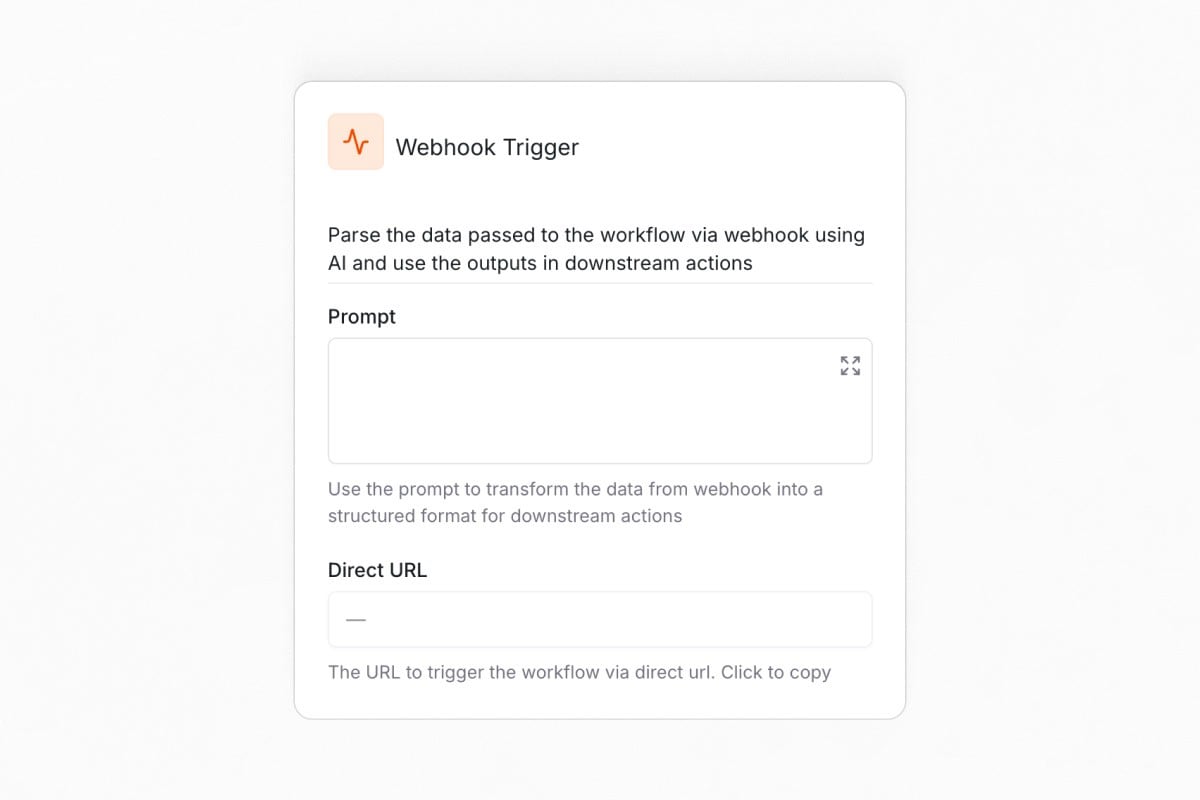
Smart approval routing
Approval rounds now support skip conditions based on requester attributes, ticket properties, or integration data. For example, skip “Manager approval” when no manager is set. If every round is skipped, the ticket auto-approves with no manual intervention.Learn more →Smarter agents
Your agent can now read files shared in Slack. PDFs, images, and documents are processed automatically and used to answer questions, prefill form fields, and route tickets. The agent also knows where a user is writing from, so it won’t tell someone to post in a channel they’re already in.Learn more →Time-off management with HiBob
The HiBob integration adds two workflow actions. Get Time-off Balance retrieves an employee’s remaining PTO across all policy types, and Request Time Off submits requests on their behalf with an optional approver and description.Learn more →Other updates:- Assignee Group filter for SLAs and views targets policies and views to tickets where the assignee belongs to a specific group
- Google Workspace security group creation adds label support to the Create Group action
- Auto-populate ticket defaults from view filters pre-fills assignee, status, priority, and tags from your active view
- Dynamic Wait Until dates accept dynamic values from triggers or upstream steps
- Email delivery status badges show whether outbound emails were delivered, in the ticket timeline
- Workflow failure notifications for completed-with-errors fire on partial errors, not just fully failed runs Quality of life updates:
- Redesigned badges and chips with consistent sizing and cleaner dark mode colors
- Breadcrumbs truncate long page names instead of wrapping
- Custom field columns order before the actions column in ticket tables
- Workflow runs pagination is visible without scrolling
- Agents clearly explain why a blocked action was denied Bug fixes:
- Slack agent tools resolve channels and users correctly on Enterprise Grid
- Approval wait triggers resolve correctly after a ticket moves between queues
- Foundry actions with stored credentials execute correctly inside workflows
- Custom SELECT fields render as proper dropdowns in workflow conditions
PlatformSecurityApprovalsIntegrations
Admin audit log
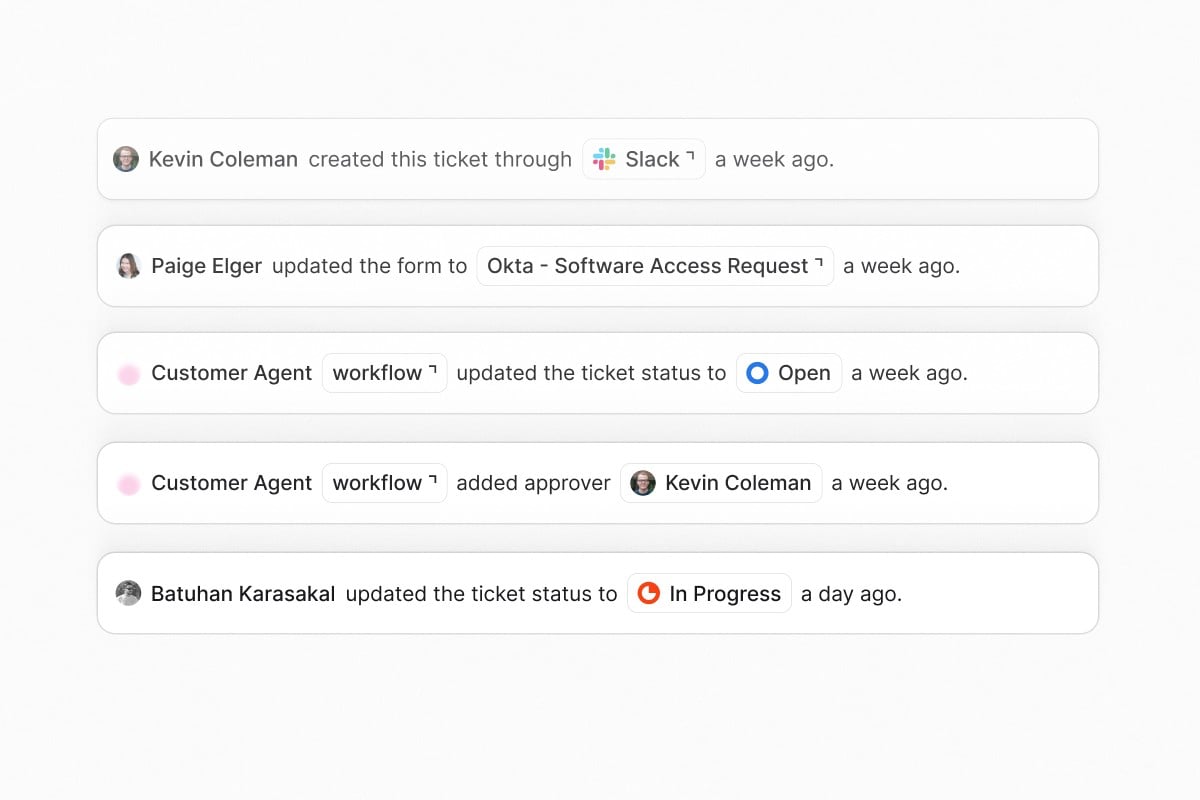
Approval rounds
Build multi-stage approval workflows with configurable policies per round. Each round can require any one approver, all approvers, or a custom threshold before advancing. Sequential execution keeps review structured and auditable for access requests and sensitive operations.Learn more →Intune device management actions
Six new workflow actions and agent tools for Microsoft Intune: Autopilot Reset, Retire Device, Sync Device, Rotate BitLocker Key, Wipe Device, and Assign Script. Automate endpoint lifecycle management from workflows and agent conversations without leaving Ravenna.Learn more →Other updates:- Conditional KB routing in agent rules directs knowledge lookups to specific folders based on the topic of the conversation
- Task template folders group task templates by department, workflow type, or any structure you choose
- Google Workspace temporary password generation adds a temporary password option to the Reset MFA/Password action
- JumpCloud workflow actions add user lifecycle management and group operations, reaching parity with Okta
- Allowlist cap removed for Slack dropdowns supports more than 100 options using searchable external selects
- Draft and archived forms are no longer presented to AI agents Quality of life updates:
- Icons on form tabs and ticket type selectors add visual indicators to navigation
- The full Lucide icon library is available within the platform
- Form tabs remember your last selection across sessions
- Agent table layout fixes alignment and spacing issues Bug fixes:
- Fixed form submission errors in Slack
- Fixed conditional form fields clearing descendant values when a parent changes
- Fixed knowledge base document deletion silently failing
- Fixed icon picker dark mode gradient and broken icon names
- Fixed rich text editor color in dark mode
AnalyticsWorkflowsIntegrations
Workflow runs in analytics
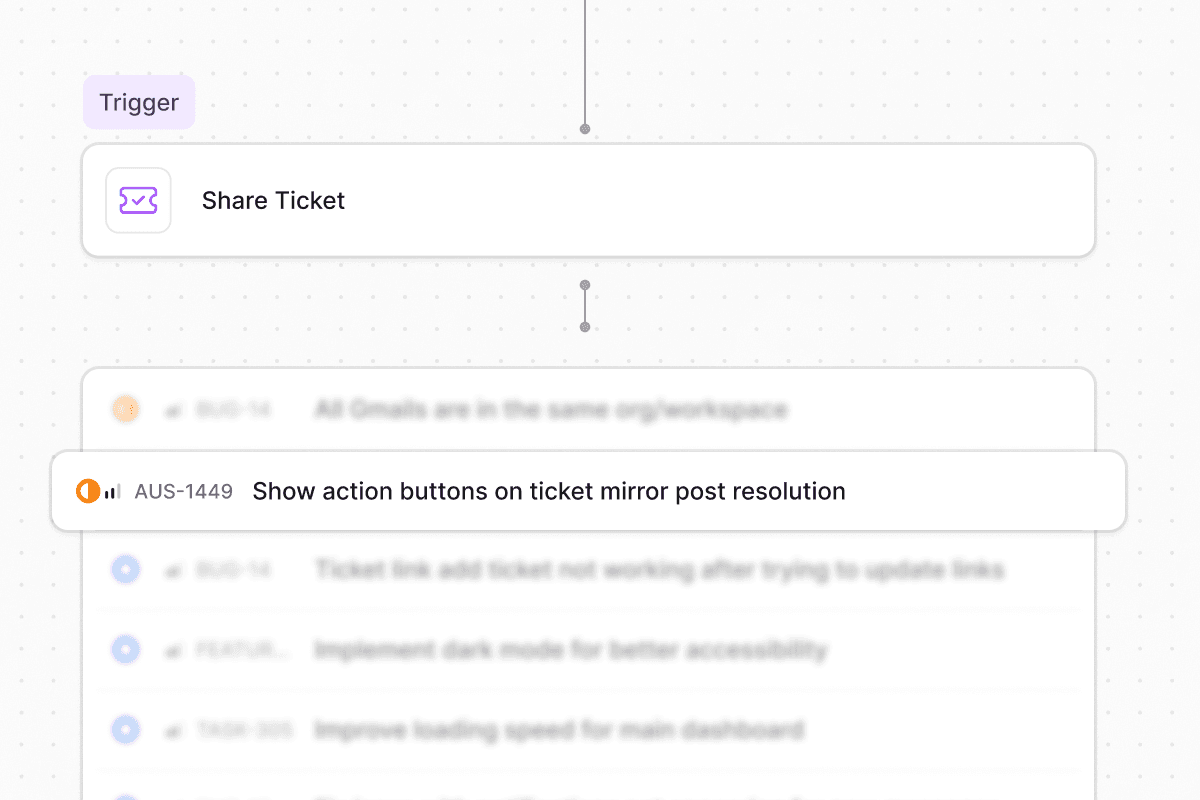
Share ticket workflow action
Keep a ticket in its original workspace and channel while creating a shared reference in another workspace. Share actions let teams collaborate across workspace boundaries without moving tickets or losing context.Learn more →AI reasoning in workflow runs
The AI’s explanation now appears alongside its decision when AI Decision Maker and Custom Prompt steps execute, visible in the workflow run step details. It’s easier to understand why the model chose a path or made a decision.Learn more →Other updates:- Type and Multi-application custom fields add two new field types for forms
- JumpCloud application sync pulls applications with status, logo, and metadata for access management
- JumpCloud manager sync syncs manager relationships for approval chains and routing
- Intune device app lookup retrieves installed applications on managed devices via agent rules and workflows
- Conditional visibility for all field types extends show/hide rules to layout and system fields
- Auto-submit forms by default skips the form UI when an agent has prefilled all required fields
- Members filter bar and inline editing add filtering and inline owner editing to member tabs
- Ravenna is now listed on the JAMF Marketplace Quality of life updates:
- Stale Slack forms rebuild instead of showing an error
- Slack messages respect configured custom field ordering
- Agents check the knowledge base before triage so existing docs can resolve requests
- User lookup resolves guests by searching the full organization
- Applications table supports sorting by status, owner, and source
- Browser tabs show readable form names instead of raw IDs
FormsIntegrationsAccess
Forms 2.0
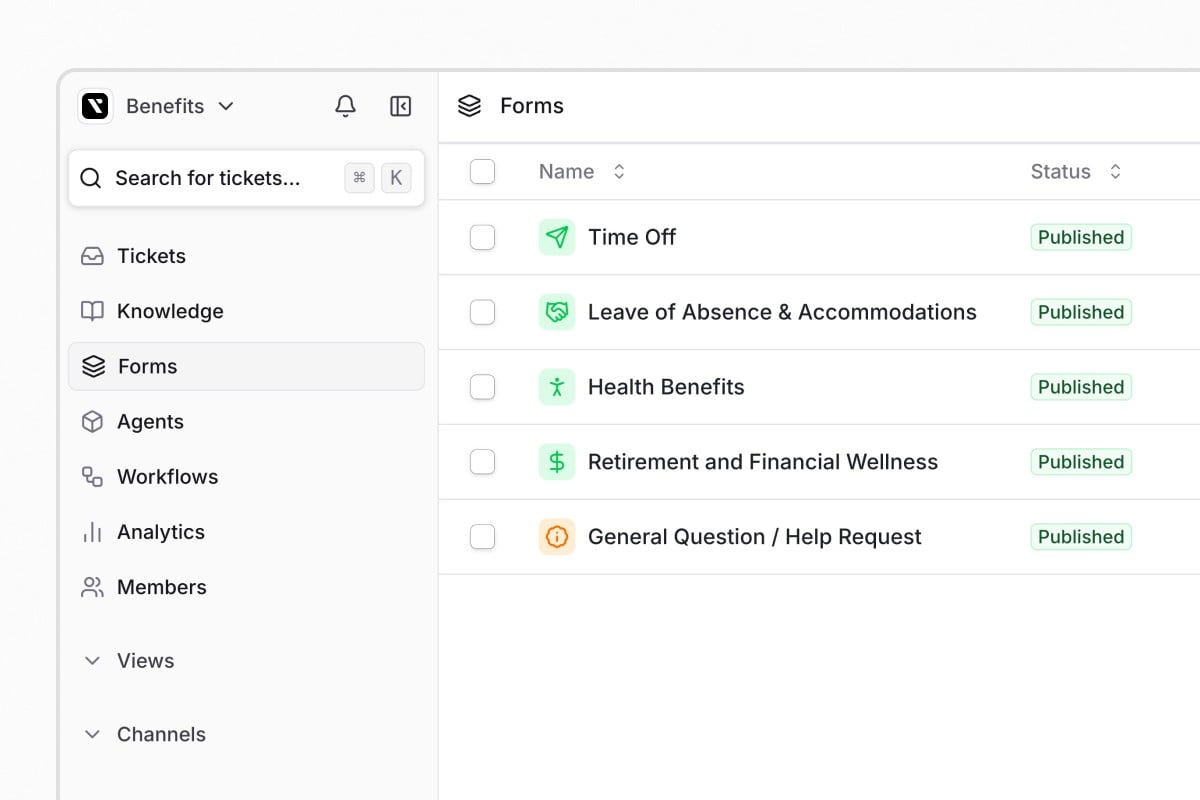
JumpCloud, OneLogin, and Microsoft Intune integrations
JumpCloud and OneLogin are now generally available with user provisioning, directory sync, and access management workflows. Microsoft Intune is a new MDM integration that shows device compliance data in tickets and supports automated device management through agent tools and workflows.Other updates:- Ticket Type field assigns one of five categories to tickets: Service, Incident, Problem, Change, or Access
- User groups in approval rounds can be selected as approvers
- Settings-driven form filling uses deterministic agent settings to control conversational form behavior
- Okta auto-provisioning creates Organization Guest accounts for external Okta users during directory sync
- Jira private comment sync syncs Jira Service Desk internal comments to Ravenna private notes, and vice versa
- Skip-invite toggle and bulk resend skip invitation emails when adding members and resend pending invitations in bulk Quality of life updates:
- Inline text filters save when you click away from the input
- Form fields render in the correct sequence across all form contexts
- Custom field labels and descriptions increased to 2,000 characters
- Custom fields are hidden by default in table views, and Reset Columns restores the default
- Bulk unarchive restores child tickets throughout the hierarchy
- Linear status mapping applies when creating issues, not just during status updates
PlatformSecurityWorkflowsTickets
Secure API credentials with Vault

Smarter workflow auto-triggers
Workflow auto-trigger detection now reads the intent behind an agent rule instead of scanning for keywords. If a rule’s purpose is to run a workflow immediately, the agent skips the confirmation step, and it recognizes when a user has already confirmed in conversation.Learn more →Send and resolve in one click
The ticket composer now includes a Send and resolve option that combines replying and closing into a single action. Choose it once and it becomes the default for later messages in that ticket, with keyboard shortcut support.Learn more →Other updates:- Email footer customization appends rich text like disclaimers and contact info to outbound emails from a channel
- MCP assigned tasks lists assigned task items for the current user
- Google Create Group Managers role assigns the Managers role when provisioning groups
- Duplicate agent rules clone a rule to the same agent or a different one
- Ticket create API requesterEmail sets the requester by email instead of user ID Quality of life updates:
- A public thread reply warning appears when users reply in the public request thread of a private ticket
- Jira setup now specifies that a standard user account is required, not a managed service account
AIAgentsWorkflows
Connect AI assistants to Ravenna with MCP

Agents pick the single best matching rule
When multiple agent rules could apply, the agent now selects the single most specific match instead of trying to satisfy several at once. The result is more predictable, focused responses when rules overlap.Learn more →Other updates:- Group Lookup agent tool searches for user groups by name during conversational form filling
- User group workspace scoping enforces workspace-aware visibility for manually created groups in select fields
- Slack thread link as workflow variable passes a clickable Slack thread URL to webhooks and downstream steps
- Workflow triggers show a confirmation button by default when triggered without a form Quality of life updates:
- Workflow step management supports deleting individual steps or entire branches, with keyboard shortcuts
- Workflow badge navigation opens the specific run in a new tab from ticket events
WorkflowsIntegrations
Push-based identity verification in workflows
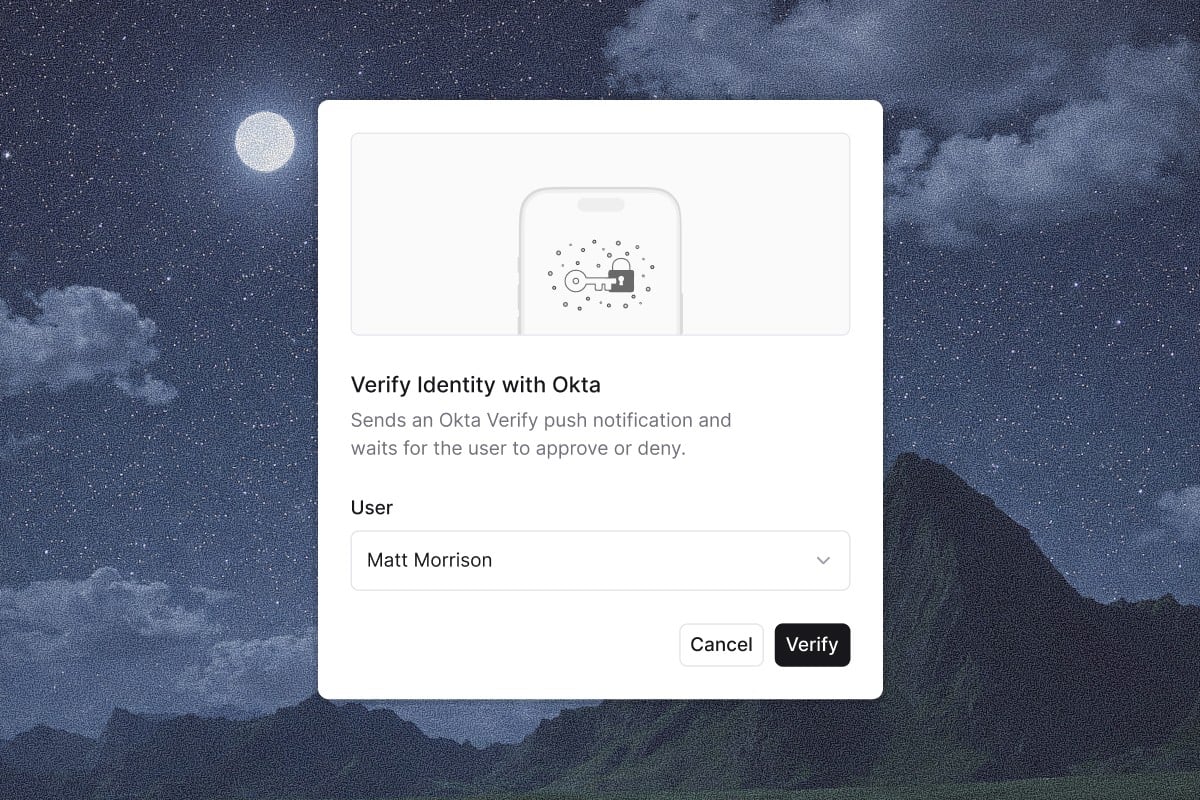
Bulk actions with workflow loops
Workflows now support a Loop action that iterates through a collection, running contained actions for each item. Process lists of users, tickets, or other data returned by actions like Search Tickets or List Groups, then notify, update, or chain multi-step operations across the whole set.Learn more →Other updates:- Parent ticket support in Update Ticket organizes tickets into parent-child hierarchies through workflows
- Google Workspace Create User fields add department, job title, manager, organizational unit, and recovery contact info
- Google Workspace Get Group returns an isSuccess boolean and includes group owner and manager IDs
- Google Workspace user sync excludes suspended and archived users to match your active roster
WorkflowsFormsKnowledgeAnalytics
Relative date scheduling in workflows
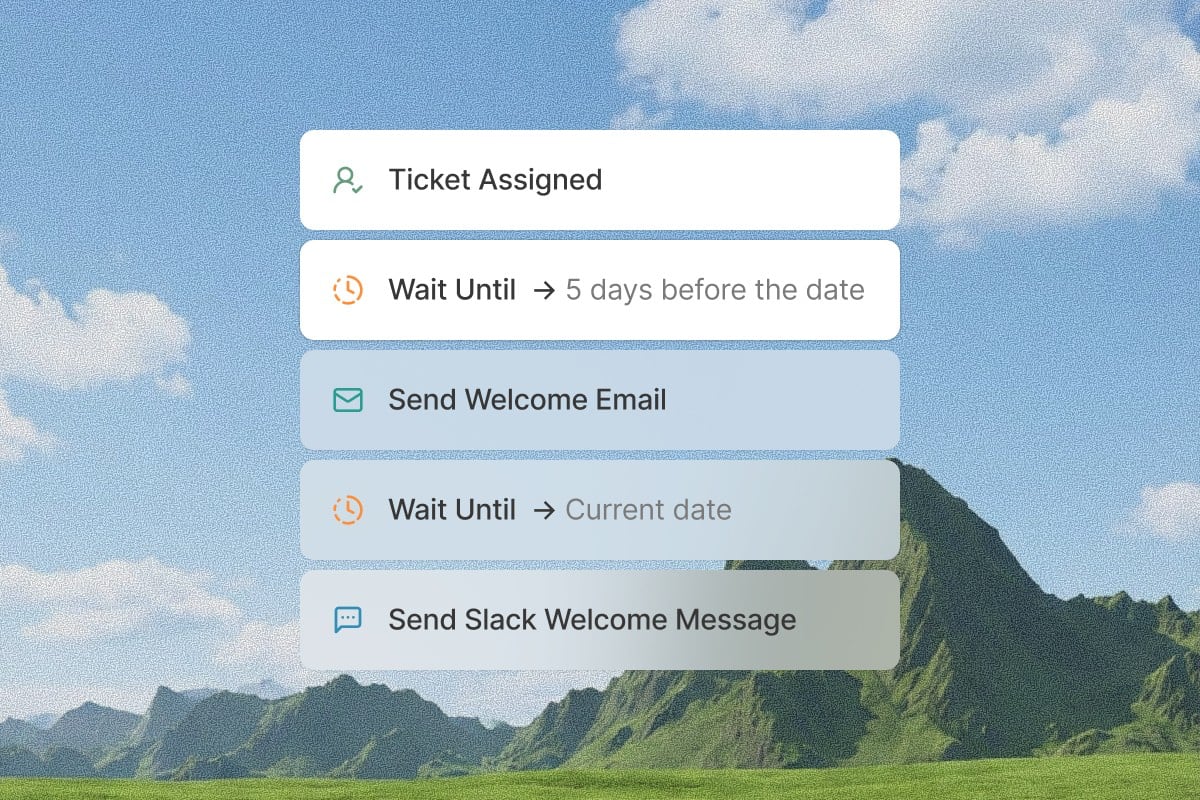
Conditional form fields
The form builder now supports conditional field visibility. Fields show or hide based on the value of another field, so requesters only see what is relevant. Nest dependent fields, collapse groups to keep complex forms manageable, and rely on visibility rules that carry through to the ticket detail view.Learn more →Other updates:- Knowledge gaps tab surfaces topics where agents could not find an answer, with frequency and example conversations
- Ticket automation status metric classifies resolved tickets as automated, automatable, or non-automatable
- Access levels tab gives each application a dedicated tab with click-to-edit configuration Quality of life updates:
- Auto-linked URLs in custom fields detect and linkify bare URLs in text fields
- Slack thread reaction notices explain when emoji actions are used on thread replies
CopilotPlatformWorkflows
AI-powered assistance for everything in Ravenna
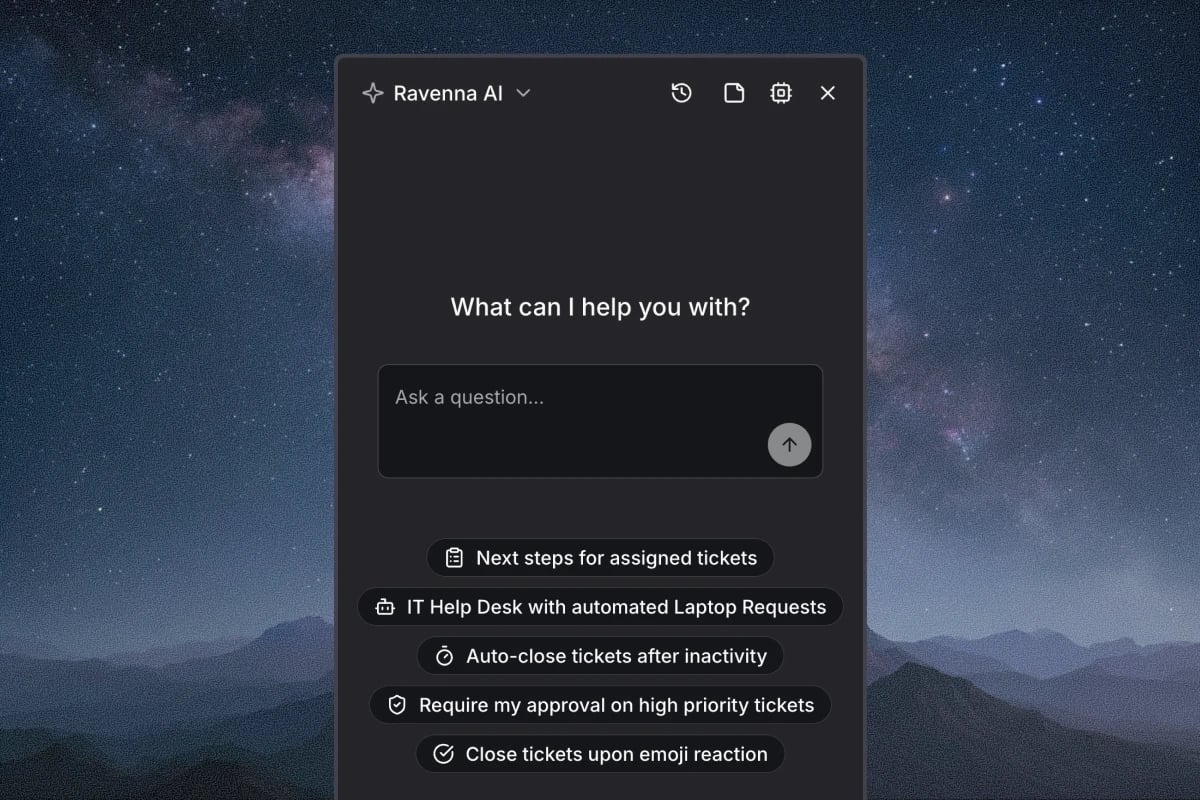
Manage tickets, build automations, and configure your workspace by chat
Search and filter tickets, draft responses in context, and summarize long threads without leaving the chat. Describe a workflow and Copilot builds it with triggers, conditions, approvals, and branching, or edits an existing one using its history. Set up agents, channels, and forms by describing what you need, and Copilot suggests configurations that fit how your team works. Learn more about everyday tasks, building automations, and configuring your workspace.Other updates:- Real-time Slack status sync detects status changes instantly via Slack events instead of polling every 30 minutes
- Custom display names for synced applications rename applications from identity providers while keeping the original integration name
- Add Followers from user groups keep entire teams in the loop on relevant tickets at once
AgentsIntegrationsPlatform
Conversational form filling
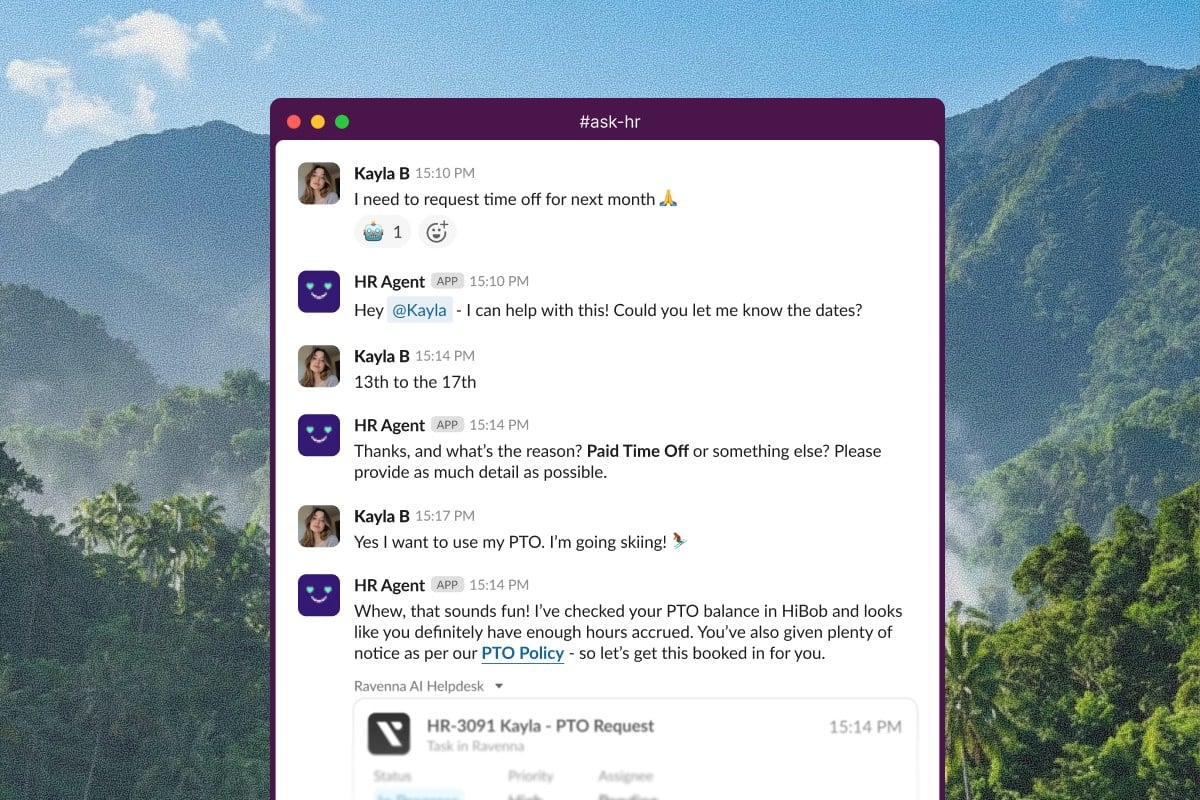
Google Drive file transfers for offboarding
A new Transfer User Files workflow action moves Drive files and Calendar data between users during offboarding, with configurable scope for private, shared, or all files. The action runs asynchronously and returns a transfer ID for tracking.Learn more →Other updates:- User Lookup agent tool searches for users by name or email to populate user selection fields in forms
- Direct SSO login URL provides one-click access from an identity provider portal
- Microsoft Entra manager syncing displays manager relationships on user profiles automatically
- Workflow email replies bypass channel settings so recipients can always respond to automated outreach Quality of life updates:
- API key Last Used tracking helps you identify stale keys
- Workspace description guidance helps you write descriptions that improve routing
- Emoji reactions are clarified to work on channel-level messages only
PlatformIntegrationsTickets
Out of office and ticket delegation
On-call schedule routing with Incident.io
The Incident.io integration supports on-call schedule routing. It retrieves everyone currently on-call for a schedule and matches them to Ravenna users by email, so you can auto-assign tickets, notify on-call engineers, or build dynamic routing rules.Learn more →Smart ticket link names
Ticket links auto-populate with page titles when you paste a URL. Ravenna fetches the title from the linked site’s metadata, or uses the ticket title for internal links, so you don’t type link names by hand.Learn more →Other updates:- Iru Assign Blueprint workflow action for device configuration management
- Configurable sync intervals for Jira, Freshservice, and Linear integrations
- Google Workspace Get Group now returns group manager IDs Quality of life updates:
- Workspace settings expanded with General details, bot users, and Slack appearance tabs
- Slack Create Ticket Thread action now creates or replaces request threads
- Category column and custom field grouping in table views
AgentsIntegrationsWorkflows
Launch Week Winter 2026
PlatformTicketsWorkflows
A more configurable workspace
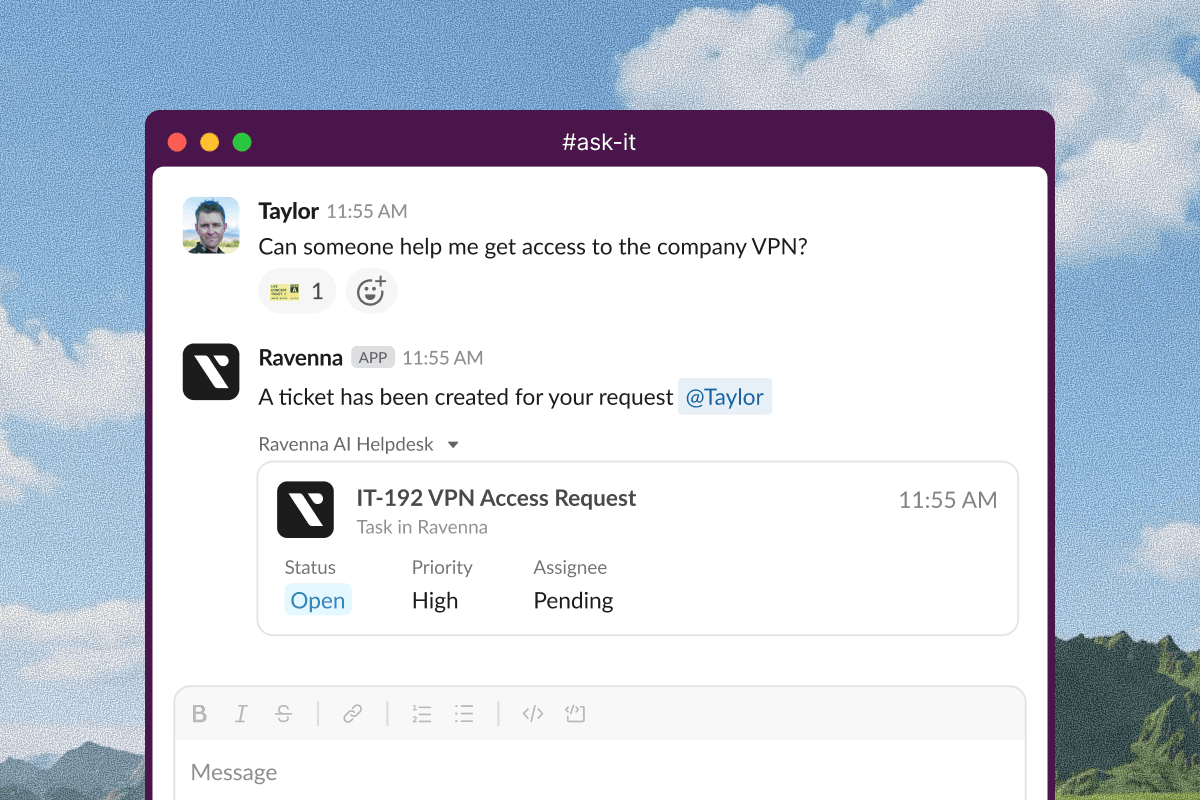
Wait for Message workflow action
A new Wait for Message action pauses workflow execution until specific users send a message on a ticket. Set a timeout and optionally filter by message source to control when the workflow resumes, for example waiting on a customer response before continuing.Learn more →Other updates:- Automatic SSO redirect detects an organization’s SSO from the email domain and redirects to authenticate
- Confluence archived pages archive automatically in Ravenna to keep knowledge in sync
- Collapsible Kanban columns focus the board on specific workflow stages, saved per view
- Workflow actions that need a third-party integration show a Setup Required badge
- Agent negative feedback creates support tickets by default
WorkflowsEmailKnowledge
Workflow versioning and in-flight controls
Workflows gained versioning, pause and deactivate controls for in-flight runs, better timezone handling, and error alerts when a run fails.Learn more →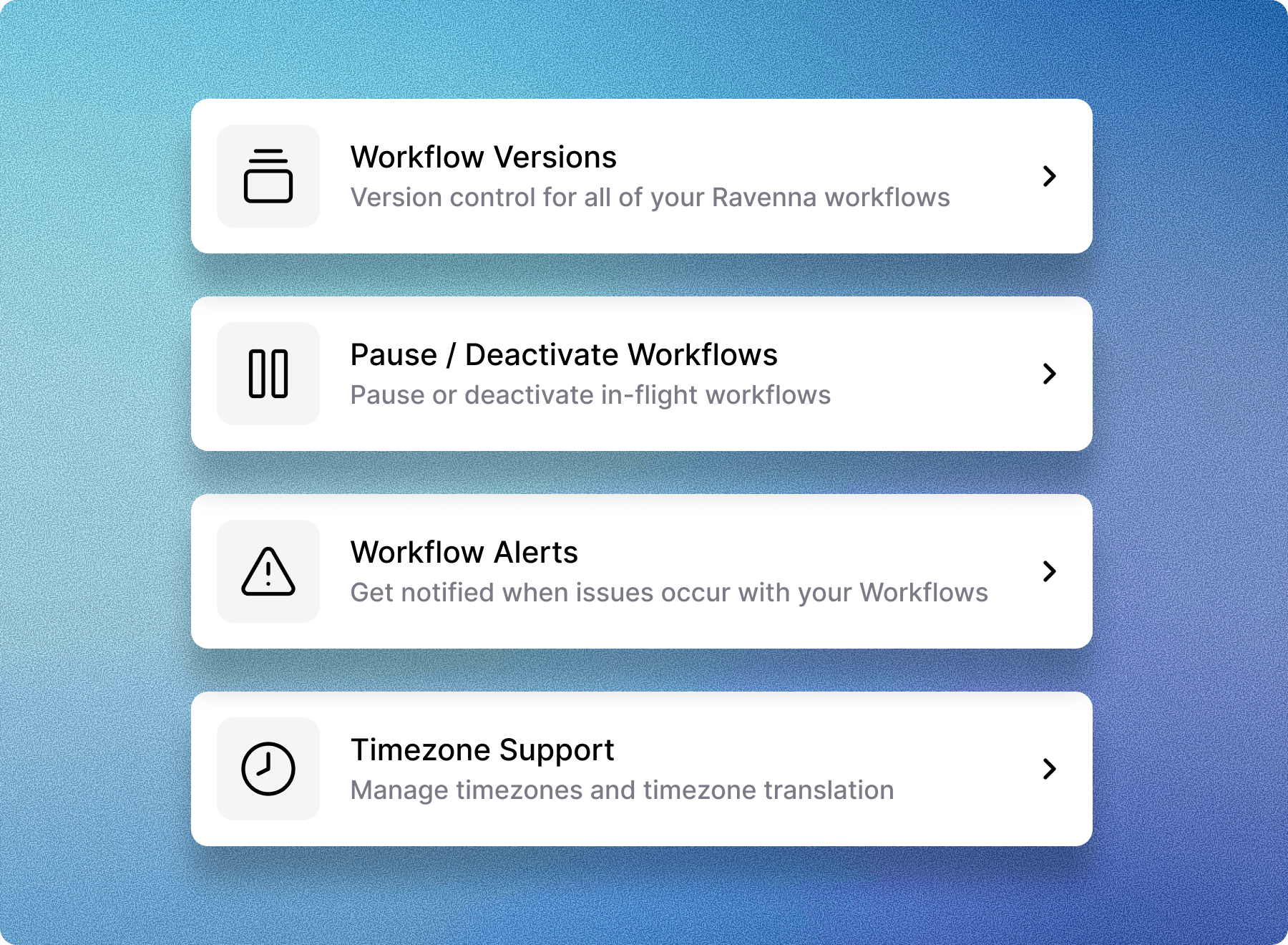
Generate knowledge base articles from tickets
Generate a knowledge base article from any ticket directly in the Admin, turning resolved requests into reusable documentation.Learn more →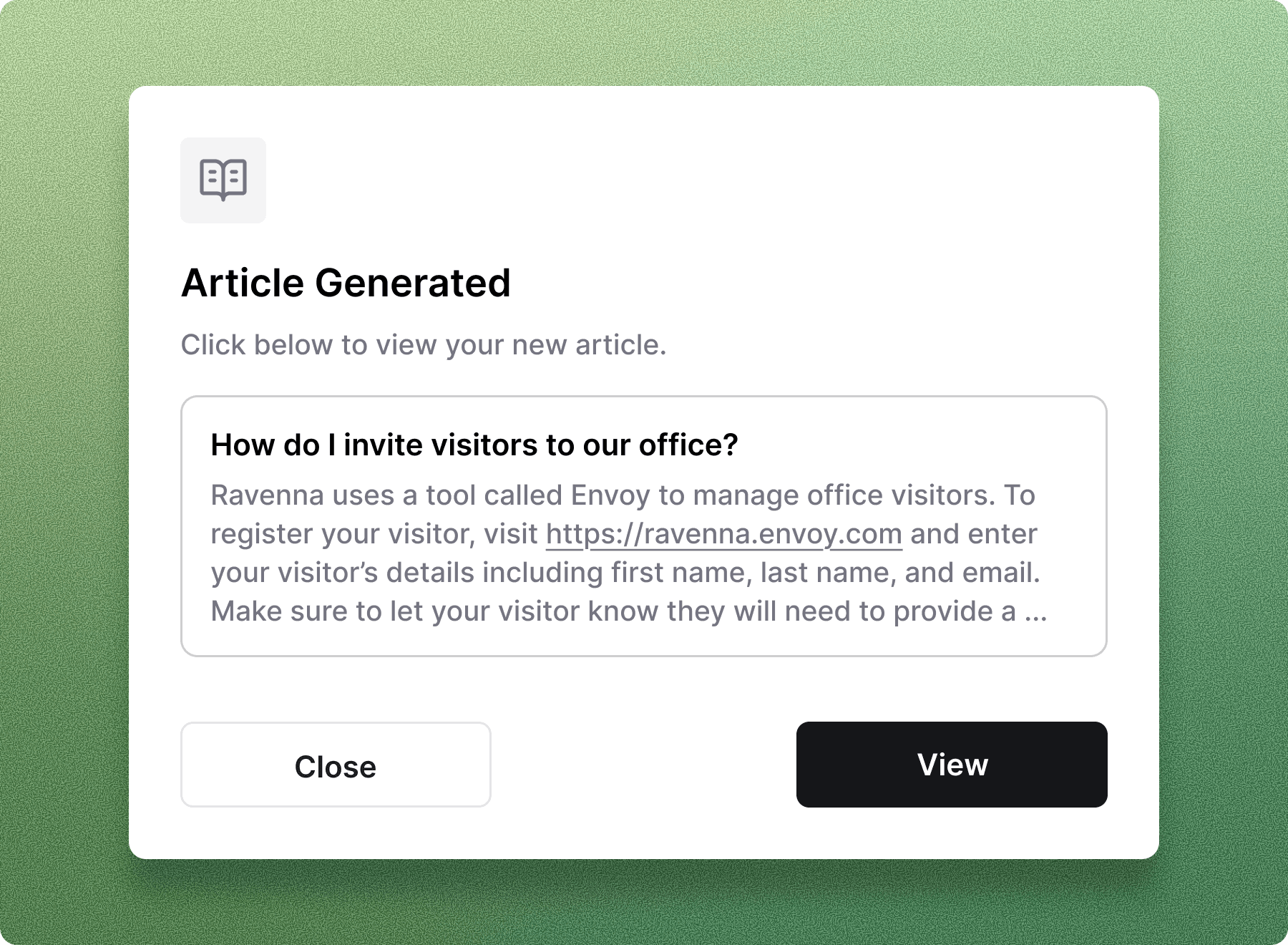
- Email support is fully integrated in workflows, with sending, receiving, attachments, and automatic CC followers
- Bulk drag-and-drop reorganization moves Analytics, Workflows, and Form resources into and out of folders
IntegrationsAccessWorkflows
Cloudflare Access integration
A new integration with Cloudflare Access automates access requests for Cloudflare-protected applications end to end. Connecting Cloudflare Access to Ravenna’s request and approval workflows removes manual steps, keeps access decisions auditable, and aligns with Zero Trust architectures.Learn more →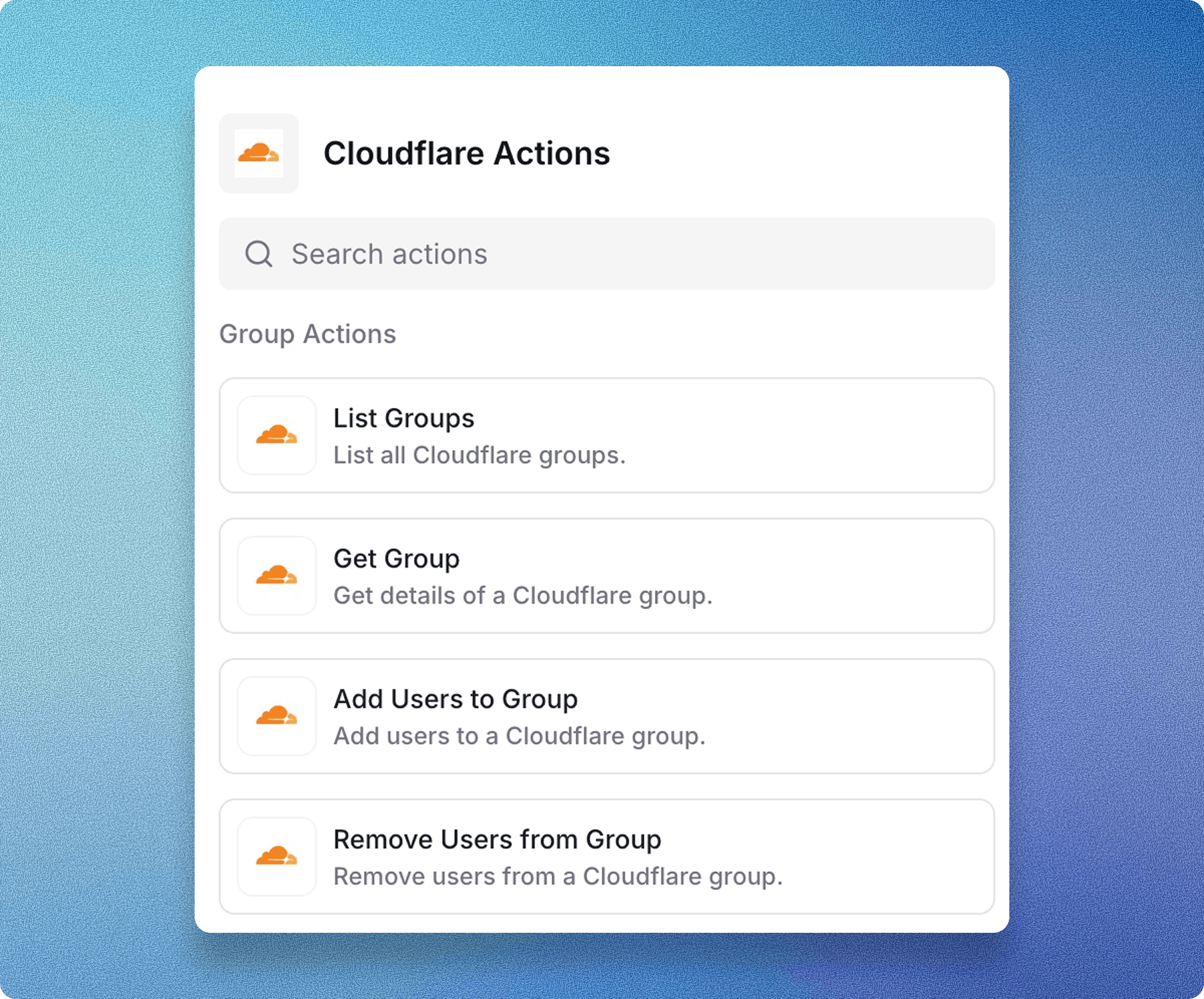
Application provisioning methods
Software access requests now support multiple provisioning methods, including group provisioning, application provisioning, and manual provisioning. Choose the method that fits how each application is managed, including tools that don’t support SCIM.Learn more →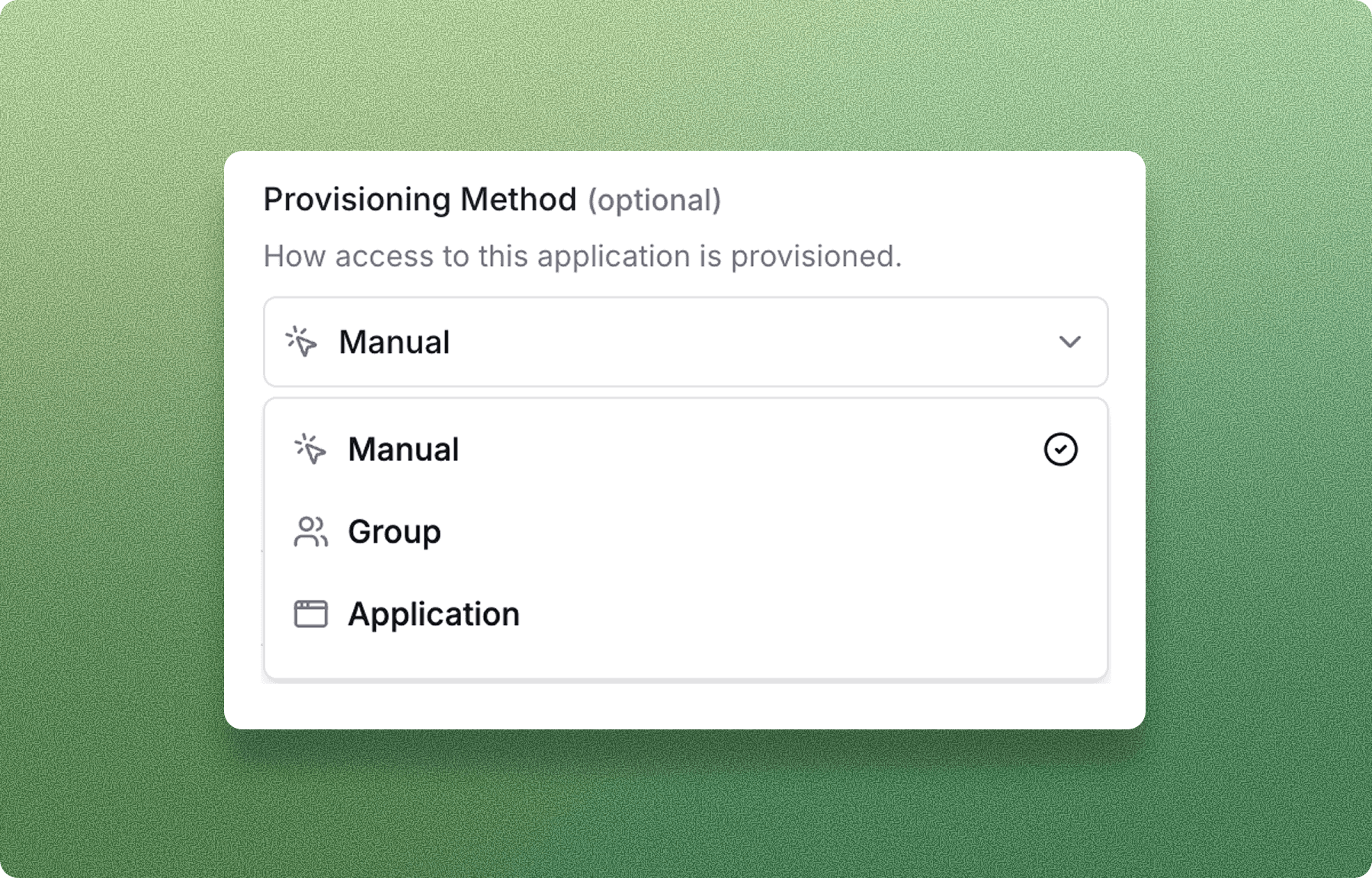
Workflow run insights
New debug capabilities give clearer visibility into workflow runs and failures. When a run doesn’t complete as expected, you can see detailed, actionable information about what went wrong and where, making troubleshooting faster.Learn more →