BETA This feature is currently in active development and is subject to change.
Overview

Overview

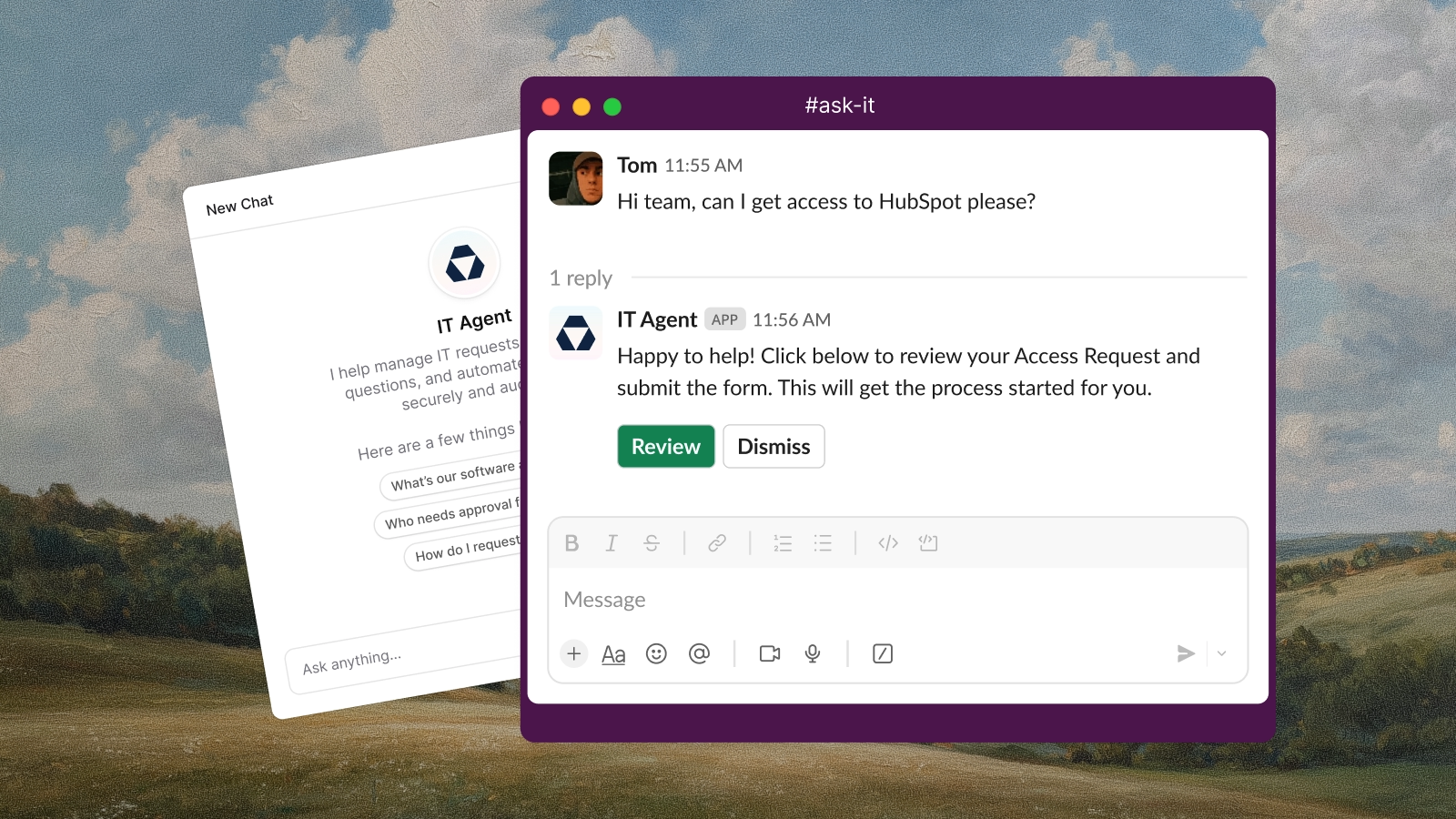
Ravenna lets you create and deploy custom AI Agents directly into your Slack channels. Build agents that triage requests, answer questions, and automate routine tasks. All configured through natural language prompts. Customize everything from response logic and tool integrations to personality, tone, and communication style. Whether you need instant FAQ responses, intelligent ticket routing, or automated workflows with third-party tools, Ravenna Agents can handle it.

Setting Up

1

Head to Agents tab

Navigate to the “Agents” tab in the left sidebar.
2

Create New Agent

Click “New” to start configuring your agent.
3

Define Agent Details

Fill in the agent’s name and description
4

Customize your Agent

Configure the serttins to define your agent’s behavior and personality.

Identity

Personality

Provide a custom prompt to define your agent’s personality, tone, and communication style. This prompt will guide how the agent interacts with users.
Avoid including instructions about tools/processes in this section.** Focus on the agent’s character and manner of speaking.
Select the desired length of the agent’s responses: Concise, Balanced, or Verbose.
Choose the tone of the agent’s communication: Business, Casual, or Humourous.
Set whether the agent should use emojis in its responses and if so, how often: None, Minimal, Moderate, High

Slack

Define how the agent should respond to messages in Slack channels.
  • Respond to all messages - The agent will reply to every message in the channel.
  • Respond to mentions only - The agent will only reply when directly mentioned.
  • Respond to requests only - The agent will only reply to messages that are detected as requests for assistance.
Define how the agent should respond to messages in a Slack thread.
  • Respond to all messages - The agent will reply to every message in the thread.
  • Respond to mentions only - The agent will only reply when directly mentioned.
Enable this option to allow the agent to automatically escalate conversations to a human agent when it cannot handle a request.
Enable this option to allow the agent to create a support ticket whenever a user reacts with a thumbs down (👎) emoji to the agent’s response.

Capabilities

Skills

Define skills with natural language prompts to give your agent specific abilities. You can @ mention specific Ravenna resources such as Request Types, specific Knowledge and Tools. This allows you to customize your agent to handle a wide range of tasks.
Knowledge Example
When a user asks a question, first check the `@Knowledge Folder` for relevant articles. If you find an article that answers the question, provide a summary and link to the article. If no articles are found, create a support ticket with `@Request Type - General Inquiry` and inform the user that their request has been logged.
Password Resets
When a user requests a password reset, create a ticket with `@Request Type > PasswordReset`. Inform the user that a password reset link has been sent to their registered email address.
  • Workflows are not currently supported natively within Skills. You must create a workflow which triggers on a ticket creation event linked to a specific Request Type. For example, create a Password Reset workflow for when a new ticket is opened with the Password Reset Request Type.
  • You must reference Request Types within skills in order for the agent to know how to create certain tickets. Your agent does not have access to all Request Types by default.

Knowledge

Select specific Knowledge Folders for your agent to access when answering user questions. This ensures the agent provides accurate and relevant information based on your organization’s knowledge base.

Connections

Select which Channels the agent should be deployed to. You can add or remove channels at any time after deployment.

Chat logs

All interactions between users and the agent are logged and can be reviewed in the Chat Logs section. This allows you to monitor the agent’s performance, review conversations, and make adjustments to improve its effectiveness.