

- Interactive walkthrough
- Step-by-step
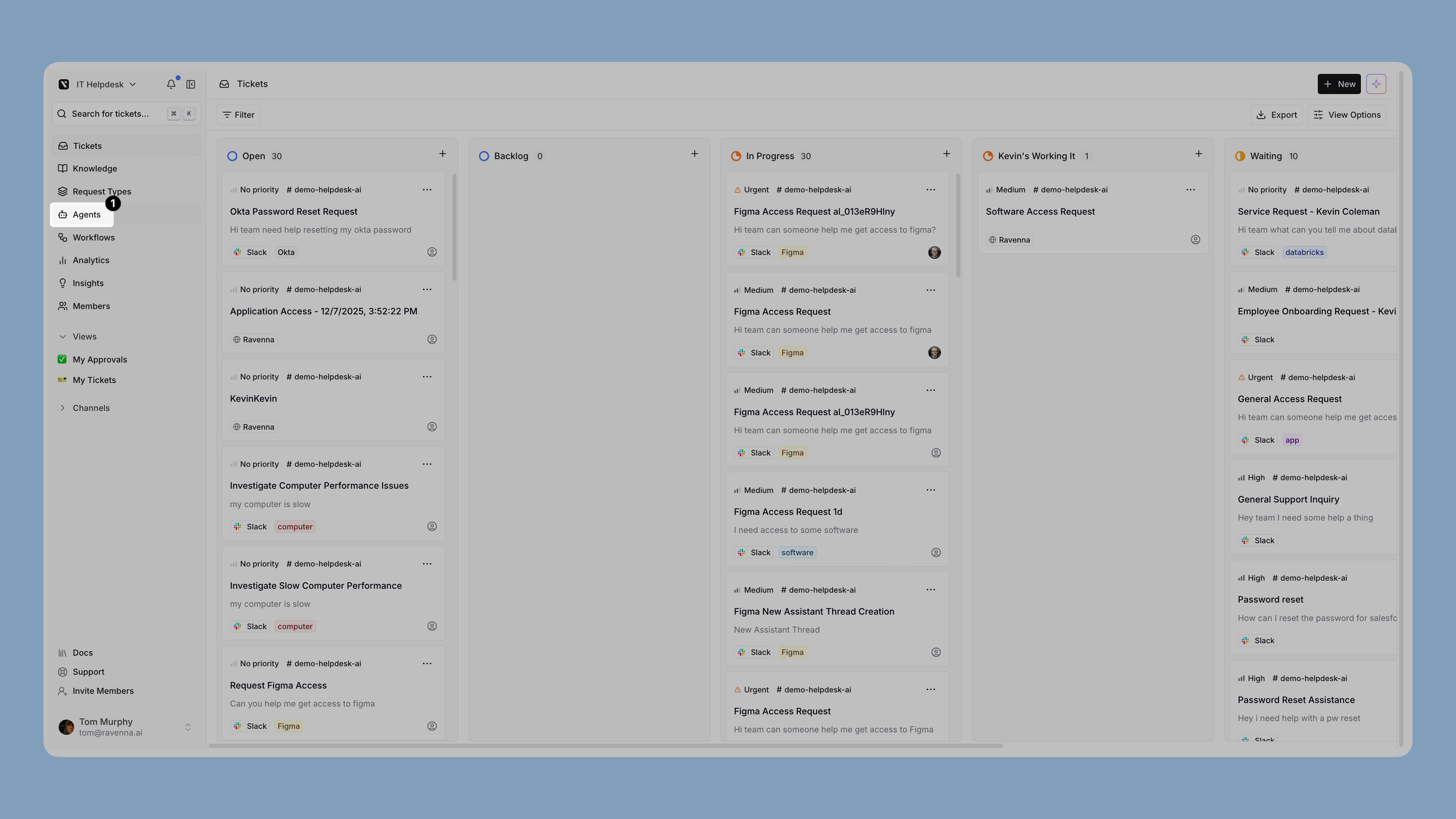
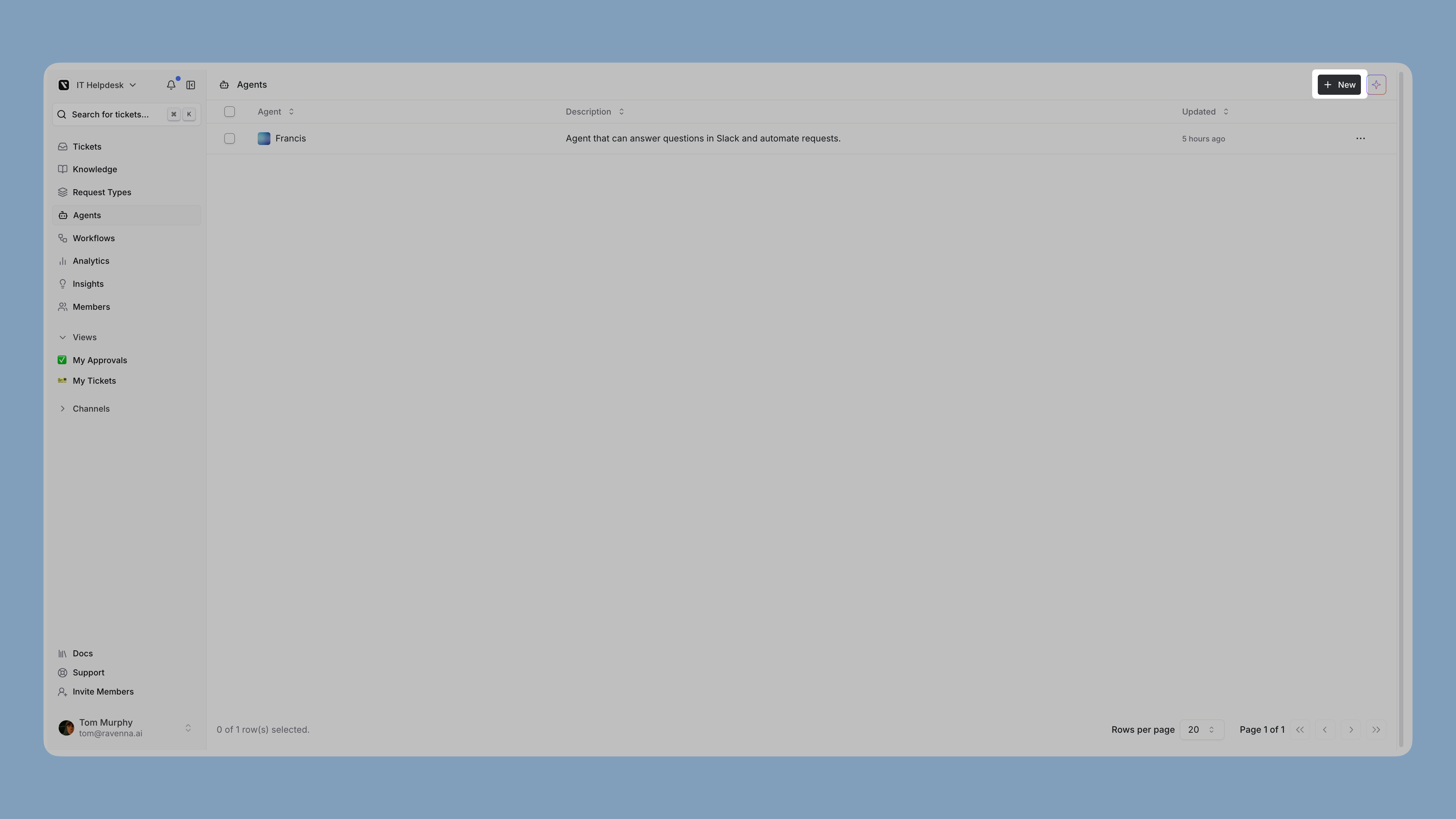
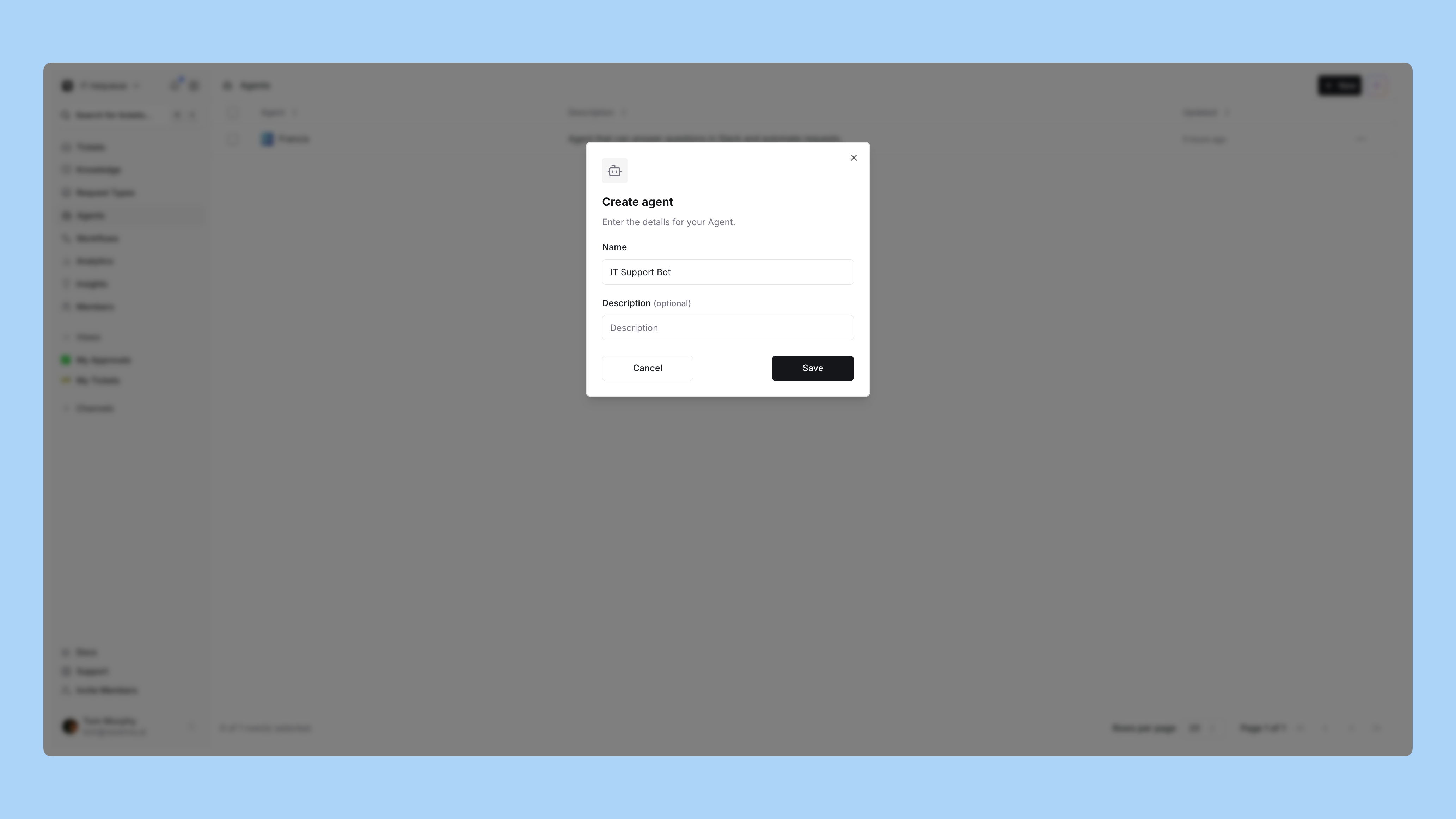
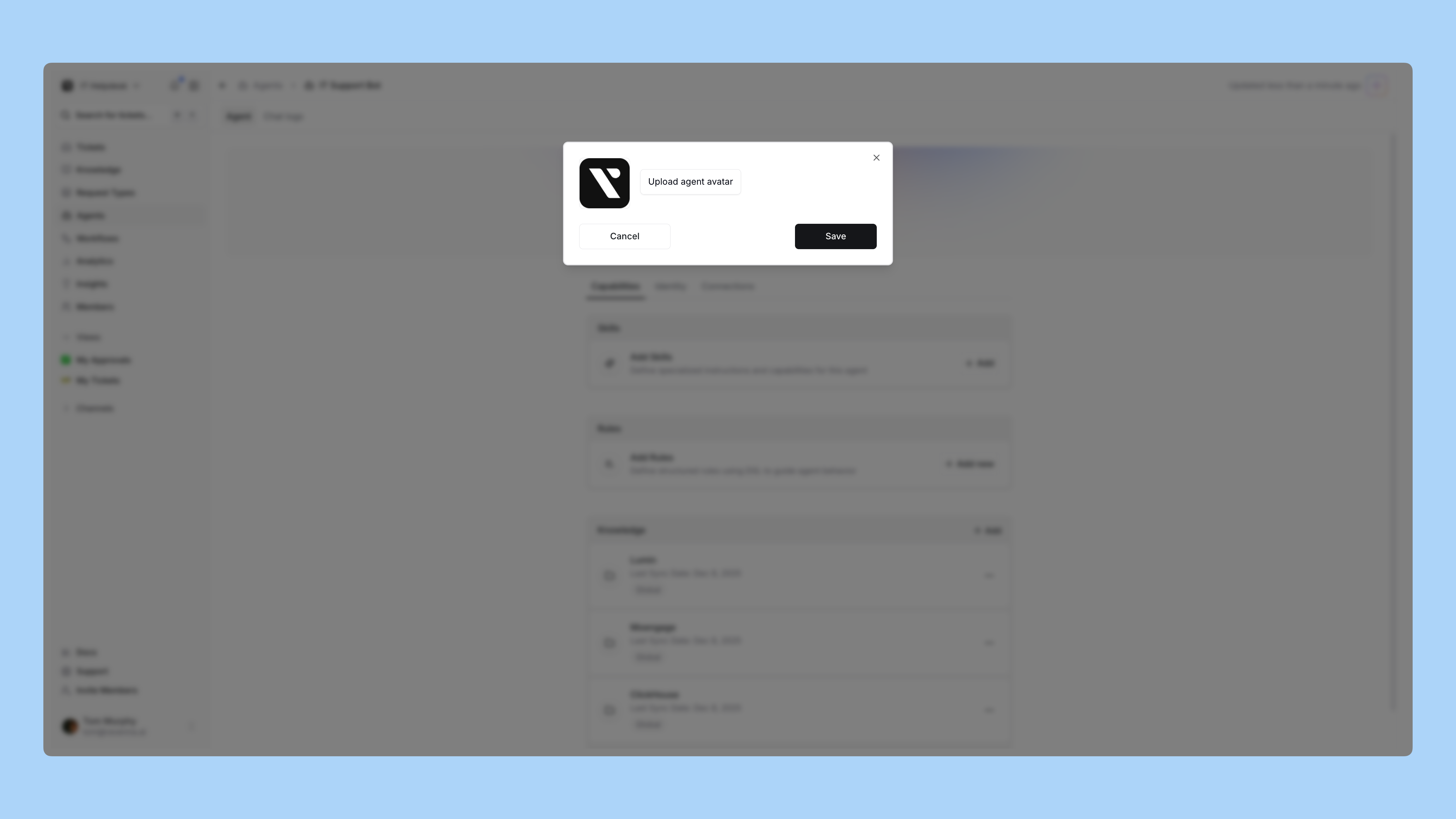
Agents and workflows do different jobs
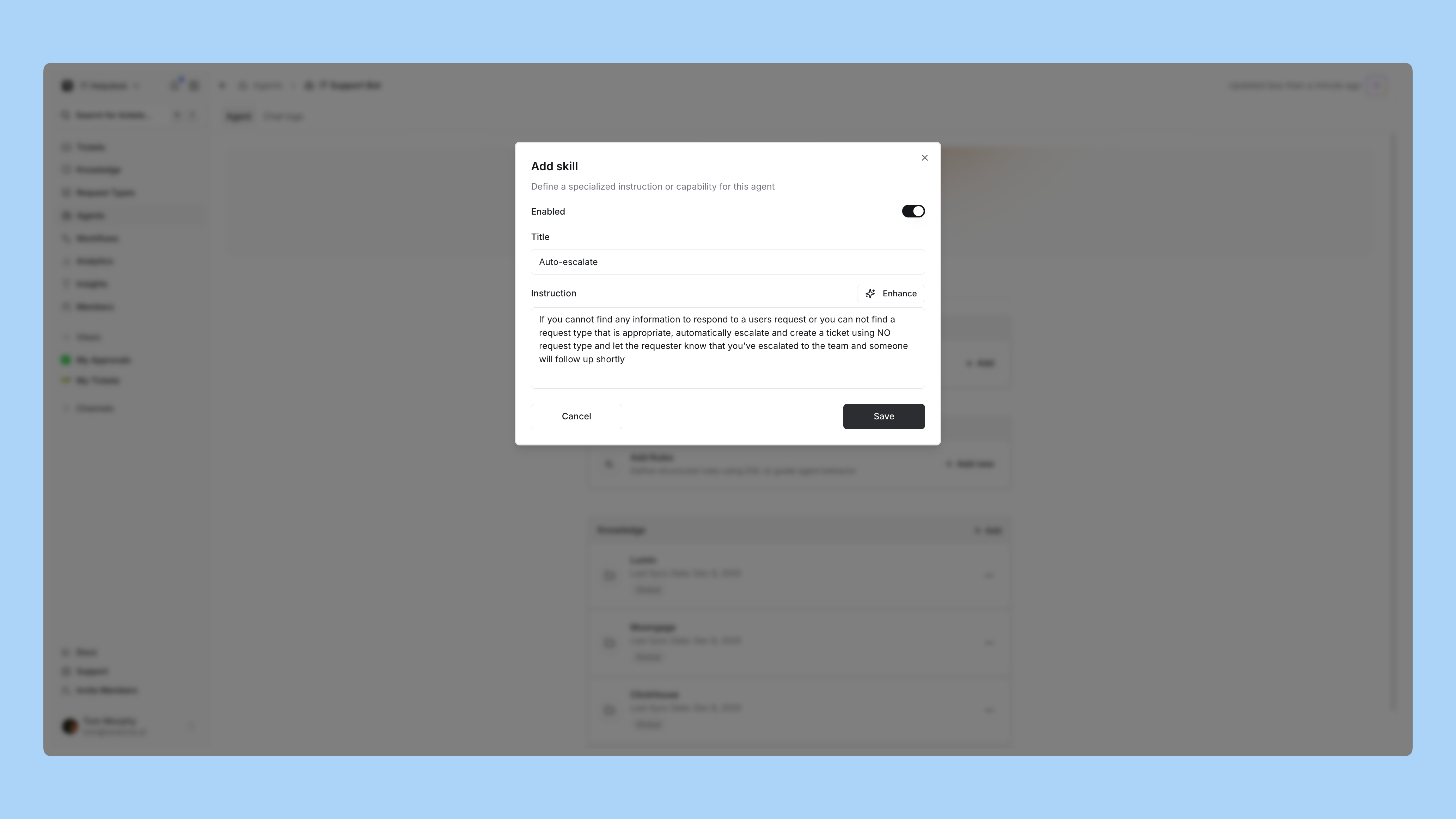
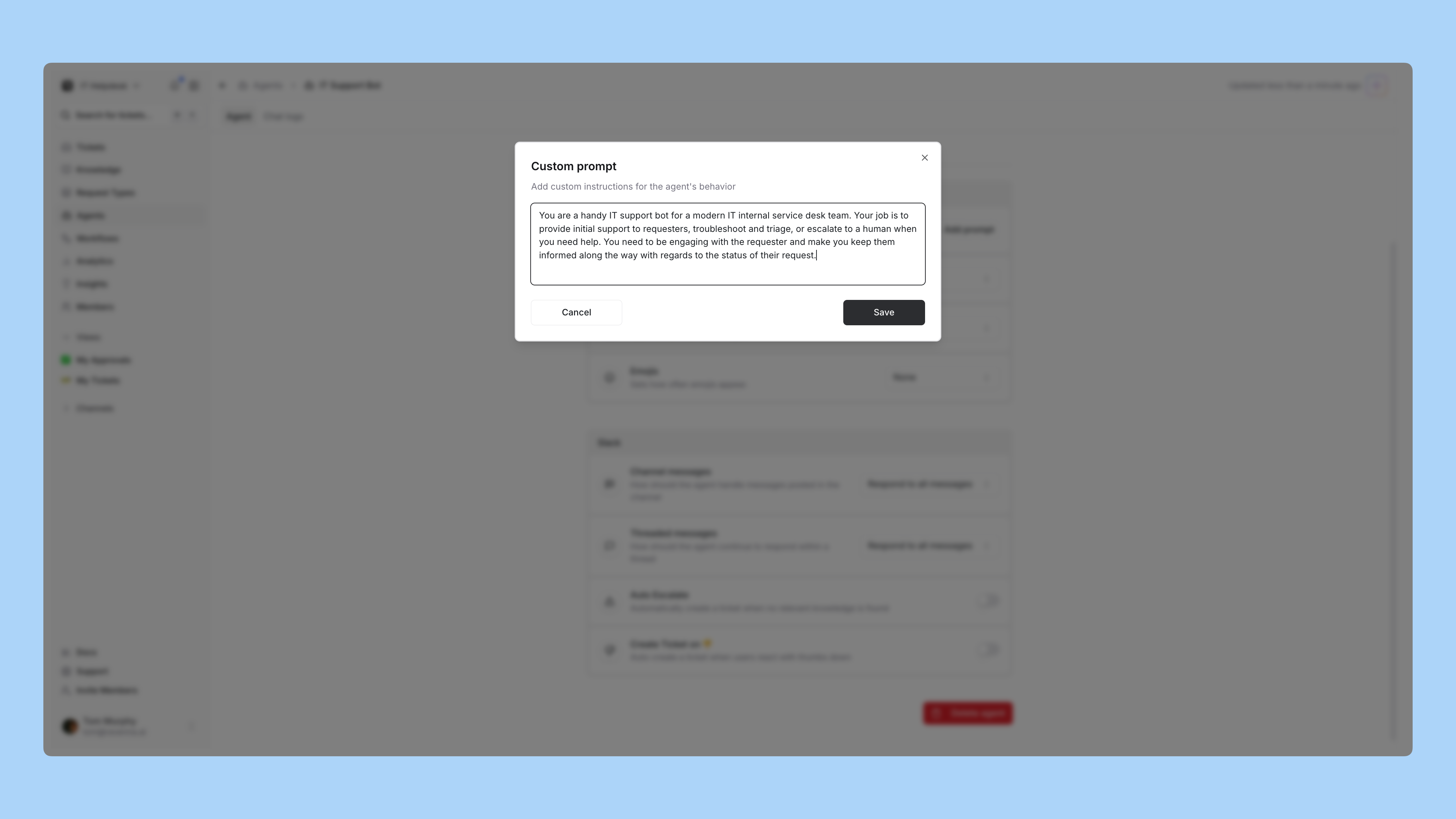
An agent handles the conversation. A workflow handles the deterministic sequence. They do not call each other directly: the agent creates or updates a ticket, and the ticket’s state is what a workflow triggers on. That is why escalation instructions let you set a form, category, and status. Those are the handoff.Learn more about agents compared with workflows
What to watch in week one
Open Chat logs on the agent page. Every conversation is recorded with the result the agent assigned itself, the requester, the channel, and any thumbs up or down.- A high Missing Knowledge rate means the gap is in your documentation, not the agent.
- A high escalation rate on questions you know are documented usually means a rule is missing or too narrow.
- Frequent requests for more information often means a form is asking for things the agent could have inferred.
Learn more about chat logs and debugging patterns
Next
Everything is built. Now open it up.Go live
Run the pre-launch checks, announce it to your team, and know what to look at on day two.