Access App Home
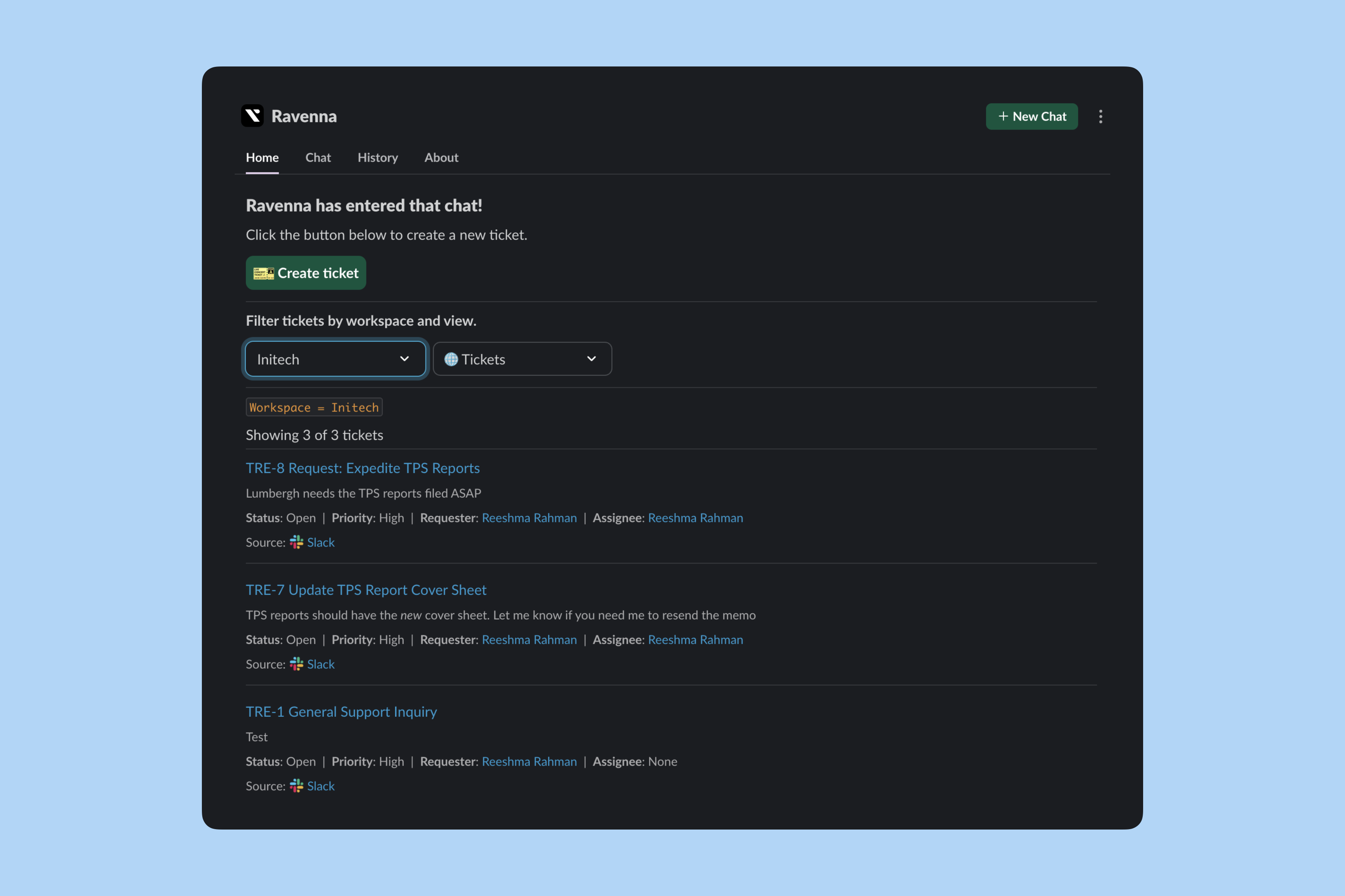
Click the Ravenna app in your Slack sidebar. The Home tab opens by default with your personalized ticket dashboard.Create tickets
Anyone can submit tickets from the App Home tab. Click Create Ticket to open the submission modal.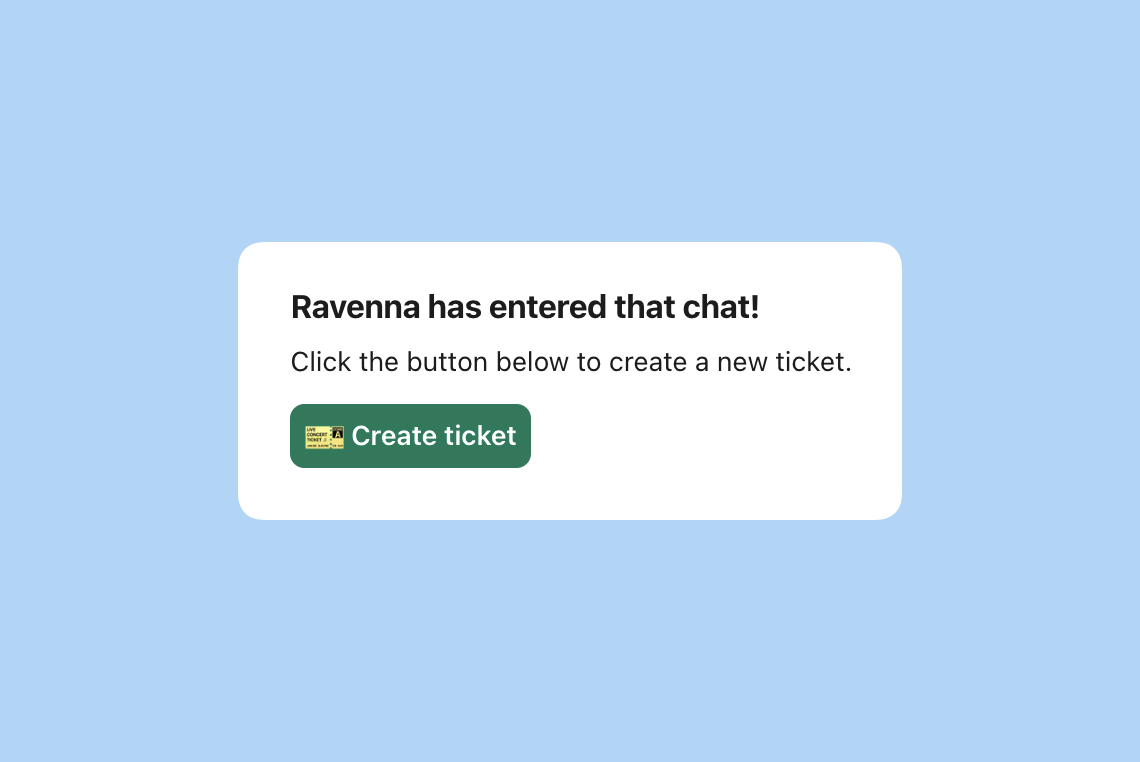
The create ticket modal uses your workspace’s configured and custom fields.
View modes
Your App Home experience depends on your role and selected mode.Learn more about and permissions.
Navigate to ticket source
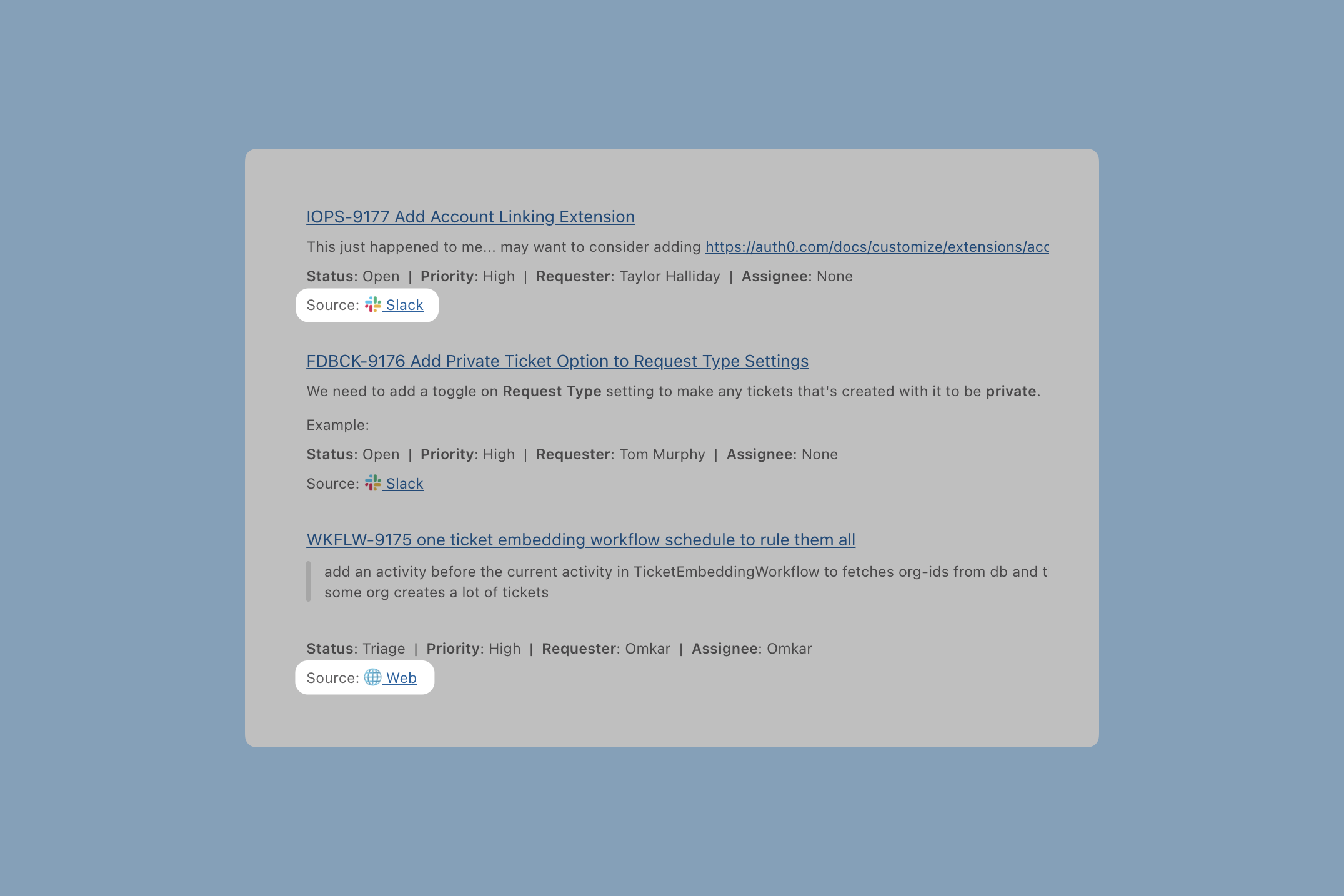
Each ticket includes a link to its original source.