

AIAgentsWorkflows
Connect AI assistants to Ravenna with MCP

Agents pick the single best matching rule
When multiple agent rules could apply, the agent now selects the single most specific match instead of trying to satisfy several at once. The result is more predictable, focused responses when rules overlap.Other updates:
- Group Lookup agent tool searches for user groups by name during conversational form filling
- User group workspace scoping enforces workspace-aware visibility for manually created groups in select fields
- Slack thread link as workflow variable passes a clickable Slack thread URL to webhooks and downstream steps
-
Workflow triggers show a confirmation button by default when triggered without a form
Quality of life updates: - Workflow step management supports deleting individual steps or entire branches, with keyboard shortcuts
- Workflow badge navigation opens the specific run in a new tab from ticket events
WorkflowsIntegrations
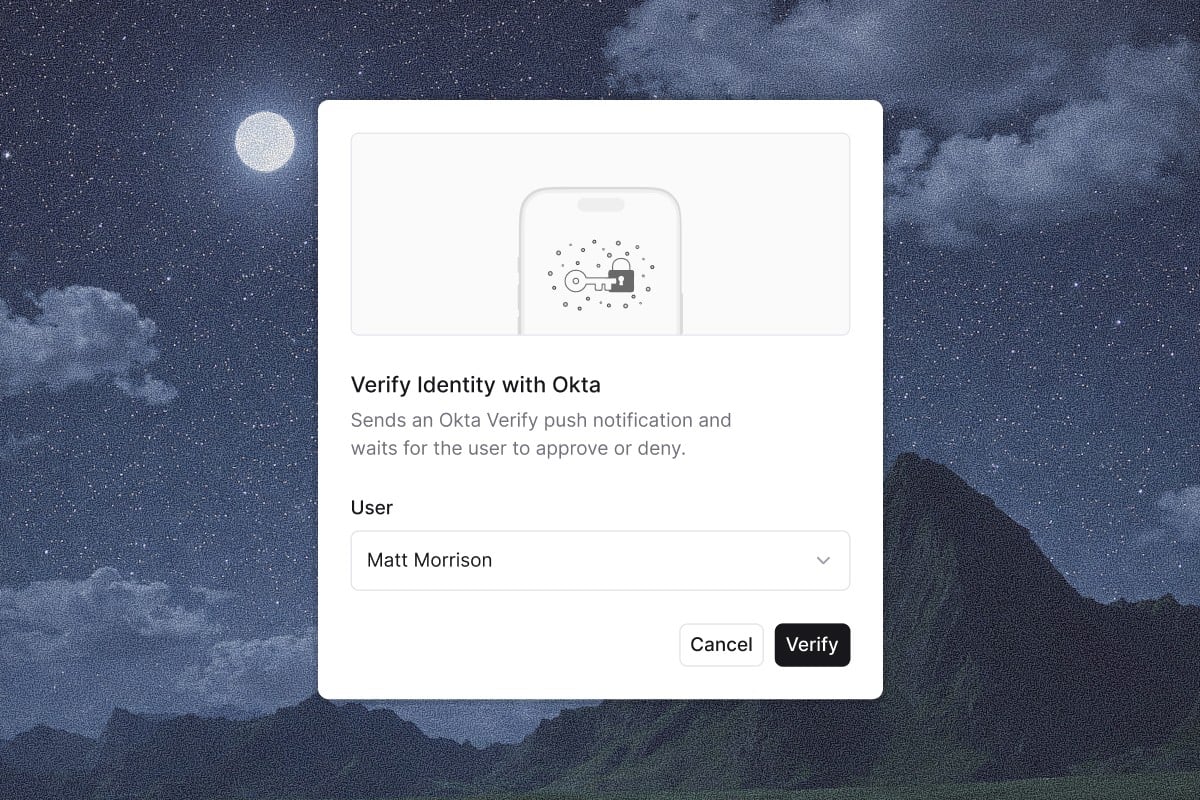
Push-based identity verification in workflows
Bulk actions with workflow loops
Workflows now support a Loop action that iterates through a collection, running contained actions for each item. Process lists of users, tickets, or other data returned by actions like Search Tickets or List Groups, then notify, update, or chain multi-step operations across the whole set.Other updates:
- Parent ticket support in Update Ticket organizes tickets into parent-child hierarchies through workflows
- Google Workspace Create User fields add department, job title, manager, organizational unit, and recovery contact info
- Google Workspace Get Group returns an isSuccess boolean and includes group owner and manager IDs
- Google Workspace user sync excludes suspended and archived users to match your active roster
WorkflowsFormsKnowledgeAnalytics
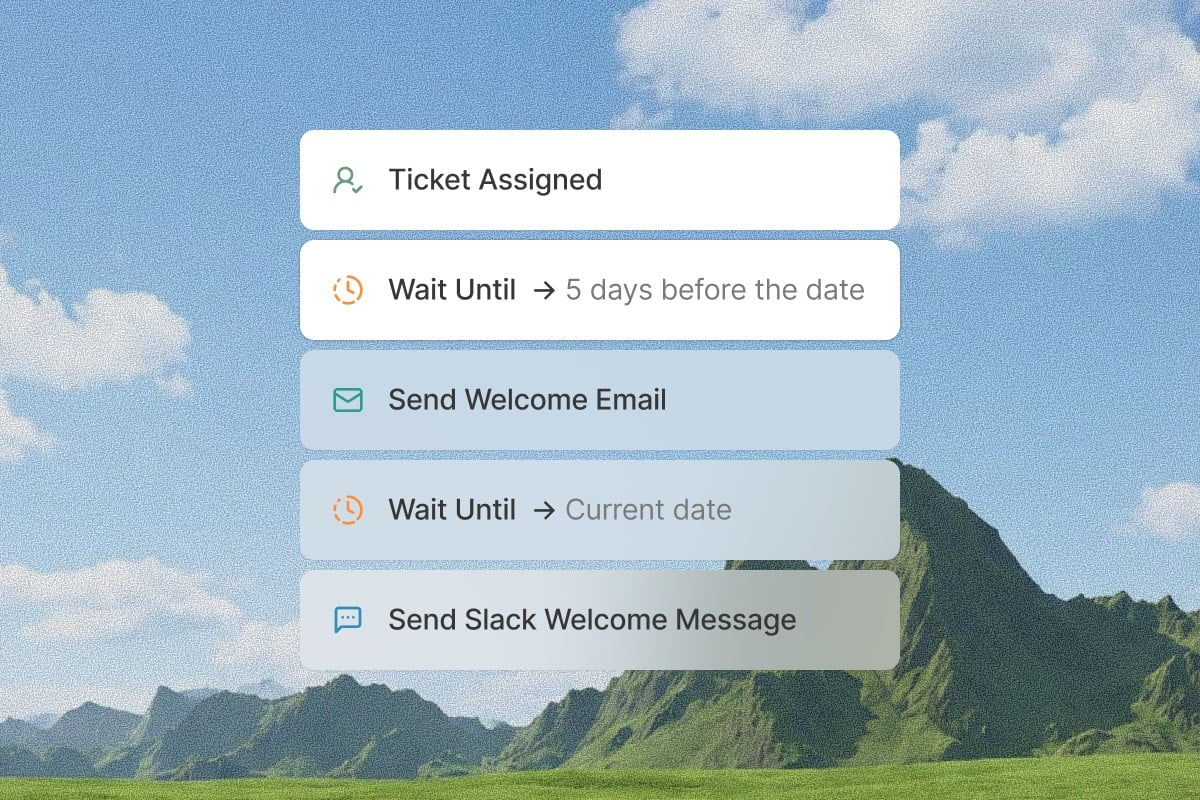
Relative date scheduling in workflows
Conditional form fields
The form builder now supports conditional field visibility. Fields show or hide based on the value of another field, so requesters only see what is relevant. Nest dependent fields, collapse groups to keep complex forms manageable, and rely on visibility rules that carry through to the ticket detail view.Other updates:
- Knowledge gaps tab surfaces topics where agents could not find an answer, with frequency and example conversations
- Ticket automation status metric classifies resolved tickets as automated, automatable, or non-automatable
-
Access levels tab gives each application a dedicated tab with click-to-edit configuration
Quality of life updates: - Auto-linked URLs in custom fields detect and linkify bare URLs in text fields
- Slack thread reaction notices explain when emoji actions are used on thread replies
CopilotPlatformWorkflows
AI-powered assistance for everything in Ravenna
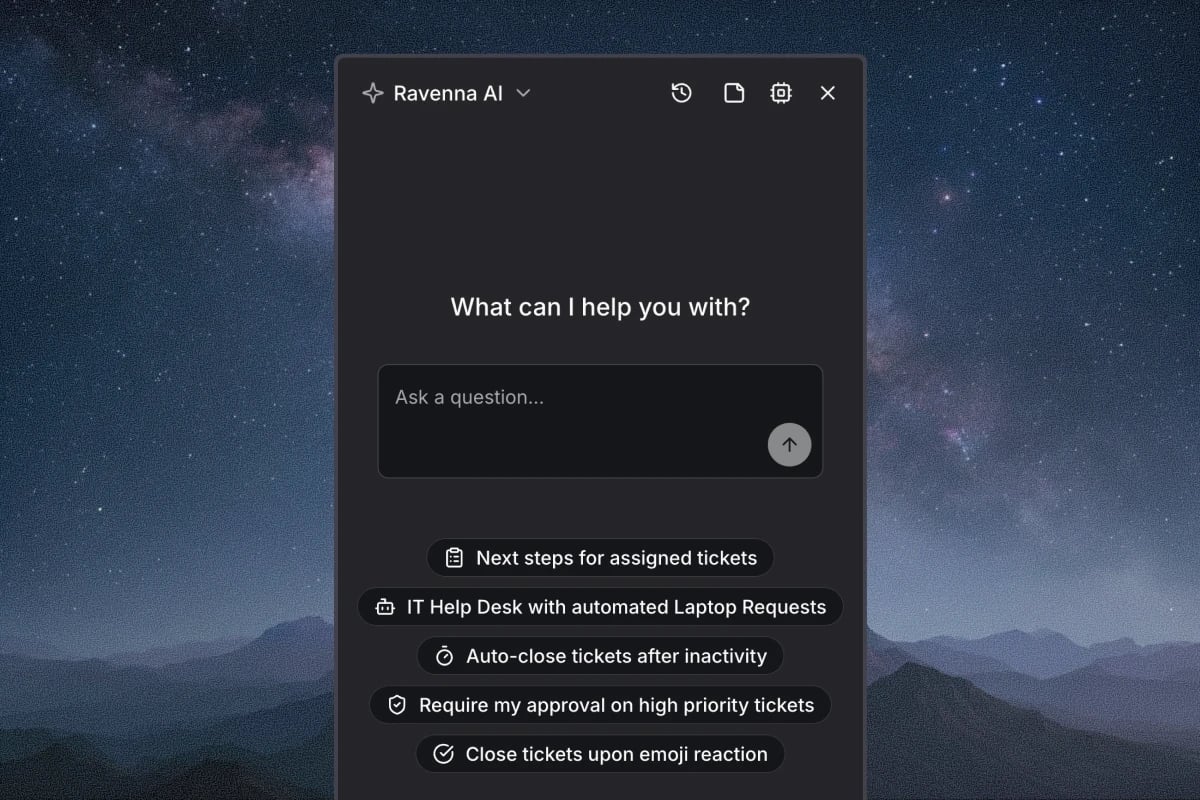
Manage tickets, build automations, and configure your workspace by chat
Search and filter tickets, draft responses in context, and summarize long threads without leaving the chat. Describe a workflow and Copilot builds it with triggers, conditions, approvals, and branching, or edits an existing one using its history. Set up agents, channels, and forms by describing what you need, and Copilot suggests configurations that fit how your team works. Learn more about everyday tasks, building automations, and configuring your workspace.Other updates:
- Real-time Slack status sync detects status changes instantly via Slack events instead of polling every 30 minutes
- Custom display names for synced applications rename applications from identity providers while keeping the original integration name
- Add Followers from user groups keep entire teams in the loop on relevant tickets at once
AgentsIntegrationsPlatform
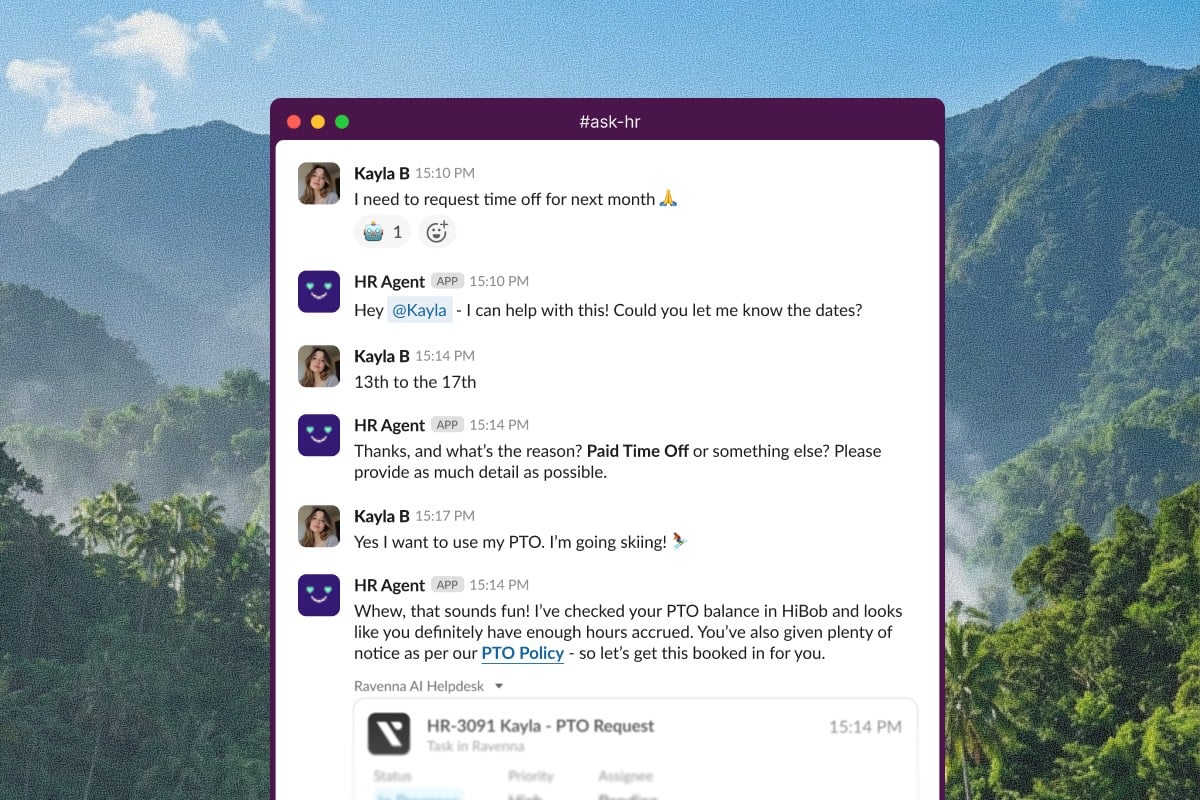
Conversational form filling
Google Drive file transfers for offboarding
A new Transfer User Files workflow action moves Drive files and Calendar data between users during offboarding, with configurable scope for private, shared, or all files. The action runs asynchronously and returns a transfer ID for tracking.Other updates:
- User Lookup agent tool searches for users by name or email to populate user selection fields in forms
- Direct SSO login URL provides one-click access from an identity provider portal
- Microsoft Entra manager syncing displays manager relationships on user profiles automatically
-
Workflow email replies bypass channel settings so recipients can always respond to automated outreach
Quality of life updates: - API key Last Used tracking helps you identify stale keys
- Workspace description guidance helps you write descriptions that improve routing
- Emoji reactions are clarified to work on channel-level messages only