

AgentsWorkflows
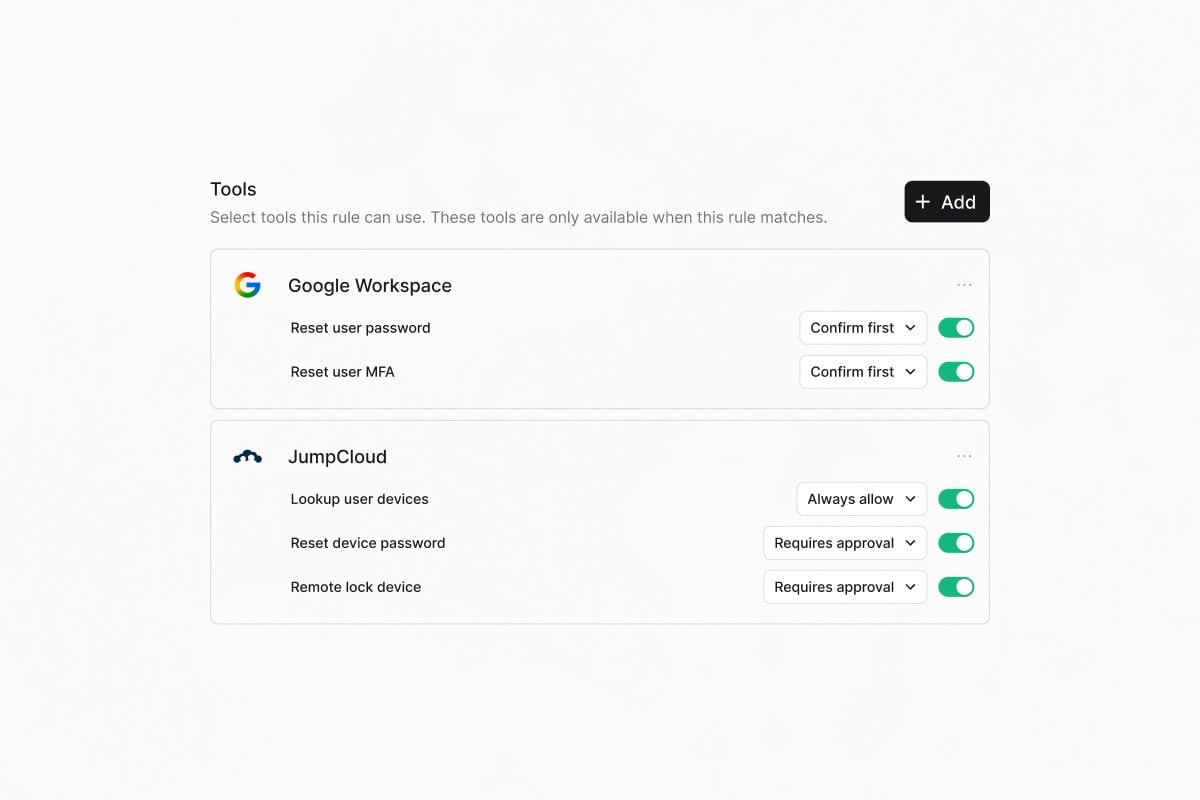
Approval-gated agent tools
Retry failed workflow runs
Retry a workflow run directly from the run history. Rerun from the beginning, retry against the latest published version, or resume from the failed step while reusing successful upstream outputs. The new run links back to the original for full traceability.Other updates:
- Agent ticket ownership separates AI agent work from human assignees so internal routing skips notifications, CSAT, and OOO delegation
- Named-assignee escalation specifies which user a ticket is assigned to when it escalates to a human
- Wait for Approval timeout branch adds an On Timeout path so stalled requests can be escalated or auto-closed
- Application approver field designates a dedicated approver, separate from the application owner
- HiBob Get OOO Users lists who is on vacation for a date range
- Compare previous period toggle overlays the preceding period on trend cards
-
/help Slack command adds a discoverable alias for /rav
Quality of life updates: - Forms default to Draft on creation so you can configure before publishing
- Task templates use inline editing instead of separate tabs
- Externally-synced knowledge documents hide the Edit button with guidance to edit at the source Bug fixes:
- Email rendering no longer freezes on large threads, and reply threading is fixed for forwarded chains
- Form fields render correctly for non-workspace members
- Multi-turn conversational form filling completes properly
- Slack admin escalation works correctly for channel create and archive actions
WorkflowsApprovalsAgentsIntegrations
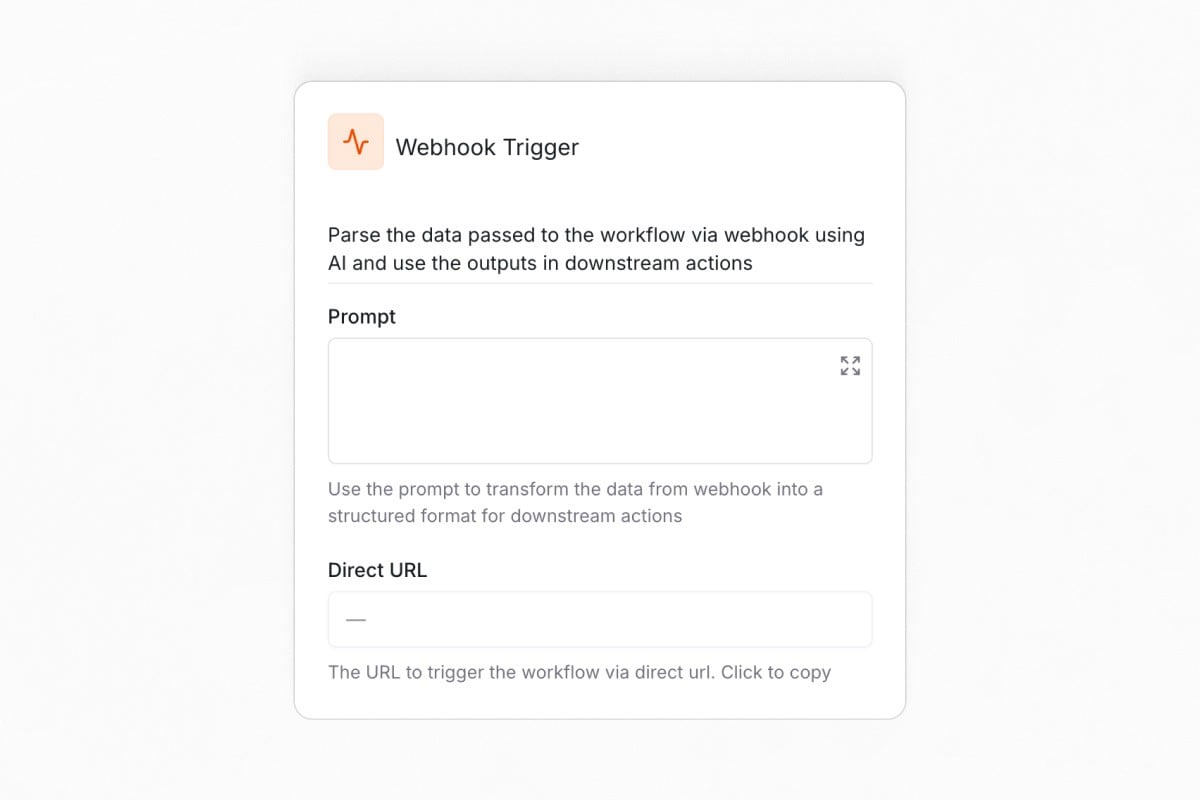
Trigger workflows from external systems
Smart approval routing
Approval rounds now support skip conditions based on requester attributes, ticket properties, or integration data. For example, skip “Manager approval” when no manager is set. If every round is skipped, the ticket auto-approves with no manual intervention.Smarter agents
Your agent can now read files shared in Slack. PDFs, images, and documents are processed automatically and used to answer questions, prefill form fields, and route tickets. The agent also knows where a user is writing from, so it won’t tell someone to post in a channel they’re already in.Time-off management with HiBob
The HiBob integration adds two workflow actions. Get Time-off Balance retrieves an employee’s remaining PTO across all policy types, and Request Time Off submits requests on their behalf with an optional approver and description.Other updates:
- Assignee Group filter for SLAs and views targets policies and views to tickets where the assignee belongs to a specific group
- Google Workspace security group creation adds label support to the Create Group action
- Auto-populate ticket defaults from view filters pre-fills assignee, status, priority, and tags from your active view
- Dynamic Wait Until dates accept dynamic values from triggers or upstream steps
- Email delivery status badges show whether outbound emails were delivered, in the ticket timeline
-
Workflow failure notifications for completed-with-errors fire on partial errors, not just fully failed runs
Quality of life updates: - Redesigned badges and chips with consistent sizing and cleaner dark mode colors
- Breadcrumbs truncate long page names instead of wrapping
- Custom field columns order before the actions column in ticket tables
- Workflow runs pagination is visible without scrolling
- Agents clearly explain why a blocked action was denied Bug fixes:
- Slack agent tools resolve channels and users correctly on Enterprise Grid
- Approval wait triggers resolve correctly after a ticket moves between queues
- Foundry actions with stored credentials execute correctly inside workflows
- Custom SELECT fields render as proper dropdowns in workflow conditions
PlatformSecurityApprovalsIntegrations
Admin audit log
Approval rounds
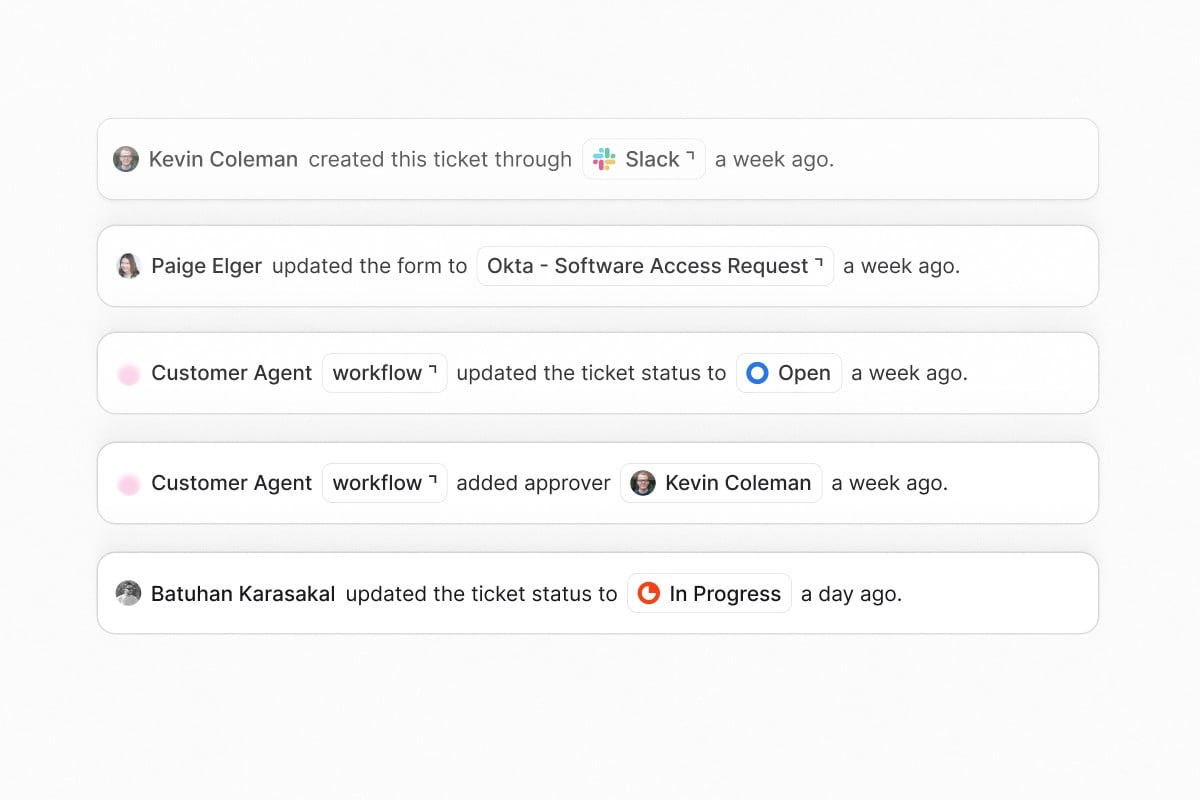
Build multi-stage approval workflows with configurable policies per round. Each round can require any one approver, all approvers, or a custom threshold before advancing. Sequential execution keeps review structured and auditable for access requests and sensitive operations.Intune device management actions
Six new workflow actions and agent tools for Microsoft Intune: Autopilot Reset, Retire Device, Sync Device, Rotate BitLocker Key, Wipe Device, and Assign Script. Automate endpoint lifecycle management from workflows and agent conversations without leaving Ravenna.Other updates:
- Conditional KB routing in agent rules directs knowledge lookups to specific folders based on the topic of the conversation
- Task template folders group task templates by department, workflow type, or any structure you choose
- Google Workspace temporary password generation adds a temporary password option to the Reset MFA/Password action
- JumpCloud workflow actions add user lifecycle management and group operations, reaching parity with Okta
- Allowlist cap removed for Slack dropdowns supports more than 100 options using searchable external selects
-
Draft and archived forms are no longer presented to AI agents
Quality of life updates: - Icons on form tabs and ticket type selectors add visual indicators to navigation
- The full Lucide icon library is available within the platform
- Form tabs remember your last selection across sessions
- Agent table layout fixes alignment and spacing issues Bug fixes:
- Fixed form submission errors in Slack
- Fixed conditional form fields clearing descendant values when a parent changes
- Fixed knowledge base document deletion silently failing
- Fixed icon picker dark mode gradient and broken icon names
- Fixed rich text editor color in dark mode