

AnalyticsWorkflowsIntegrations
Workflow runs in analytics
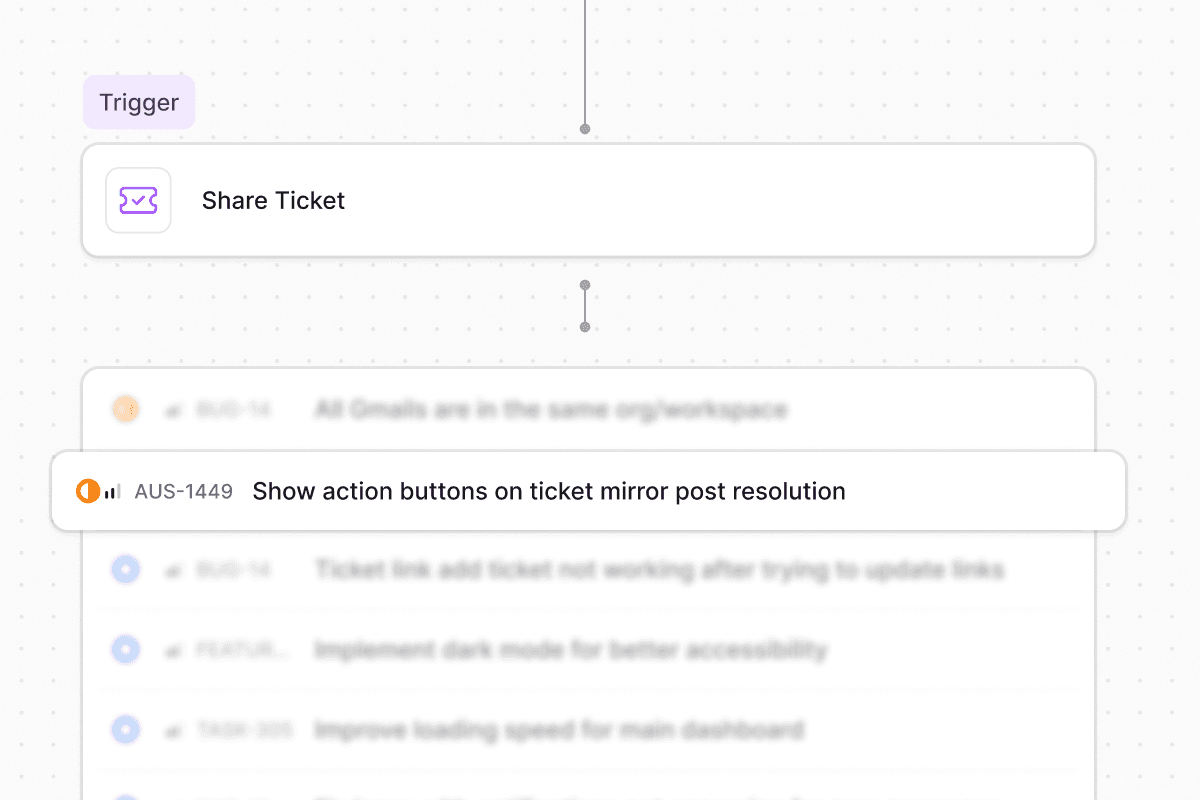
Share ticket workflow action
Keep a ticket in its original workspace and channel while creating a shared reference in another workspace. Share actions let teams collaborate across workspace boundaries without moving tickets or losing context.AI reasoning in workflow runs
The AI’s explanation now appears alongside its decision when AI Decision Maker and Custom Prompt steps execute, visible in the workflow run step details. It’s easier to understand why the model chose a path or made a decision.Other updates:
- Type and Multi-application custom fields add two new field types for forms
- JumpCloud application sync pulls applications with status, logo, and metadata for access management
- JumpCloud manager sync syncs manager relationships for approval chains and routing
- Intune device app lookup retrieves installed applications on managed devices via agent rules and workflows
- Conditional visibility for all field types extends show/hide rules to layout and system fields
- Auto-submit forms by default skips the form UI when an agent has prefilled all required fields
- Members filter bar and inline editing add filtering and inline owner editing to member tabs
-
Ravenna is now listed on the JAMF Marketplace
Quality of life updates: - Stale Slack forms rebuild instead of showing an error
- Slack messages respect configured custom field ordering
- Agents check the knowledge base before triage so existing docs can resolve requests
- User lookup resolves guests by searching the full organization
- Applications table supports sorting by status, owner, and source
- Browser tabs show readable form names instead of raw IDs
FormsIntegrationsAccess
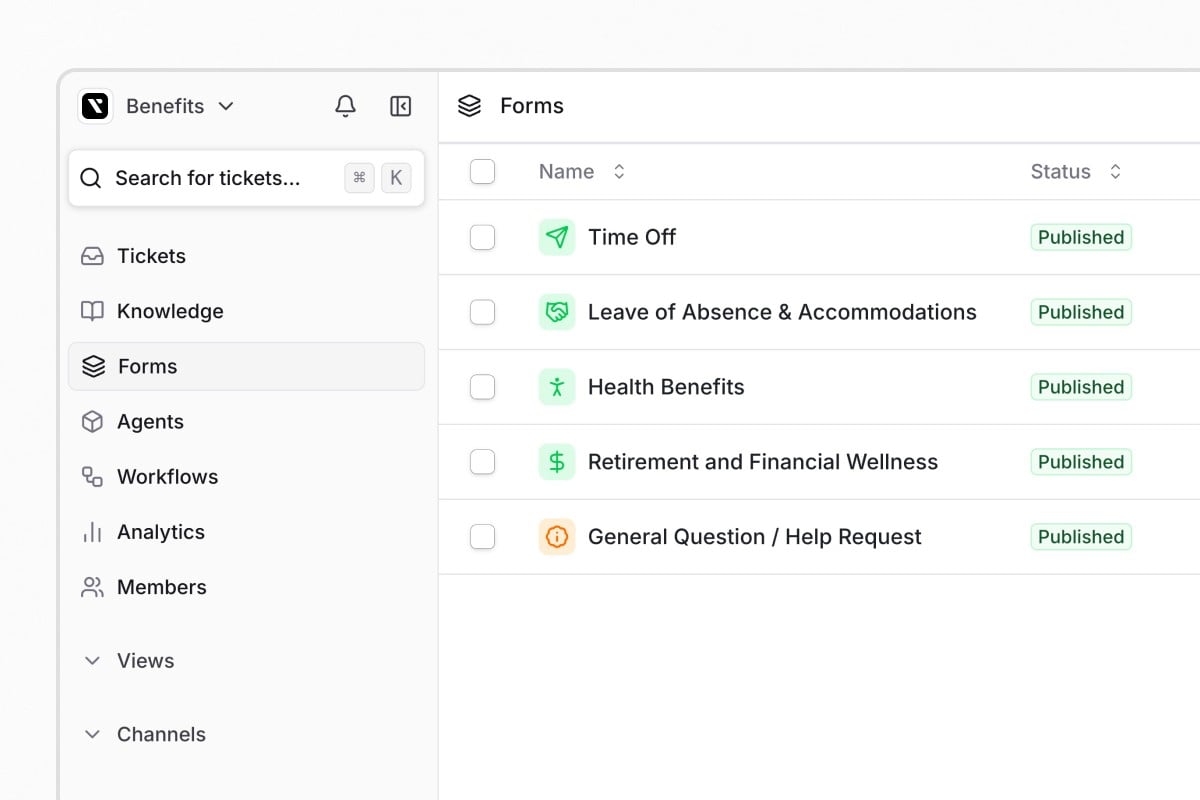
Forms 2.0
JumpCloud, OneLogin, and Microsoft Intune integrations
JumpCloud and OneLogin are now generally available with user provisioning, directory sync, and access management workflows. Microsoft Intune is a new MDM integration that shows device compliance data in tickets and supports automated device management through agent tools and workflows.Other updates:
- Ticket Type field assigns one of five categories to tickets: Service, Incident, Problem, Change, or Access
- User groups in approval rounds can be selected as approvers
- Settings-driven form filling uses deterministic agent settings to control conversational form behavior
- Okta auto-provisioning creates Organization Guest accounts for external Okta users during directory sync
- Jira private comment sync syncs Jira Service Desk internal comments to Ravenna private notes, and vice versa
-
Skip-invite toggle and bulk resend skip invitation emails when adding members and resend pending invitations in bulk
Quality of life updates: - Inline text filters save when you click away from the input
- Form fields render in the correct sequence across all form contexts
- Custom field labels and descriptions increased to 2,000 characters
- Custom fields are hidden by default in table views, and Reset Columns restores the default
- Bulk unarchive restores child tickets throughout the hierarchy
- Linear status mapping applies when creating issues, not just during status updates
PlatformSecurityWorkflowsTickets
Secure API credentials with Vault

Smarter workflow auto-triggers
Workflow auto-trigger detection now reads the intent behind an agent rule instead of scanning for keywords. If a rule’s purpose is to run a workflow immediately, the agent skips the confirmation step, and it recognizes when a user has already confirmed in conversation.Send and resolve in one click
The ticket composer now includes a Send and resolve option that combines replying and closing into a single action. Choose it once and it becomes the default for later messages in that ticket, with keyboard shortcut support.Other updates:
- Email footer customization appends rich text like disclaimers and contact info to outbound emails from a channel
- MCP assigned tasks lists assigned task items for the current user
- Google Create Group Managers role assigns the Managers role when provisioning groups
- Duplicate agent rules clone a rule to the same agent or a different one
-
Ticket create API requesterEmail sets the requester by email instead of user ID
Quality of life updates: - A public thread reply warning appears when users reply in the public request thread of a private ticket
- Jira setup now specifies that a standard user account is required, not a managed service account