To enable Slackbot interactions via DMs, the Agent Workspace must be configured. This allows users to chat directly with Ravenna through Slack DMs or the Slack Assistant panel and serves as the primary workspace for handling AI interactions.
Currently, Ravenna supports DM interactions for only one workspace. This workspace uses its Knowledge Base to provide AI-powered answers and automatically creates tickets from DM conversations in the configured Default Channel.
Interactive Walkthrough
Step-by-step
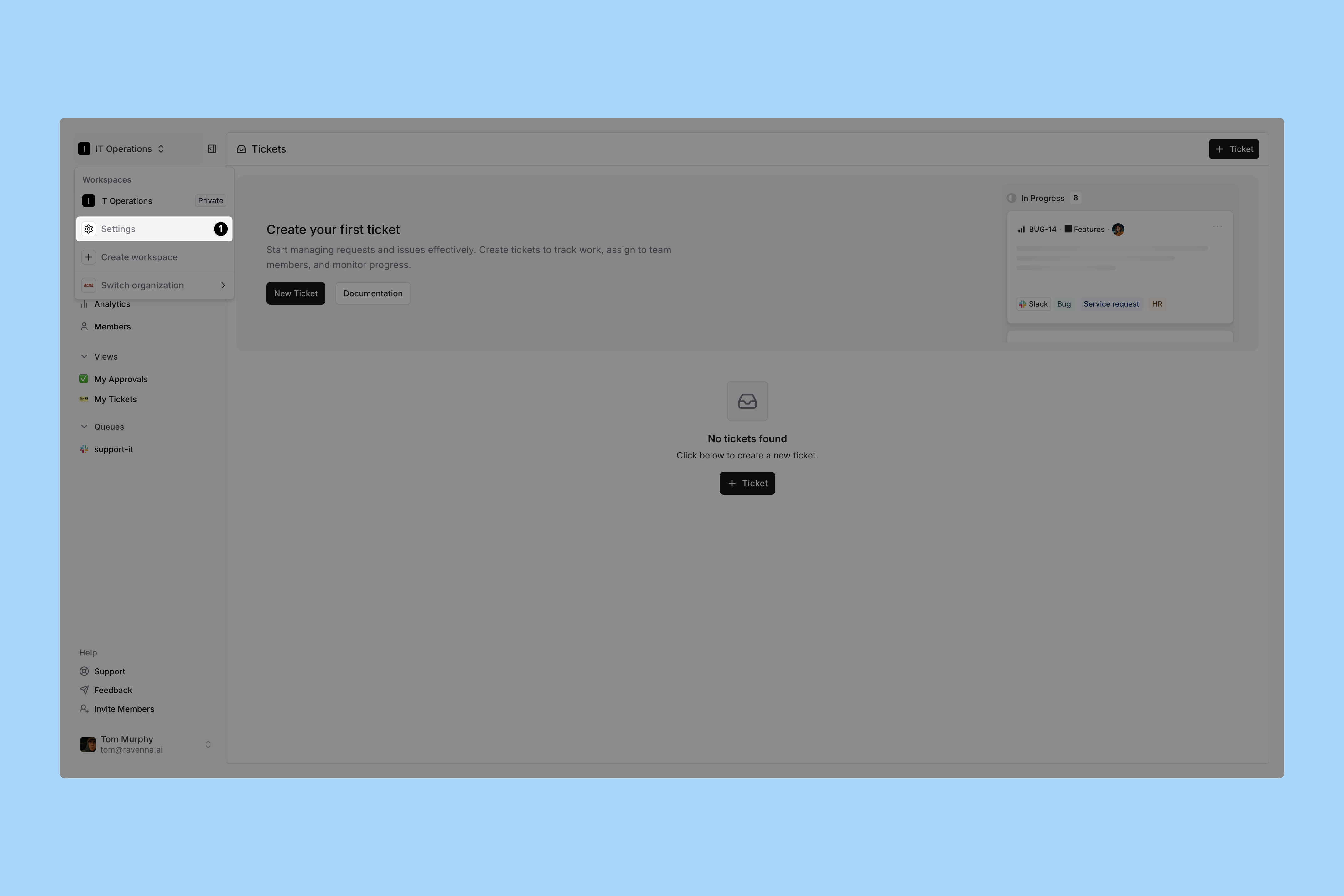
Go to your Workspace Settings
Click Settings from the dropdown menu under your Workspace name. Then click on Integrations in the left sidebar. Select Agent Workspace
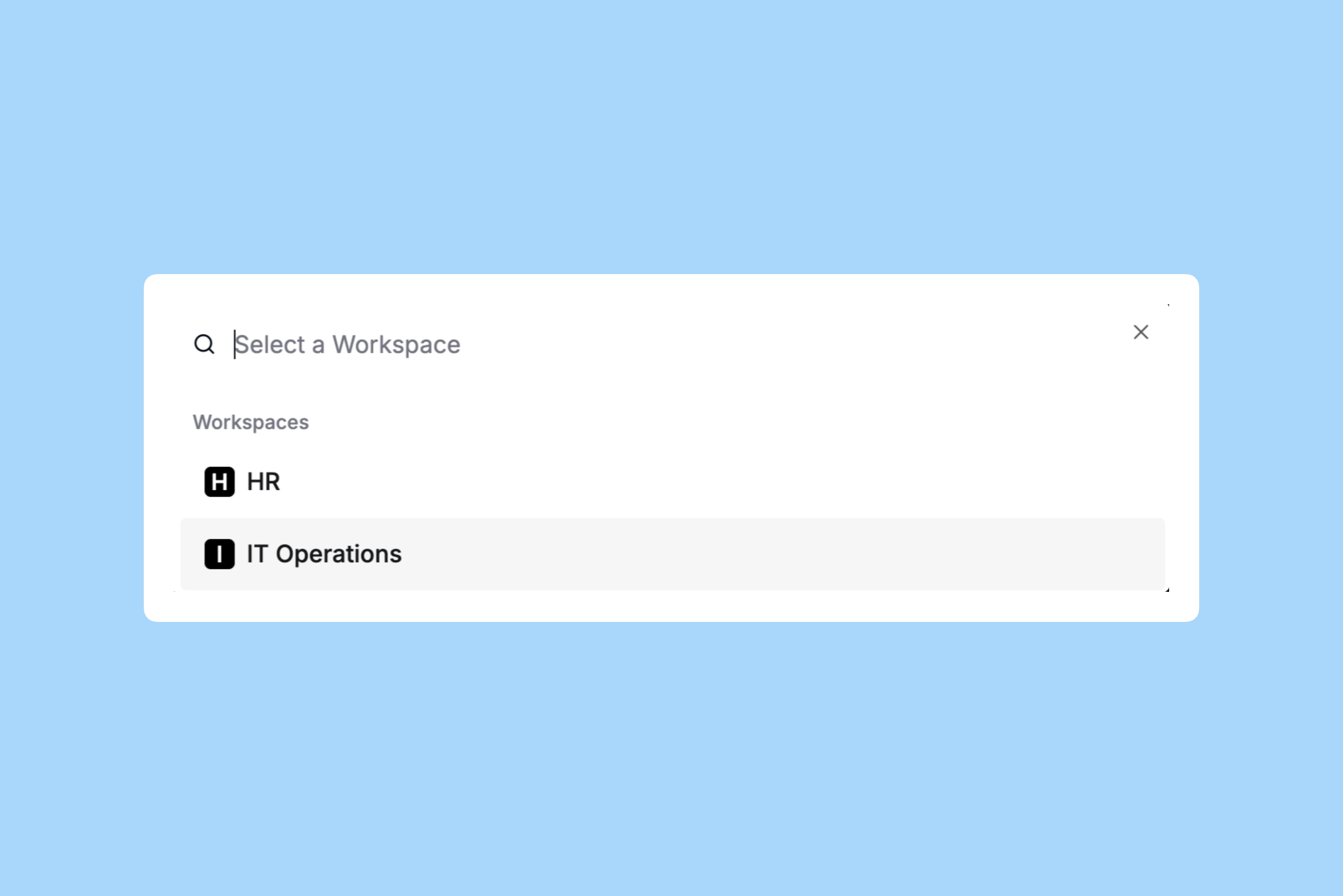
Select the workspace you want to use for providing knowledge and support through Slackbot DMs. Test
Open a new chat with the Slackbot and ask a question. The bot will either provide relevant knowledge or triage your request using a request form when applicable.